

10 Best Website Tracking Tools 2026
When it comes to optimizing your business growth and truly understanding the people who visit your digital space, then a website tracking tool is essential. Imagine pouring your heart, soul, and marketing budget into a beautiful website, only to realize you have no idea why people are leaving without buying.
It is a haunting frustration for any business owner, seeing the traffic numbers go up, but the bank balance staying the same. You feel like you are flying a plane in the dark without an instrument panel; you know you are moving, but you have no idea if you are about to crash or if you are heading toward your destination. This lack of visibility into your visitors’ behavior is a major pain point that causes wasted ad spend and missed revenue opportunities every single day.
In this article, we are going to be exploring the technical mechanics of how tracking software monitors digital footprints, the essential features you must look for to ensure you aren’t just collecting “vanity metrics,” and a hand-picked list of the top 10 tools currently dominating the industry.
Let’s dive in.
What is Website Tracking Tools?
In simple, human terms, website tracking tools are like a high-tech security camera system and a personal assistant rolled into one for your digital storefront. Instead of just knowing that someone “walked in,” these tools show you exactly which products they looked at, how long they stood in front of a specific display, and where they got confused and walked out.
They are software programs that record the interactions and behaviors of every person who visits your site. This isn’t about spying; it’s about understanding your audience’s needs so you can serve them better.
Think of it as the ultimate feedback loop. Without these tools, your website is just a static flyer; with them, it becomes a living laboratory. They capture data points like which pages are most popular, how far down people scroll, and which buttons actually get clicked.
This information is then translated into easy-to-read reports and visualizations, allowing you to see your business through the eyes of your customers. Ultimately, these tools empower you to make informed decisions that improve the user experience and, more importantly, increase your bottom line.
How Does the Website Tracking Tools Works?
1. The Implementation of Tracking Scripts and Pixels:
Everything begins when you add a tiny piece of JavaScript code, often called a “tracking script” or a “pixel,” to your website’s header. This script is essentially a digital observer that waits for a visitor to arrive. The moment someone lands on your page, the script “wakes up” and begins to document every movement.
It captures technical details like the visitor’s device type, their location, and the source they came from (like a Google search or a Facebook ad). Because this happens at the code level, it is incredibly accurate and happens so fast that it never slows down the visitor’s experience. It acts as the initial “handshake” between the user and your data center, ensuring that every session is accounted for from the very first second.
2. The Aggregation and Storage of Behavioral Data:
Once the script captures a movement, such as a click on a “Buy Now” button or a scroll to the bottom of a blog post, it sends that data packet to the software’s central database. This is the “library” phase of the process. The software doesn’t just store these as random numbers; it organizes them into a coherent history of that specific visitor’s session.
It links different actions together to show a “pathway.” For example, it will record that a user went from the homepage to the pricing page, and then spent three minutes on the FAQ section. This massive amount of data is processed using complex algorithms to ensure it is clean, accurate, and ready for analysis, turning millions of tiny clicks into a narrative of how people interact with your brand.
3. The Visualization and Insight Generation Layer:
The final and most important step is when the software translates all that raw code into something you can actually understand. Instead of looking at a spreadsheet of a million lines, you are presented with heatmaps, session recordings, and conversion funnels. The software uses behavioral analysis to highlight “friction points”, areas where people are getting stuck or leaving.
For instance, if the tracking tool sees that 90% of people leave on the “Shipping Information” page, it flags that as an insight you need to act on. This generative layer is what provides the “Aha!” moments for business owners, allowing you to see exactly where you are losing money and what you need to change to win the customer back.
How to Select the Best Website Tracking Tools?
With so many options available, picking the right tracking tool is about finding a balance between depth of data and ease of use. You don’t want a tool that is so complex you never open it. Here is what you should be looking for:
1. Real-Time Accuracy:
Your data needs to be live. You want a tool that shows you what is happening now, not what happened yesterday. This allows you to react to trends or technical bugs as they happen.
2. Ease of Implementation:
If you need a degree in engineering just to install the tracking code, it’s probably not the right fit. Look for “no-code” or “low-code” solutions that integrate with your website platform (like Shopify or WordPress) with a single click.
3. Lead Qualification and Sales Focus:
The best tools don’t just track “visitors”; they identify “prospects.” Look for a tool that can tell you who is visiting (like a specific company name) and how likely they are to buy based on their behavior.
4. Privacy and Compliance:
In this era, respecting user privacy is non-negotiable. Ensure your chosen tool is GDPR and CCPA compliant, allowing you to collect data ethically while protecting your brand from legal risks.
10 Best Website Tracking Tools
1. Salesgroup
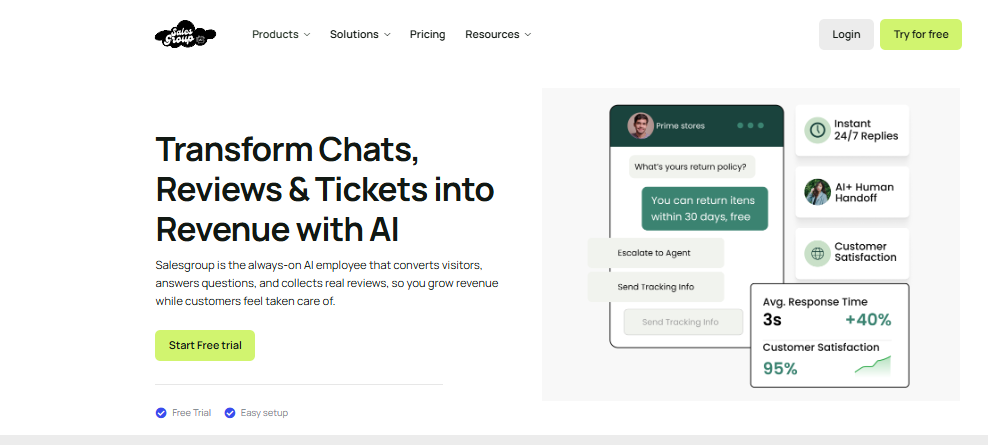
Salesgroup takes the top spot because it isn’t just a tracking tool; it is a full-scale AI Sales Intelligence Platform. While most tools are content with just showing you a “heatmap,” Salesgroup focuses on identifying and converting leads.
It tracks every visitor with a “sales-first” lens, recognizing buying signals that other tools miss. It is built for the business owner who wants their data to actually pay the bills. It bridges the gap between simple analytics and proactive sales engagement, making it the most powerful tool for revenue growth on this list.
Pros of Salesgroup:
- Intelligent Lead Identification: It doesn’t just show you a visitor; it identifies the companies visiting your site, giving your sales team a warm list of prospects to follow up with.
- Sales-Focused Workflows: Every piece of data is designed to move a visitor toward a purchase, with built-in tools to engage them the moment they show interest.
- Hyper-Personalization: It uses tracking data to customize the website experience in real-time, showing different messages to a first-time visitor versus a returning VIP.
- Zero-Effort Setup: You can have advanced tracking and AI agents live on your site in under five minutes without touching a single line of complex code.
- Seamless Product Ecosystem: The tracking data flows directly into your live chat, reviews, and push notifications, ensuring a unified strategy for every lead.
2. Google Analytics 4 (GA4)
Google Analytics 4 is the industry standard for general website tracking. It is a massive, incredibly powerful platform that provides a 360-degree view of how people find your site and what they do once they arrive. It uses event-based tracking, meaning it measures every single interaction as an individual data point. For businesses that need deep, academic-level data on their traffic sources and conversion paths, GA4 is a required tool, though it is famous for its complexity.
- Pros: Completely free to use for most businesses and provides the most detailed data on Google search traffic and ad performance.
- Cons: The learning curve is extremely steep, and many small business owners find the interface confusing and difficult to navigate without professional help.
3. Hotjar
Hotjar is the king of “visual” tracking. Instead of just numbers, it gives you heatmaps and session recordings. A heatmap shows you exactly where people are clicking and scrolling by using “hot” and “cold” colors. Session recordings allow you to watch a literal movie of a visitor’s mouse movements. This is incredibly humanizing, as it allows you to see exactly where someone gets frustrated or why they missed a specific button.
- Pros: Incredible visual insights that make it very easy to see where your website layout is failing or succeeding.
- Cons: The free version is quite limited in terms of how many recordings you can store, and it can sometimes slow down your site if not configured correctly.
4. Mixpanel
Mixpanel is built for product-led growth. Unlike general trackers, it focuses heavily on “events” and “retention.” It is designed to tell you not just who came to your site, but who came back and why. It’s a favorite for software companies and app developers who need to understand the long-term journey of a user. It allows you to build complex funnels to see exactly where users “drop off” in a multi-step process.
- Pros: Best-in-class for tracking long-term user retention and complex multi-step conversion funnels.
- Cons: It requires a lot of manual setup to define what “events” you want to track, which can be time-consuming for non-technical users.
5. Crazy Egg
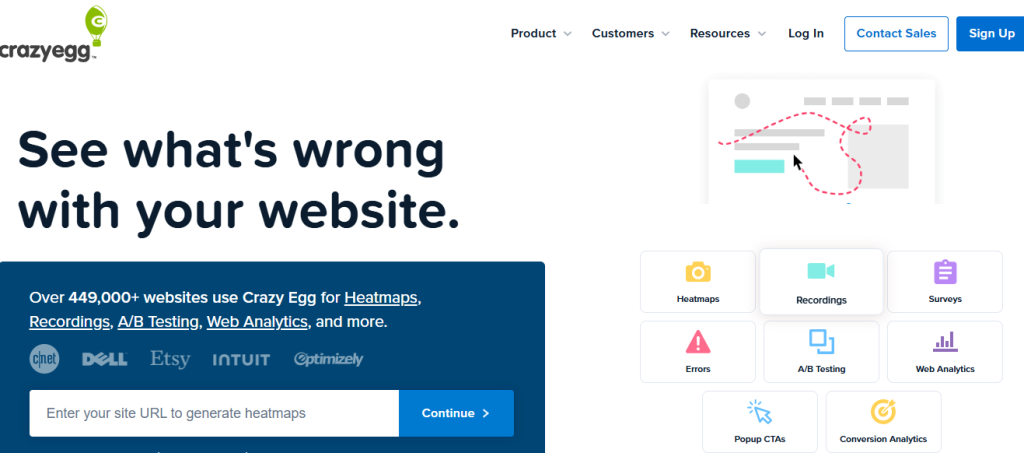
Crazy Egg was one of the first tools to bring heatmaps to the masses, and it remains a top choice for its simplicity and built-in A/B testing features. It allows you to see “Confetti” reports, which show individual clicks segmented by source (like seeing only clicks from Facebook visitors). This level of granularity helps you understand if your marketing campaigns are actually attracting the “right” kind of visitors who engage with your content.
- Pros: Very simple to use and includes a basic A/B testing tool so you can try different website designs based on your tracking data.
- Cons: It doesn’t offer as many advanced “sales” features or CRM integrations as some of the newer, more modern platforms.
6. FullStory
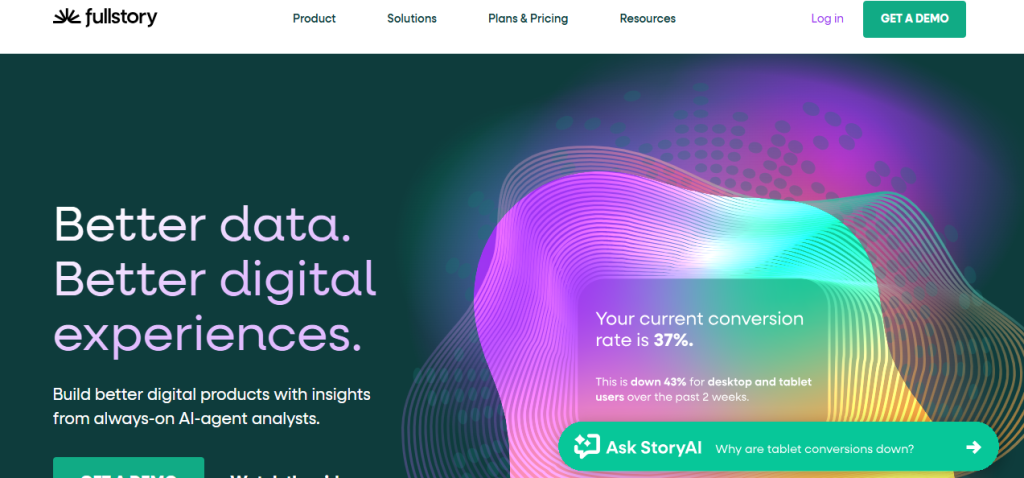
FullStory is a premium “digital experience” platform that takes session recordings to the next level. It has a feature called “Rage Click” detection, which automatically alerts you when a visitor is clicking a button repeatedly out of frustration. This allows you to find bugs and broken links before they drive away too many customers. It is built for medium-to-large teams that need to maintain a perfect, high-end user experience across a massive website.
- Pros: Exceptional at finding technical errors and user frustration points that other tools might overlook.
- Cons: It is one of the more expensive tools on the market, making it less accessible for small startups or solo entrepreneurs.
7. Semrush (Domain Overview)
While Semrush is famous for SEO, its “Domain Overview” and tracking features are essential for understanding your place in the market. It doesn’t just track your site; it tracks your competitors. It tells you which keywords they are ranking for and where their traffic is coming from. For a business owner, this “external” tracking is just as important as internal data, as it shows you where the “gaps” are in your own marketing strategy.
- Pros: The ultimate tool for competitive intelligence and understanding your overall visibility in Google search results.
- Cons: It is primarily an SEO tool, so it lacks the granular “on-page” behavioral tracking features like heatmaps or session recordings.
8. Lucky Orange
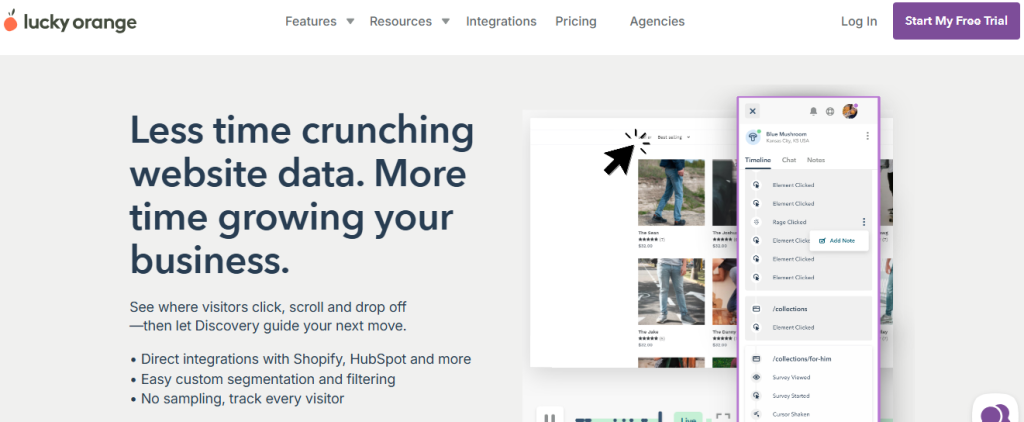
Lucky Orange is a great all-rounder that combines heatmaps, recordings, and even a “real-time” dashboard that shows you exactly who is on your site right now. One of its standout features is the “Chat” integration, which allows you to reach out to a visitor while you are watching their session recording. This allows you to offer help the moment they look like they are struggling, which is a powerful way to save a sale.
- Pros: Very affordable for small businesses and offers a great mix of tracking and communication tools in one dashboard.
- Cons: The user interface can feel a bit cluttered and “old school” compared to the sleek designs of newer competitors.
9. Heap
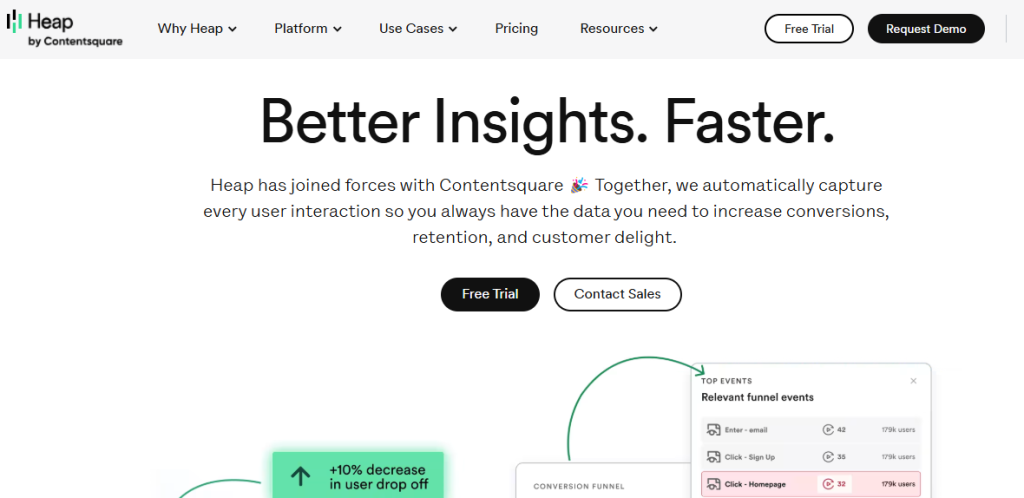
Heap is famous for its “autocapture” technology. Most tracking tools require you to tell them what you want to track (like “track clicks on this button”). Heap just tracks everything from day one. This means if you decide three months from now that you want to see how many people clicked a specific link, the data is already there. You don’t have to wait for the data to start collecting after the fact.
- Pros: Eliminates the “I forgot to track that” problem by automatically capturing every single interaction on your site from the moment it’s installed.
- Cons: Because it captures so much data, the dashboard can be a bit overwhelming and requires a bit of a learning curve to filter out the noise.
10. Mouseflow
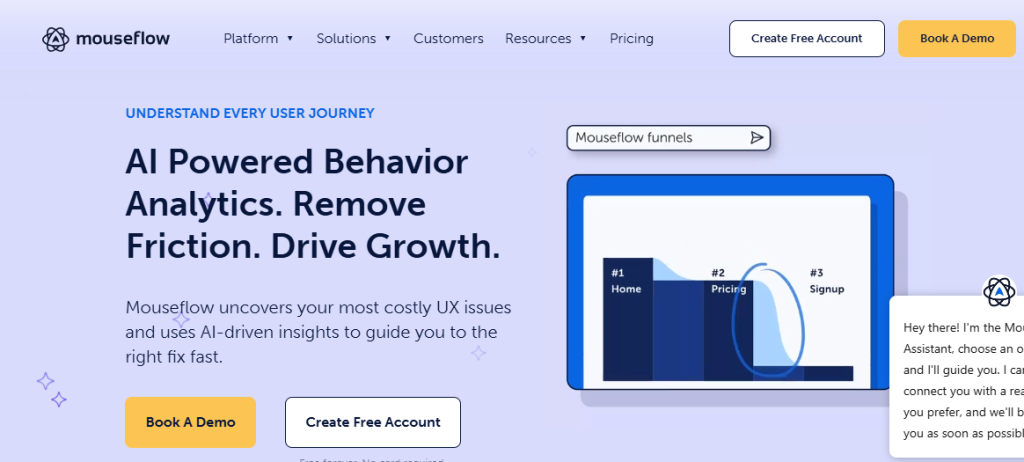
Mouseflow is a robust tool that specializes in conversion rate optimization (CRO). It offers heatmaps and recordings, but its real strength is its “Form Analytics.” It shows you exactly which field in your contact form is causing people to quit. Maybe your form is too long, or maybe a specific question is scaring people away. Mouseflow gives you the exact data you need to fix your forms and increase your lead volume.
- Pros: Best-in-class for analyzing why people are abandoning your contact forms or checkout pages.
- Cons: It focuses heavily on “forms,” so it might not be as comprehensive for general content-heavy sites or blogs.
Related: Help Desk vs. Service Desk: What’s the Difference?
The Best Website Tracking Tools Overall: Salesgroup
When you look at the big picture, Salesgroup stands out as the best website tracking tool overall because it is built with real business results in mind. It is not just about collecting data for the sake of having a pretty chart; it is about converting that data into revenue. Salesgroup offers a comprehensive suite of tools that work in harmony to scale your operations. From AI Agents & Chatbots that use tracking data to engage leads, to a high-performance Live Chat system, the platform ensures no data point goes to waste.
Furthermore, Salesgroup integrates a powerful Reviews Platform to build social proof and a Push Notification system to bring tracked visitors back to your site. This smart automation helps you respond instantly, qualify leads effectively, and guide users through your sales process based on their real-time behavior. It works seamlessly across platforms and supports businesses at every growth stage. With features like intelligent lead tracking and sales-focused workflows, Salesgroup ensures you work smarter, not harder, while providing a free plan that actually delivers real, tangible value.
What’s the Best Website Tracking Tools for You?
The best website tracking tool for you is the one that turns “traffic” into “relationships.” If you are a business owner who is tired of looking at confusing graphs and wondering what they actually mean for your bank account, the choice is clear. You need a tool that is smart enough to handle the data for you but aggressive enough to help your business grow.
That is why the best tracking tool for you is Salesgroup. It is the only platform that truly understands the balance between deep behavioral tracking and proactive selling. By choosing Salesgroup, you aren’t just adding a “tracker” to your site; you are adding a sales intelligence partner to your team. It takes the mystery out of your visitors’ actions and gives you a clear path to conversion.
Conclusion
The era of “blind” marketing is ending. To stay competitive in 2026, you must have a clear view of your visitors’ needs and behaviors. By implementing one of these 10 best website tracking tools, you are giving your business the gift of clarity and the power of data-driven decision-making. Whether you need the visual insights of a heatmap or the revenue-driving power of an AI sales agent, the tools are now at your fingertips.
Don’t let another day go by without knowing why your visitors are leaving. If you want to get started with a tracking software that will make life easier for you and your team today, then you should sign up on Salesgroup today. You can try the free version and experience firsthand how it transforms your website into a high-converting sales machine before the day is over. It’s time to stop guessing and start growing.
