

10 Best Chat Widgets for your Website [Free & Paid]
Businesses are constantly seeking innovative tools to boost user engagement and elevate customer service in today’s digital-first world. One such solution is the Chat widgets—a compact, embedded application that offers diverse functions, from enabling real-time communication to delivering interactive content. Website widgets have become an essential element of modern websites, enhancing functionality without requiring extensive coding expertise.
A website widget can take various forms, such as chat interfaces, contact forms, social media feeds, and more, all designed to enrich user experiences. These tools are highly interactive, customizable to align with your brand identity, and easy to implement by embedding a simple code snippet. Many also provide real-time updates, ensuring your website remains dynamic and engaging.
The importance of widgets cannot be overstated. They help businesses gather valuable user data, boost engagement, and even improve SEO performance by reducing bounce rates. For instance, a chat widget enables instant communication, enhancing customer satisfaction and conversion rates. It’s a cost-effective way to manage inquiries, often using AI-powered chatbots to streamline operations.
Integrating widgets like Salesgroup.ai can transform your website, making it a powerful tool for customer engagement and business growth. By embracing widgets, businesses not only improve functionality but create a user experience that drives long-term loyalty and success.

What Is a Website Widget?
A website widget is a versatile tool designed to enhance the functionality of a webpage by providing specific features or services without requiring extensive coding knowledge. These widgets can take various forms, including chat interfaces, contact forms, social media feeds, and more. They are typically small applications that can be easily integrated into a website to improve user experience and engagement.
Key Features of Website Widgets
Website widgets are interactive elements embedded into web pages to enhance user experience, improve functionality, and offer dynamic features that make a site more engaging and informative. These small applications or tools can have a significant impact on how users interact with a website and how businesses engage with their audience. Below are some of the key features and benefits of website widgets:
1. Interactivity:
Widgets make websites more interactive by allowing users to engage with content in real time. Whether it’s through social media feeds, surveys, or live chat support, widgets provide an easy way for users to interact with the site beyond simply reading text or clicking through pages. This engagement helps increase user satisfaction and can encourage repeat visits.
2. Customization:
One of the biggest advantages of widgets is their ability to be customized. Most widgets come with various design options to help them blend seamlessly with the overall look and feel of a website. From colors, fonts, and layout to functionality, widgets can be tailored to match the brand’s identity. This helps ensure consistency and enhances the user experience, making the site feel polished and cohesive.
3. Ease of Use:
Widgets are typically easy to implement, requiring minimal effort to get them up and running. Many widgets only need a simple code snippet that can be embedded into the website’s HTML or JavaScript. This makes them a cost-effective option for website owners looking to add extra features without investing in custom development. With most platforms offering pre-built solutions, adding a widget can be as simple as copying and pasting a code block.
4. Real-Time Updates:
Widgets often provide live data or updates, keeping website content fresh and relevant. For example, live chat widgets allow businesses to provide instant customer support, while news feed widgets can keep visitors updated with the latest information. Real-time widgets can improve user engagement by offering relevant, timely information that encourages users to return to the site more frequently.
5. Data Collection and Insights:
Many widgets have data collection capabilities, providing businesses with valuable insights into user behavior. For instance, contact forms, surveys, and feedback widgets can gather information that can inform marketing strategies, help identify pain points, and improve customer service. By analyzing this data, businesses can make data-driven decisions to better meet the needs of their users.
In conclusion, website widgets are powerful tools that enhance the functionality of a website. By improving user interactivity, offering real-time updates, and collecting valuable user data, widgets help optimize the user experience and support a website’s business objectives. Customizability and ease of use make them a popular choice for businesses looking to integrate additional features into their sites without extensive coding.
Want to name your chatbot? we have a list of amazing names you can explore
Related: 10 best Online Live Chat Apps for Customer Service in 2025
Why Your Business Needs a Chat Widget
Integrating a chat widget into your website is no longer just an option—it’s a critical strategy for businesses striving to excel in today’s competitive market. Here are key reasons why a chat widget can revolutionize your customer experience and overall business performance:
1. Enhances Customer Experience
Today’s customers demand immediate responses to their inquiries. A chat widget facilitates real-time communication, ensuring quick resolutions to questions or concerns. This responsiveness fosters trust and significantly boosts customer satisfaction.
2. Boosts Conversion Rates
Timing is everything. A chat widget allows you to engage visitors at pivotal moments, providing personalized assistance that can transform potential leads into loyal customers. This tailored interaction helps close sales more effectively.
3. Increases User Engagement
Chat widgets encourage meaningful interactions that keep visitors engaged. When users spend more time on your site, it not only enhances their experience but also improves your bounce rates and SEO performance, further increasing your website’s visibility.
4. Cost-Effective Support
Automated chatbots can manage a large volume of inquiries with minimal human intervention, reducing the strain on your customer service team. This efficiency ensures high-quality support while keeping operational costs low.
5. Gathers Customer Insights
Chat widgets don’t just enhance communication; they also collect valuable data on user behavior and preferences. These insights provide a clearer understanding of your audience, enabling you to tailor your marketing strategies and refine your operations for maximum impact.
By integrating a chat widget into your website, you’re not just meeting customer expectations—you’re elevating their experience. From improved engagement to actionable insights, a chat widget is an invaluable tool for driving growth and maintaining a competitive edge in today’s digital landscape.
The 10 Best Chat Widgets for Websites
When considering which chat widget to implement on your website, it’s essential to evaluate various options based on features, usability, and integration capabilities. Below is a detailed look at ten of the best chat widgets available:
| Widget Name | Key Features | Ideal For |
|---|---|---|
| Salesgroup.ai | AI-powered responses, customizable design, CRM integration | All business sizes |
| LiveChat | Pre-written responses, file sharing | Medium to large businesses |
| Tidio | Live chat + email marketing integration | Small businesses |
| Zendesk Chat | Proactive triggers, real-time visitor monitoring | Larger organizations |
| HubSpot Live Chat | Free CRM integration with automated workflows | Businesses using HubSpot |
| Olark | Visitor insights and team collaboration tools | Small businesses |
| Drift | AI chatbots focused on lead generation | Businesses focused on marketing |
| Intercom | Comprehensive messaging tools | Businesses needing multi-channel support |
| Crisp | Shared inbox for team collaboration | Startups and growing businesses |
| SnapEngage | HIPAA-compliant chat features | Healthcare-related businesses |
1. Salesgroup

Salesgroup.ai offers an intuitive and highly customizable website widget tool designed to cater to diverse business needs. It’s particularly noted for its ease of use and affordability, making it suitable for small businesses and large enterprises alike.
Key Features:
- AI-powered chatbots for instant responses
- Customizable widget design
- Seamless CRM tool integration
- Analytics dashboard for performance monitoring
- Multilingual support
2. LiveChat

LiveChat is renowned for its real-time communication capabilities and advanced features like chat triggers and routing, making it an ideal solution for medium to large businesses seeking optimized support delivery.
Key Features:
- Pre-written responses
- File sharing during chats
- Integrations with tools like Slack and HubSpot
3. Tidio

Tidio combines live chat with email marketing automation in one platform, making it an excellent solution for small businesses looking for a comprehensive customer engagement tool.
Key Features:
- User-friendly interface
- Email automation
- Seamless integration with Shopify and WordPress
4. Zendesk Chat

Designed for larger organizations, Zendesk Chat offers robust support solutions, including proactive chat triggers and real-time visitor monitoring, with seamless integration into Zendesk Support.
Key Features:
- Proactive chat triggers
- Real-time visitor monitoring
- Seamless integration with Zendesk Support
5. HubSpot Live Chat
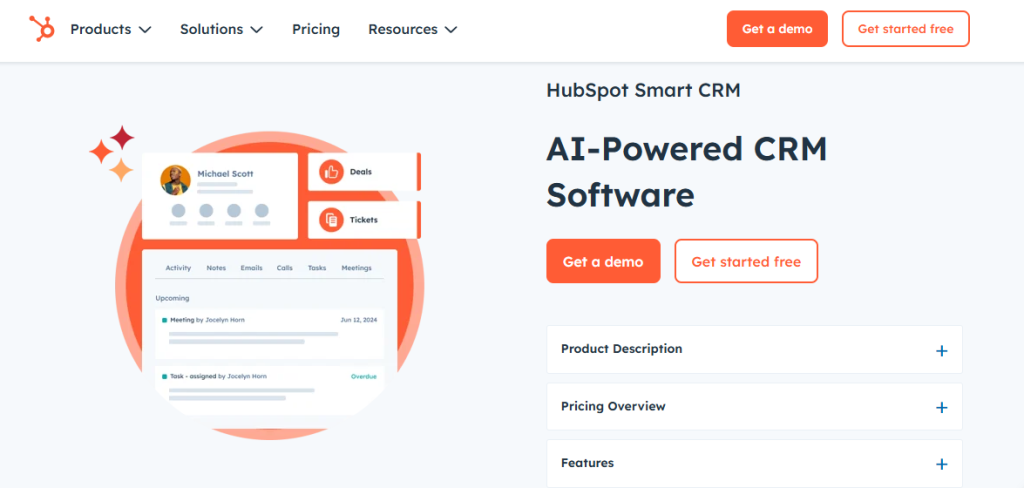
HubSpot Live Chat is a free solution integrated within its CRM platform, offering businesses the ability to create automated workflows and targeted messaging based on user behavior.
Key Features:
- Automated workflows
- Targeted messaging based on user behavior
- Seamless CRM integration
6. Olark

Olark provides a straightforward and effective solution for small businesses, offering essential chat functionalities like chat transcripts and visitor insights.
Key Features:
- Chat transcripts
- Visitor insights
- Team collaboration tools
7. Drift

Drift focuses on conversational marketing through its AI-powered chatbots, emphasizing lead generation through engaging conversations.
Key Features:
- Email capture forms
- Account-based marketing features
8. Intercom

Intercom is an all-in-one communication platform combining live chat with messaging capabilities, ideal for businesses needing extensive customer support and messaging functionalities.
Key Features:
- Proactive chat campaigns
- Detailed analytics
- Multi-channel messaging options
9. Crisp
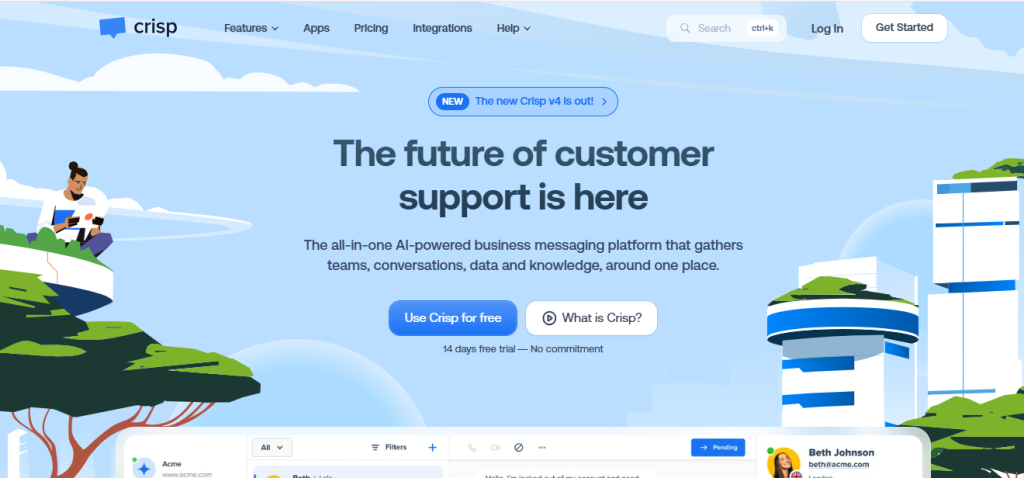
Crisp offers multi-channel messaging solutions perfect for startups and growing businesses, providing features like shared inboxes for team collaboration and knowledge base integration.
Key Features:
- Shared inbox for team collaboration
- Knowledge base integration
- Customizable chatbox design
10. SnapEngage
SnapEngage focuses on customer support with robust customization options, including HIPAA-compliant features and integrations with Salesforce and Zendesk. It is especially beneficial for healthcare-related businesses requiring secure communication solutions.
How to Install a Chat Widget Using Salesgroup.ai’s Tool
Installing a chat widget on your website can significantly enhance user engagement and customer service capabilities. Here’s how you can set up Salesgroup.ai’s website widget tool step-by-step:
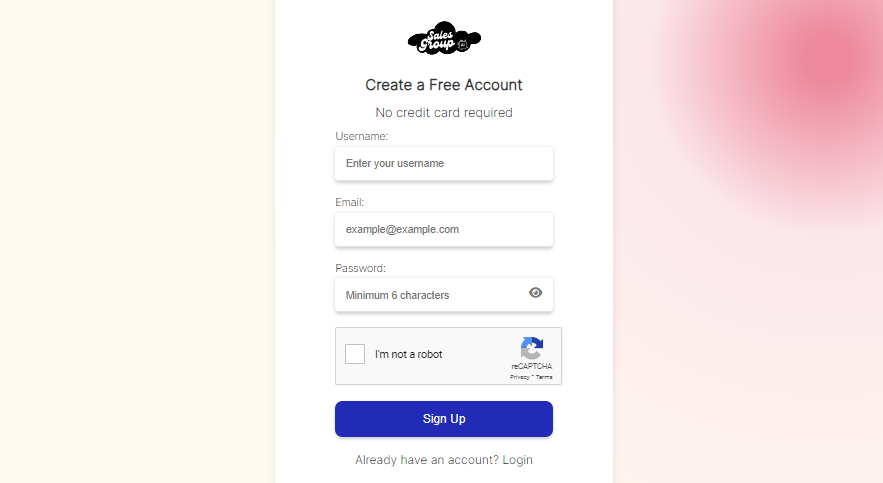
1. Sign Up for Salesgroup.ai
- Visit the Salesgroup.ai website.
- Select a pricing plan that aligns with your business needs and create an account.
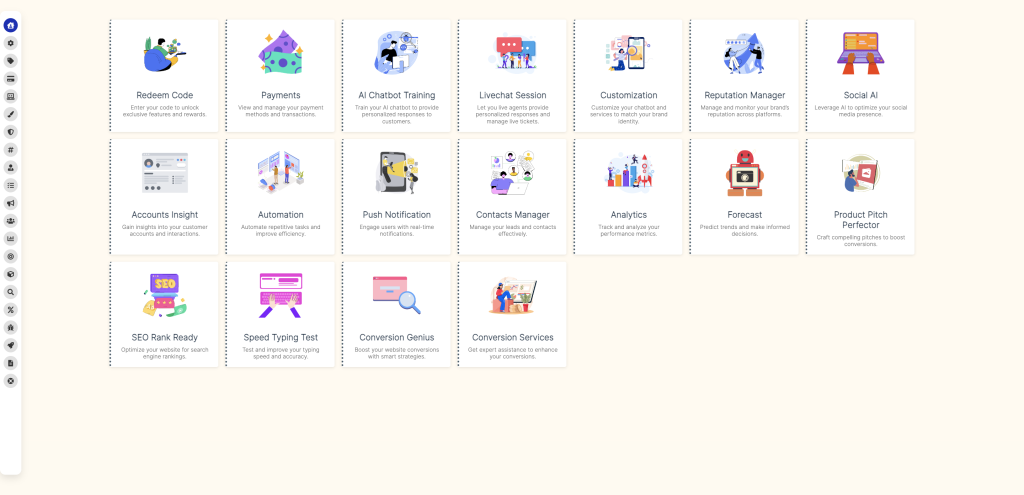
2. Access the Widget Dashboard
- Log in to your Salesgroup.ai account.
- From the dashboard, navigate to the Widget Settings section to begin customization.
3. Customize Your Widget
- Adjust the design to match your brand identity, including colors, fonts, and text.
- Configure essential features such as:
- Chat triggers
- Automated responses
- Integration with CRM tools or other third-party software

4. Copy the Widget Code
- Once your customization is complete, Salesgroup.ai will generate a unique code snippet for your widget.
- Copy this code snippet as it will be needed for embedding on your website.
5. Embed the Code on Your Website
- Access your website’s Content Management System (CMS), such as WordPress, Shopify, or any other platform you’re using.
- Go to the HTML editor or the section designated for custom scripts.
- Paste the copied widget code into the appropriate location—usually in the footer or body section of your website.
6. Test the Widget
- Save your changes and refresh your website to apply the new widget.
- Test the widget functionality by initiating a conversation or checking its visibility across different devices (desktop, tablet, and mobile).
By following these steps, you’ll have your Salesgroup.ai widget up and running on your website in no time, providing your users with an interactive experience.
Related: 10 best Customer service channels to consider in 2025
Conclusion
In conclusion, integrating a chat widget into your website is not just an enhancement but an essential strategy for improving customer service and driving conversions in today’s digital environment.
The variety of available options allows businesses of all sizes to find a solution that fits their specific needs while enhancing user experience through real-time communication and interactivity.
Among these options, Salesgroup.ai stands out due to its powerful features, customizability, and ease of use—making it an excellent choice for any business looking to elevate its online presence through effective customer engagement strategies.
By adopting a chat widget like Salesgroup.ai’s tool on your website today, you’re not merely adding functionality; you’re creating an engaging experience that can lead to increased customer satisfaction and loyalty—key components in achieving long-term business success in an increasingly competitive market landscape.
