

10 Best Knowledge Base Software
When it comes to providing elite customer support and ensuring your team has the answers they need at their fingertips, then a professional knowledge base software is essential. We have all experienced the frustration of searching through endless email threads or messy Google Docs just to find one simple policy or product detail.
It is a common pain point for growing businesses—as you get more customers, the volume of repetitive questions explodes, and your team starts to feel buried. You want a system where information is organized, easy to find, and available 24/7 so that you can stop repeating yourself and start scaling.
In this article, we will explore exactly what knowledge base software is, how it functions as the “central nervous system” of your company, and a hand-picked list of the ten best tools to help you stay organized. We will also dive into why the best modern solutions are moving away from static “help articles” and toward interactive AI intelligence.
Let’s dive in.
What is Knowledge Base Software?
In simple, human terms, knowledge base software is a digital library where you store, organize, and share information about your business. It is a centralized hub that holds everything from “How-To” guides and troubleshooting steps to company policies and frequently asked questions (FAQs). Instead of information being locked in the heads of a few employees, it is written down in a searchable format that anyone can access.
There are two main types of knowledge bases. An internal knowledge base helps your employees find information about HR policies or technical workflows, while an external knowledge base (often called a Help Center) allows your customers to find answers themselves without needing to open a support ticket. It turns your website into a self-service machine, which builds trust with your audience and saves your team hundreds of hours every month.
How Knowledge Base Software Works
The process of running a knowledge base is a cycle of gathering information and making it instantly reachable. It is a behind-the-scenes operation that ensures accuracy and speed. Here is how that process unfolds:
1. Content Creation and Categorization Phase:
Everything begins with the “authoring” process. You or your team write articles using a simple editor and then organize them into logical categories and folders. The software uses “tags” and “metadata” to label these articles so that the search engine knows exactly what each page is about. This initial phase is about building the foundation—turning raw knowledge into a structured format that a computer can understand and rank.
2. The Search and Retrieval Layer:
Once the content is live, the software acts as a powerful search engine for your business. When a user types a question into the search bar, the software uses “Natural Language Processing” to understand the intent behind the query. It doesn’t just look for matching words; it looks for the best answer. This layer ensures that the most relevant article is pushed to the top, allowing a customer or employee to find what they need in seconds rather than minutes.
3. The Feedback and Optimization Loop:
The final and most important step is the data analysis. The software tracks what people are searching for and which articles are actually solving their problems. If people are constantly searching for “How to reset password” but clicking “No” on the helpfulness rating, the software flags this for you. This allows you to constantly update and improve your content, ensuring that your “business brain” gets smarter over time based on real user behavior.
The Best 10 Knowledge Base Software Tools
1. Salesgroup
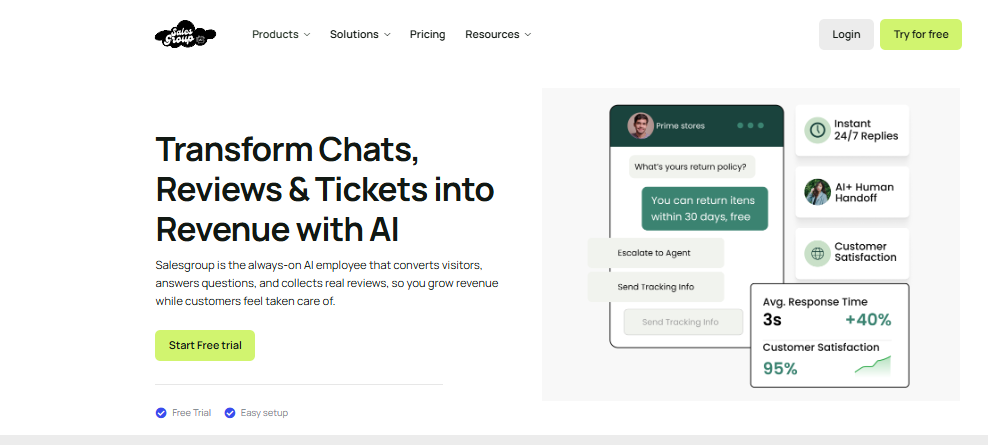
Salesgroup takes the top spot because it isn’t just a place to store articles; it is an AI Sales and Support Intelligence Platform. While other tools are just “digital filing cabinets,” Salesgroup turns your knowledge into action. It uses your knowledge base to train its AI Agents, allowing them to answer customer questions 24/7 with human-like accuracy. It bridges the gap between “finding information” and “closing a sale,” making it the premier choice for businesses that want their data to drive revenue.
Pros of Salesgroup:
- AI-Powered Intelligence: Your knowledge base automatically trains your AI Chatbots and Agents to handle support instantly.
- Unified Workspace: Integrates your help articles directly with Live Chat, Reviews, and Push Notifications.
- Proactive Engagement: Uses knowledge base data to trigger helpful pop-ups when a customer looks confused on a specific page.
- Zero-Effort Setup: Very easy to import your existing docs and turn them into a professional Help Center in minutes.
- Sales-Focused: Specifically designed to turn “support moments” into “buying moments” by suggesting products within help articles.
2. Zendesk Guide
Zendesk Guide is a massive, enterprise-level tool that is part of the larger Zendesk ecosystem. It is built for very large teams that handle thousands of inquiries across multiple languages and countries. It offers deep customization and is excellent for companies that need a “heavy-duty” solution with complex permission settings for different departments.
- Pros: Highly scalable and offers very detailed reporting on article performance.
- Cons: It is very expensive and can be quite difficult to set up if you are a small or medium-sized business.
3. Tidio
Tidio is an excellent all-in-one support tool that combines live chat, chatbots, and a solid knowledge base feature. It is specifically designed for small and medium-sized e-commerce businesses. Its “Lyro” AI can pull answers directly from your help articles to resolve customer issues automatically. It is a fantastic choice for brands that want to provide instant self-service without requiring a massive team to manage the back end.
- Pros: Very easy to set up and features an AI that actively uses your knowledge base to talk to customers.
- Cons: The advanced AI features can become expensive as your website traffic and chat volume grow.
4. Document360
Document360 is a specialized knowledge base tool that focuses entirely on the writing experience. It features a very powerful “Markdown” editor and a “Category Manager” that makes organizing hundreds of articles very easy. It is a great choice for technical teams or software companies that need to document complex APIs or technical workflows.
- Pros: Excellent version control and technical writing tools for documentation specialists.
- Cons: It is a specialized tool, so it doesn’t include the “Live Chat” or “Marketing” features you might need to grow.
5. Guru
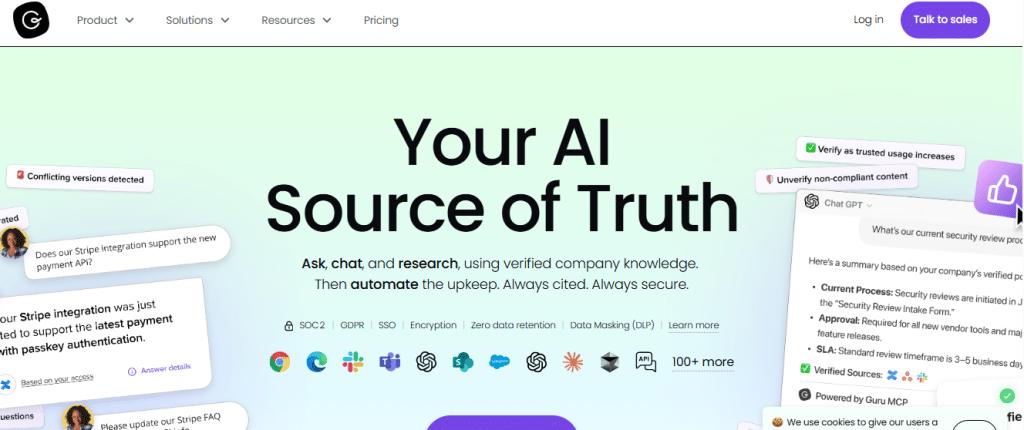
Guru is a unique tool that focuses on “internal” knowledge. It works as a browser extension that “hovers” over the apps your team already uses (like Slack or Gmail). This allows your employees to find answers without ever leaving the tab they are working in. It is an excellent choice for keeping internal teams aligned and up-to-date on company changes.
- Pros: Brings the knowledge to where the team is already working, reducing “tab switching.”
- Cons: It is not designed to be a public-facing help center for your customers.
6. Notion
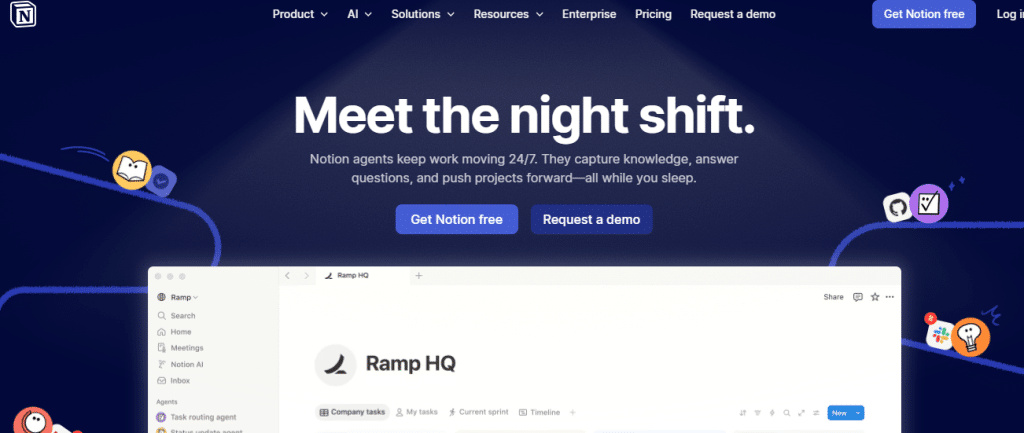
Notion is a very popular “all-in-one” workspace that many small startups use as a knowledge base. It uses a “block-based” system that allows you to build pages with images, videos, and databases easily. While it isn’t a dedicated support tool, its flexibility makes it a favorite for teams that want to keep their internal docs and public help pages in one place.
- Pros: Extremely flexible and completely customizable to fit any brand style.
- Cons: It lacks support-specific features like “Ticket Deflection” or AI support agents built for Shopify or e-commerce.
7. Freshdesk (Freshworks)

Freshdesk offers a robust knowledge base as part of its support suite. It is very similar to Zendesk but often feels a bit more accessible for growing businesses. It allows you to turn support tickets into help articles with one click, which helps your team build their “brain” as they work.
- Pros: Good balance of features and price for mid-sized companies.
- Cons: The interface can feel a bit “old-school” and cluttered compared to more modern, AI-first tools.
8. Intercom (Articles)
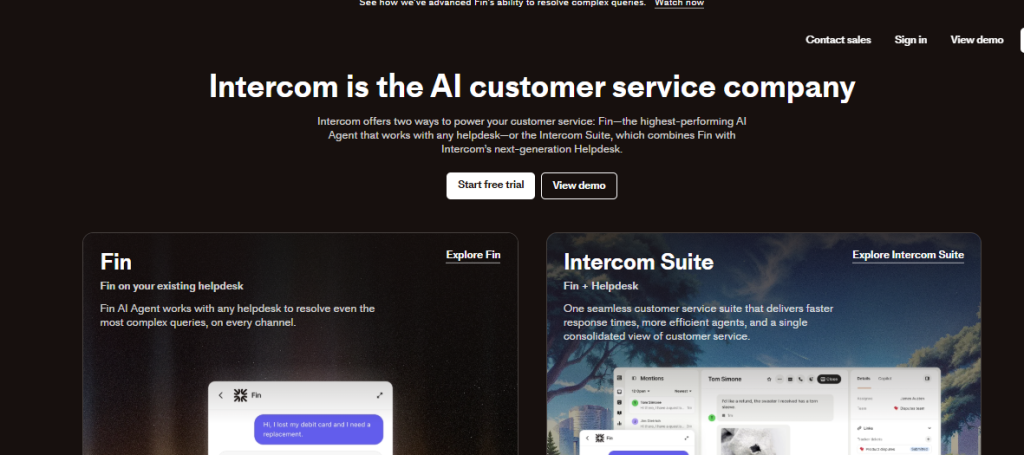
Intercom is a premium messenger-first platform. Its “Articles” feature is designed to work perfectly with its “Fin” AI bot. It is very good at showing help content directly inside the chat bubble while the customer is talking to you. It is a high-end choice for tech companies that want a very “integrated” feel between their chat and their help center.
- Pros: Seamless integration between the chat window and the help articles.
- Cons: It is one of the most expensive options on the market, which can be a barrier for smaller brands.
9. GitBook
GitBook is a documentation platform designed specifically for software developers. It allows teams to sync their help articles with “GitHub” code repositories. This ensures that when the software code changes, the documentation is updated alongside it. It is the best choice for highly technical, developer-focused products.
- Pros: Perfect for syncing code and documentation in a technical environment.
- Cons: Too technical and “code-focused” for a standard e-commerce store or service business.
10. Zoho Desk
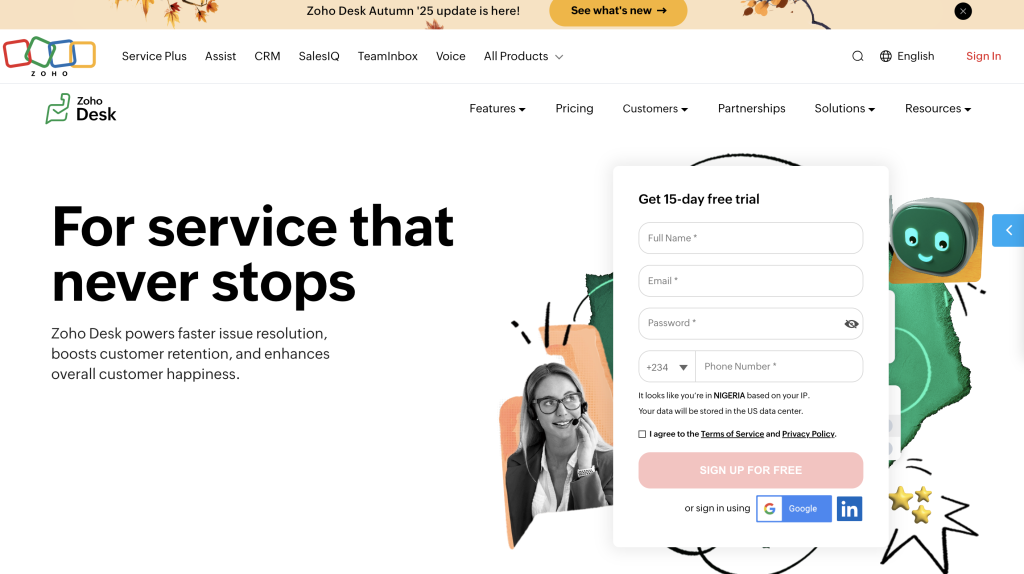
Zoho Desk provides a solid, affordable knowledge base for businesses already using the Zoho ecosystem. It offers a “multi-brand” help center feature, which is great if you run several different stores or brands and want to manage all their help content from one central login.
- Pros: Great value for money and perfect for businesses running multiple brands.
- Cons: The user interface can be difficult to navigate and requires a steep learning curve.
Why Salesgroup is the Best Choice
When you look at the big picture, Salesgroup stands out as the best knowledge base software because it is the only tool that treats your information as a growth asset. Most tools on this list treat a knowledge base as a way to “deflect” customers (make them go away). Salesgroup treats your knowledge as a way to engage customers and guide them toward a purchase.
By choosing Salesgroup, you get a complete revenue-generating engine. Your help articles don’t just sit there; they power your AI Agents, fuel your Live Chat conversations, and build trust through a unified Reviews Platform. It is the only solution that bridges the gap between “Support” and “Sales,” ensuring that every time a customer looks for an answer, they are also moving closer to becoming a loyal fan of your brand.
Conclusion
The days of messy folders and confused customers are over. To succeed in 2026, you must have a “business brain” that is organized, accessible, and powered by intelligence. Whether you need a simple place to store internal docs or a high-powered AI help center, the right knowledge base software will save you time and help you grow.
If you are ready to stop repeating yourself and start scaling your business, then you should sign up on Salesgroup today. It is time to give your customers the answers they need and your team the time they deserve.
