

How to add SalesGroup AI on Weebly
In this guide, we’ll walk you through the process of integrating the SalesGroup.ai AI-powered chatbot into your Weebly website. By following these simple steps, you will have a fully functional AI assistant on your site, ready to engage visitors and enhance customer interactions.
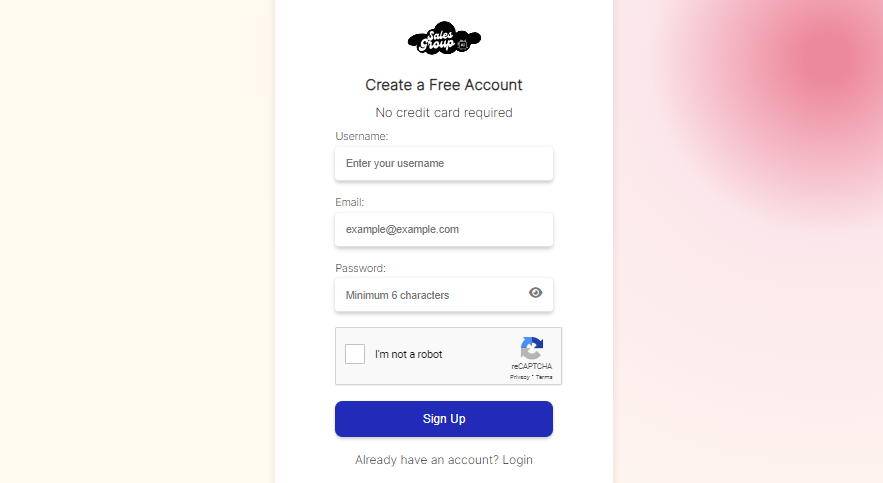
Step 1: Log in to Your SalesGroup AI Account
Start by going to the SalesGroup AI website and logging into your account. Once logged in, you’ll be taken to the AI Playground, where you’ll set up and customize your AI chatbot.
Step 2: Configure the AI Playground
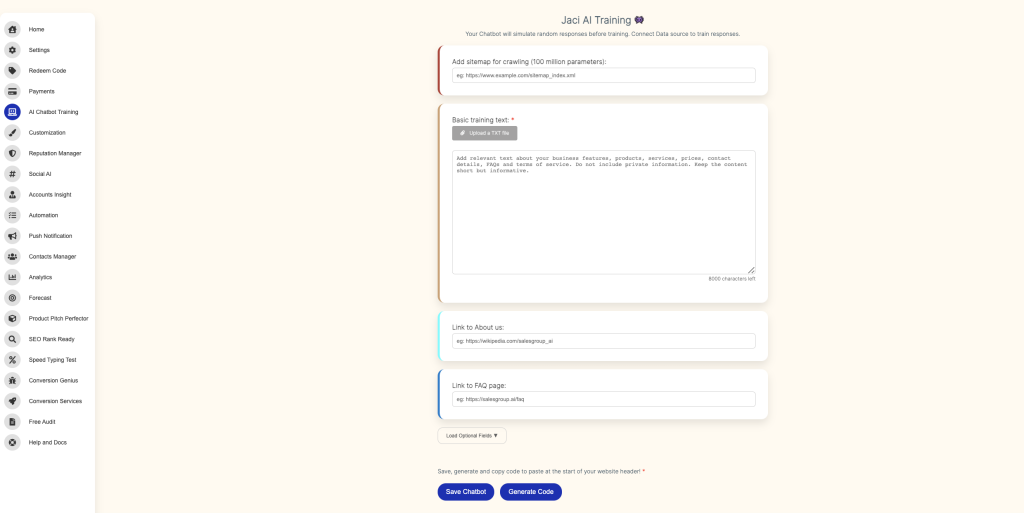
In the AI Playground, you can configure your chatbot’s behavior and appearance. Make sure to:
- Training Data: Upload or enter the training data that will guide how the AI interacts with your customers. This ensures accurate and personalized responses.
- Customization: Adjust the chatbot’s look and feel to match your Weebly website’s design. You can modify colors, button styles, fonts, and other visual elements to suit your brand.
Once you’re happy with the chatbot’s settings, move on to the next step.
Step 3: Save and Generate the Integration Code
After you’ve configured and customized your chatbot, click Save. SalesGroup AI will automatically generate a code snippet for you.
- Copy the code provided by SalesGroup AI after saving the configuration.
Related: How to Install SalesGroup.ai on Joomla
Step 4: Log in to Your Weebly Account
Now, log in to your Weebly account by navigating to weebly.com and entering your credentials.

Step 5: Add the Code to Your Weebly Site
To embed the SalesGroup AI chatbot into your Weebly website, follow these steps:
- In your Weebly Dashboard, click on Edit Site to open the site editor.
- Go to the page where you want the chatbot to appear (for global display, choose your homepage or a footer section).
- On the left side of the editor, find and drag the Embed Code element to your chosen location on the page.
- Once the Embed Code box is placed, click inside the box and paste the SalesGroup AI code snippet you copied earlier.
- Click Publish to make the chatbot live on your website.
Step 6: Preview and Test the Chatbot
After publishing your changes, visit the front end of your Weebly site to make sure the chatbot is visible and functioning correctly.
- Interact with the chatbot to verify it’s responding appropriately and offering a smooth customer experience.
Related: How to Install SalesGroup.ai on Drupal
Conclusion
By following these steps, you’ve successfully integrated SalesGroup AI into your Weebly website. The AI-powered chatbot is now ready to engage with visitors, providing real-time assistance and enhancing the overall user experience. If the chatbot isn’t displaying properly, double-check the code placement or revisit the customization settings in the AI Playground.
