

How to Install SalesGroup.ai on Drupal
This guide is a step by step guide on how to install salesgroup.ai on Drupal. After following these instructions, you’ll have an AI-powered assistant ready to improve your website’s customer interactions.
Table of Contents
Step 1: Sign Up or Log In to SalesGroup.ai
Before beginning the integration, ensure you have an active SalesGroup.ai account:
- New User: Sign up for a free trial by visiting SalesGroup.ai.
- Existing User: Log in with your credentials.
Step 2: Access the Dashboard
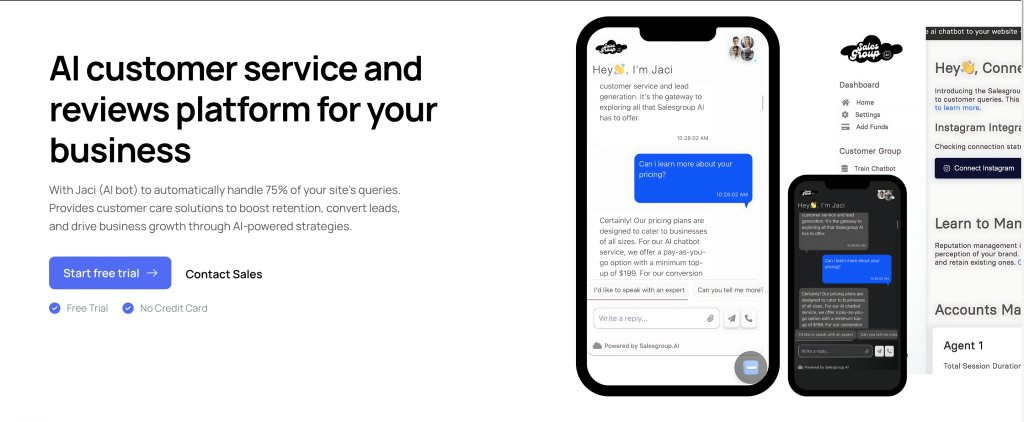
Once logged in, you’ll land on your SalesGroup.ai dashboard. This is where you’ll configure and train your AI chatbot before installation.
Related: Creating an Account with Salesgroup.ai
Step 3: Train Your AI Chatbot
To make the chatbot more effective, you need to provide business-specific information:
- Navigate to “AI Chatbot Training”: In the dashboard menu, click on AI Chatbot Training.
- Provide Business Data: Add information such as:
- Products and services
- Frequently asked questions (FAQs)
- Contact details
- Optional: Add a sitemap URL (e.g., https://www.example.com/sitemap.xml) for more in-depth crawling and understanding of your website’s structure.

Step 4: Customize the Chatbot
To enhance the performance of your chatbot, you can:
- Set a Chatbot Name: Assign a custom name for your chatbot.
- Add FAQs: Insert common customer questions and answers.
- Include Contact Information: Provide customer care numbers, social media profiles, or meeting scheduler links.

Step 5: Generate the Chatbot Code
Once your chatbot has been customized, follow these steps:
- Click “Generate Code”: This will produce a JavaScript code snippet for integration into your website.
- Copy the Generated Code: Save this code snippet for the installation process.
Related: How to Install SalesGroup.ai on Wix
Step 6: Install the Chatbot on Your Drupal Website
Step 6.1: Access Your Drupal Admin Panel
- Log in to your Drupal Admin Dashboard by navigating to yourdomain.com/user/login.
- Once logged in, go to Structure > Block Layout. Blocks in Drupal allow you to place scripts, widgets, and other elements within different areas of your website.
Step 6.2: Add a Custom Block for the Chatbot
- In the Block Layout page, click on the Add Custom Block button.
- Select Basic Block.
- In the Block Description field, give your block a name like “SalesGroup.ai Chatbot”.
- In the Block Body section, switch to the Source mode of the editor (usually indicated by a “<>” symbol) and paste the SalesGroup.ai chatbot code that you generated.
Step 6.3: Assign the Block to the Desired Region
- After creating the block, scroll down to the Place Block section and find the SalesGroup.ai Chatbot block.
- Assign it to the appropriate region of your website, typically in the Footer or Sidebar area, depending on where you want the chatbot to appear.
- Click Save Block.
Step 6.4: Configure Block Visibility
- You can configure when and where the chatbot will appear by setting visibility conditions.
- Go to the Visibility settings of the block and configure it to display on all pages or selected pages.
- Once satisfied with your settings, click Save Block.
Step 7: Test the Chatbot
Once the chatbot block is added and configured, visit your website and test the chatbot:
- The chatbot should now be visible in the region you specified (e.g., footer or sidebar).
- Interact with the chatbot to ensure it’s functioning correctly and responding to visitor queries.
Step 8: Monitor and Manage the Chatbot
You can track your chatbot’s performance and make adjustments through the SalesGroup.ai dashboard:
- Modify responses based on user interactions.
- Retrain the AI with new data to improve its effectiveness.
- Update FAQs or contact information as needed.
Related: How to Install SalesGroup.ai on Joomla
Need Help?
If you encounter any issues during the integration process, don’t hesitate to reach out to our support team for assistance. We’re here to ensure a smooth and successful chatbot installation on your Drupal site.
