

Chatbot Design Guide: Best Practices for an Engaging User Experience
Chatbots are more than just automated tools; they are digital representatives of your brand. When designed thoughtfully, chatbots can streamline user interactions, enhance engagement, and build lasting trust. However, poor design can lead to user frustration and missed opportunities. In this guide, we’ll delve into the importance of chatbot design, highlight common mistakes, and provide best practices to craft engaging and effective chatbots.
Importance of Good Chatbot Design
Good chatbot design is the backbone of a seamless user experience. Unlike human customer service agents, chatbots need to convey empathy and professionalism through their interface and responses. A well-designed chatbot ensures users can easily navigate through tasks, feel understood, and walk away with their issues resolved.
For instance, a healthcare chatbot that efficiently schedules appointments, answers basic queries, and directs users to medical professionals when needed provides a valuable service. It reduces waiting times, streamlines operations, and enhances customer satisfaction. Poorly designed chatbots, on the other hand, might misunderstand user input or provide irrelevant responses, leading to dissatisfaction.
Businesses that prioritize chatbot design often see measurable benefits, such as increased customer retention, improved engagement, and higher lead conversion rates. Good design ensures that the chatbot functions as an asset, rather than a liability, in customer interactions.
Related: 10 Customer Service Scenarios With Tips and Examples
Key Elements of Effective Chatbot Design
1. Conversational Tone and Language
The way a chatbot communicates plays a central role in its effectiveness. Chatbots need to use conversational language that feels natural, friendly, and aligned with the brand’s personality. This ensures that users feel understood and engaged, rather than frustrated or disconnected.
For example, a chatbot for a fashion retailer might adopt a casual and playful tone to appeal to younger audiences, while one for a financial institution might use a more formal and professional approach. Regardless of tone, clarity and empathy should guide all interactions. By addressing users’ needs with warmth and accuracy, the chatbot fosters a more human-like connection.
2. User-Friendly Interface
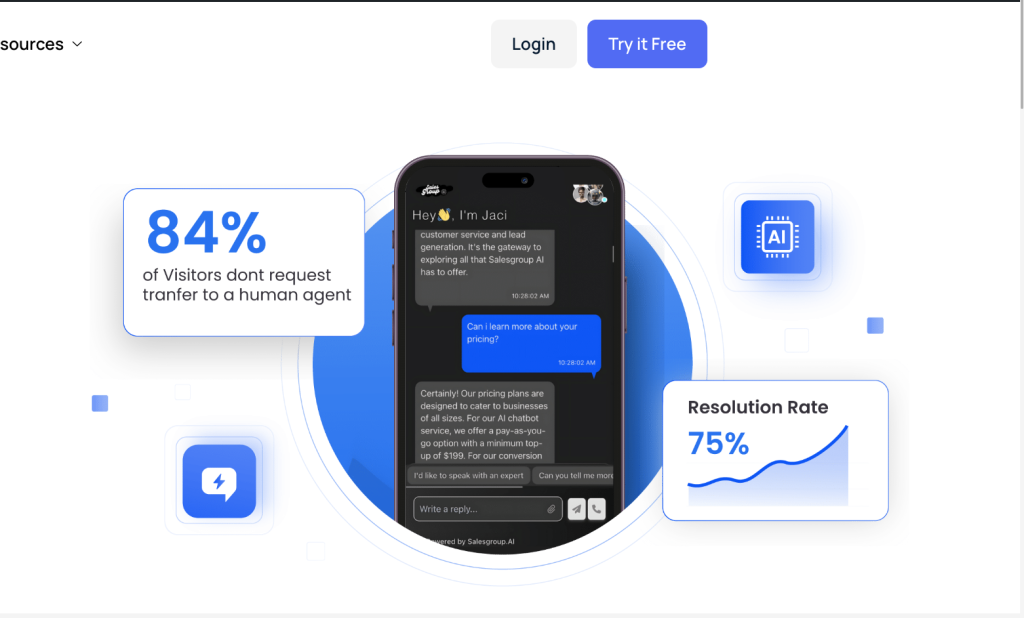
The visual and functional design of a chatbot’s interface is critical for user experience. A cluttered or confusing interface can drive users away, while a clean, intuitive design encourages interaction.
Key aspects of a user-friendly interface include:
- Responsive Design: The chatbot should function seamlessly on both desktop and mobile devices.
- Clear Input Options: Users should know whether they can type, click buttons, or use voice commands to interact.
- Readable Text: Font size and contrast should make text easy to read, even for users with visual impairments.
By prioritizing simplicity and accessibility, you ensure that the interface invites users to engage without unnecessary friction.
3. Personalization
Personalized experiences resonate more deeply with users. Chatbots that remember user preferences, previous interactions, and contextual data can provide tailored recommendations and responses.
For instance, a chatbot on an e-commerce site might greet returning users with personalized messages like, “Welcome back, Sarah! Would you like to reorder the running shoes you purchased last month?” This not only saves users time but also enhances their sense of being valued.
Using data responsibly and within privacy regulations, personalization can create a sense of connection and loyalty that generic bots cannot achieve.
4. Seamless Navigation and Flow
A well-designed chatbot guides users effortlessly through the conversation without causing confusion or dead ends. Navigation should feel logical and straightforward, ensuring users can easily find answers or complete tasks.
For example, a chatbot handling customer service queries should include clear pathways for common issues like order tracking, returns, and product inquiries. If users want to switch topics mid-conversation, the chatbot should handle transitions smoothly without requiring them to start over.
Effective navigation also relies on concise messaging. Overloading users with information or options can lead to decision fatigue. Instead, breaking down tasks into smaller, digestible steps ensures a better flow.
5. Integration with Backend Systems
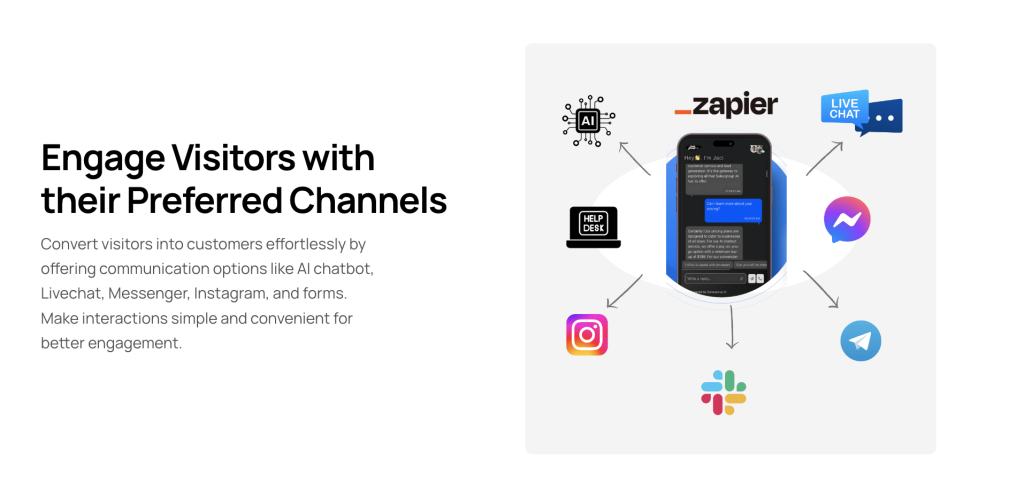
For chatbots to be truly effective, they must integrate with backend systems like CRM platforms, databases, and payment gateways. This enables them to access real-time data, perform actions, and provide accurate responses.
For instance, a chatbot for an airline should be able to access the booking system to check flight statuses or update reservations. Without integration, chatbots risk delivering outdated or incomplete information, frustrating users.
When designing your chatbot, prioritize robust API connections and system compatibility to enable seamless operations and data sharing.
6. Proactive Assistance
A great chatbot doesn’t just react to user inputs; it also anticipates needs and offers proactive assistance. This feature can boost engagement and help users solve problems they might not even realize they have.
For example, on an e-commerce site, a chatbot might pop up to suggest sizing guides if a customer hesitates on a product page. Similarly, after resolving a support query, the bot could recommend related help articles to further assist the user.
Proactive chatbots improve user experience by showing initiative and thoughtfulness, making them feel more like helpful assistants than automated scripts.

7. Context Awareness
Context awareness allows chatbots to understand and respond appropriately based on the user’s intent and prior interactions. This capability prevents redundancy and improves the overall conversational flow.
For instance, if a user starts a conversation asking about “returns” and follows up with “What’s the process?” the chatbot should understand that the second query relates to the previous one. Without this, the conversation becomes frustratingly repetitive and robotic.
Implementing natural language processing (NLP) and memory retention features ensures that chatbots handle context more intelligently.
Related: 10 Ways to Use Chatbots for Business
8. Error Handling
No chatbot is perfect, and users will occasionally input queries that the bot cannot process. The difference between a good chatbot and a frustrating one lies in how it handles errors.
Instead of responding with vague or technical messages like “Invalid input,” an effective chatbot provides helpful guidance. For example, it might say, “I didn’t quite understand that. Can you rephrase it?” or “It seems like I can’t help with this. Would you like to chat with a human agent?”
Error handling should focus on maintaining user trust and keeping the conversation moving forward, even when challenges arise.
9. Accessibility Features
Chatbots must be designed with inclusivity in mind to accommodate users with varying abilities. Accessibility features not only expand the chatbot’s usability but also demonstrate the brand’s commitment to inclusivity.
Features like text-to-speech, voice commands, and high-contrast visuals ensure that users with disabilities can engage with the chatbot effectively. Additionally, multilingual support is essential for reaching diverse audiences.
By incorporating accessibility into the design, chatbots can serve all users equally and expand their reach.
10. Human Escalation Pathways
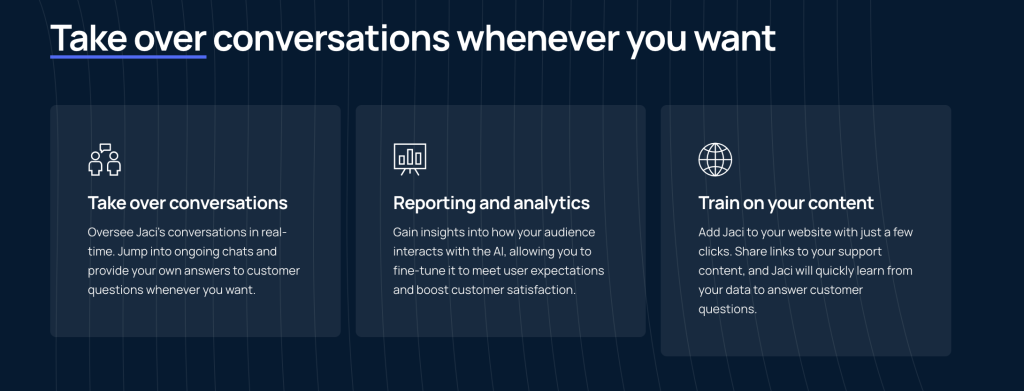
While chatbots are excellent at handling routine queries, they cannot replace human empathy or decision-making in complex situations. A chatbot must have a clear escalation mechanism that allows users to connect with a human agent when needed.
For example, if a customer is dissatisfied with a product and wants a refund, the chatbot should provide an option like, “Let me connect you with one of our support specialists to assist you further.” This reassures users that they are not stuck in an automated loop.
Having seamless integration between the chatbot and live agents ensures users always have a resolution, enhancing trust and satisfaction.
Common Mistakes in Chatbot Design
Understanding what not to do is just as important as knowing the best practices. Below are common pitfalls in chatbot design:
1. Overcomplicating Conversations
One of the most common issues in chatbot design is making interactions unnecessarily complex. When chatbots present overly long messages, excessive menu options, or unclear prompts, users can quickly become frustrated and abandon the interaction.
For instance, imagine a customer trying to resolve a billing issue. If the chatbot takes them through five irrelevant questions before offering a solution, it wastes their time. The key is to streamline the flow of conversations by asking direct questions and providing concise answers.
A good practice is to focus on simplicity. Break down complex queries into manageable steps and use natural language to guide the user smoothly toward their goal.
2. Lack of Context Awareness
Another major flaw in chatbot design is the inability to understand or remember the context of a conversation. Chatbots that respond to queries in isolation without considering the user’s previous interactions often appear robotic and unhelpful.
For example, a customer who asks about “return policies” shouldn’t have to repeat their query if they follow up with “What’s the timeline for returns?” A chatbot that cannot link the two questions feels disjointed and detracts from the user experience.
To avoid this, ensure your chatbot uses context management and natural language processing (NLP) to maintain conversation continuity. Implement features that allow the chatbot to recall user preferences and past interactions, creating a more personalized experience.
3. Overloading Users with Options
Giving users too many choices at once can lead to decision fatigue. While chatbots are often designed to handle multiple tasks, presenting all these options in a single menu or message can overwhelm users.
For instance, an e-commerce chatbot might list options like “View Products,” “Track Order,” “Return Item,” “Contact Support,” and more—all in one message. Users may find it hard to decide, which can lead to confusion or frustration.
The solution is to guide users step-by-step. Offer a few high-priority options first and then reveal more choices based on their input. This way, the conversation feels intuitive and manageable.
4. Failing to Provide Human Escalation Options
Even the best chatbots can’t handle every scenario. Failing to provide an option to connect with a human agent is a significant oversight. Customers may face complex issues that require empathy, critical thinking, or nuanced solutions beyond the capabilities of a chatbot.
For example, a frustrated customer trying to resolve a double charge on their account might lose patience if the chatbot keeps repeating scripted answers without escalating the issue to a human.
Always include a clear and easy way for users to contact a human agent when needed. Phrases like “Would you like me to connect you with a support agent?” can help ensure users don’t feel stuck or ignored.
5. Ignoring Accessibility
Accessibility is often overlooked in chatbot design, but it’s critical for ensuring inclusivity. Chatbots that don’t consider users with visual, auditory, or motor impairments can alienate a significant portion of the audience.
For example, a chatbot without voice-to-text functionality excludes users who may struggle with typing. Similarly, small font sizes or complex navigation can be barriers for users with visual impairments.
To address this, prioritize accessibility features such as voice commands, text-to-speech options, high-contrast visuals, and simple navigation. Designing with accessibility in mind ensures your chatbot caters to everyone.
Related: What Is Customer Value and How Can Businesses Maximize It?
Best Practices for Designing Engaging Chatbots
Here are 10 actionable ways to enhance chatbot design and improve user engagement:
1. Define a Clear Purpose
Every chatbot should have a clear goal, whether it’s to provide customer support, generate leads, or assist with transactions. Defining this purpose ensures the chatbot’s design and functionalities align with user expectations.
2. Personalize User Interactions
Adding personalization can make the experience feel more human. For instance, addressing users by their names or remembering previous interactions fosters a sense of familiarity. Spotify’s customer support chatbot does this exceptionally well by recalling user preferences and past issues.
3. Prioritize Accessibility
Design your chatbot to cater to all users, including those with disabilities. Features such as text-to-speech options, multilingual capabilities, and large clickable buttons ensure inclusivity and usability.
4. Use Clear Call-to-Actions
Direct users to the next steps with well-placed call-to-action (CTA) prompts. Phrases like “Need more help? Click here to chat with an agent” guide users efficiently through the conversation flow.
5. Provide a Quick Exit to Human Support
While chatbots are powerful tools, there are scenarios where human intervention is necessary. Include an option for users to connect with a live agent when the chatbot cannot resolve an issue.
6. Make Error Handling Seamless
Even the best chatbots make mistakes. When errors occur, the chatbot should acknowledge them gracefully and offer alternative solutions. Phrases like, “I didn’t quite catch that. Can you rephrase?” maintain user trust.
7. Keep Responses Concise
Users don’t have the patience for lengthy replies. Craft responses that are succinct yet informative, ensuring users quickly get the information they need without unnecessary detail.
8. Integrate Visual Elements
Enhance conversations with visual aids such as images, GIFs, or videos. For example, an e-commerce chatbot showcasing product images alongside recommendations can boost sales.
9. Conduct Usability Testing
Regularly test the chatbot with real users to identify areas for improvement. Usability testing can reveal gaps in functionality and ensure the chatbot remains user-friendly.
10. Continuously Update and Improve
Chatbots should evolve over time based on user feedback and analytics. An outdated chatbot can become less effective, so it’s important to refine its design and capabilities regularly.
Final Thoughts
The importance of chatbot design cannot be overstated. A well-designed chatbot enhances user satisfaction, drives engagement, and strengthens brand loyalty. By implementing best practices such as maintaining a conversational tone, designing an intuitive interface, and avoiding common mistakes, you can create a chatbot that not only meets but exceeds user expectations.
Investing in chatbot design is an investment in your customer’s experience. The better the design, the more likely your chatbot will contribute to your brand’s success in today’s competitive digital landscape.
