

10 Best Automated Ticketing Systems in 2026
Imagine your inbox exploding with customer queries, from a tech startup user stuck on a feature to an online course student confused about access. You’re scrambling to prioritize urgent issues while messages pile up across email, chat, and social media.
Why wrestle with manual sorting when automation can organize inquiries in seconds? Automated ticketing systems swoop in to save the day, transforming this mess into a streamlined, efficient support hub for your WordPress site or business.
These systems convert requests from multiple channels into trackable tickets, routing them to the right agent with AI precision. Whether you’re a blogger answering reader questions, an e-commerce owner managing returns, or a SaaS founder scaling support, automation slashes response times and delights customers.
In this article, we will explore the 10 best automated ticketing systems, with SalesGroup at the forefront for its smart features. From AI-driven workflows to seamless integrations, these tools empower you to deliver top-notch support. Let’s dive in!
What Is an Automated Ticketing System?
An automated ticketing system is software that organizes customer inquiries into tickets and uses AI or rules to streamline handling. It pulls requests from emails, chats, or social media into a single dashboard, cutting manual work. For WordPress users, these systems integrate natively, enhancing support without leaving your admin panel.
Why Choose Automation?
Automation sorts, prioritizes, and routes tickets, ensuring urgent issues get instant attention. It reduces agent workload by handling repetitive tasks like FAQ responses or ticket assignments. Customers get faster, consistent replies, which 67% prefer via AI assistants.
The 10 Best Automated Ticketing Systems for 2025
Here’s our curated lineup of the top 10 automated ticketing systems, led by SalesGroup. Each offers powerful automation to elevate support for blogs, tech startups, or online education platforms.
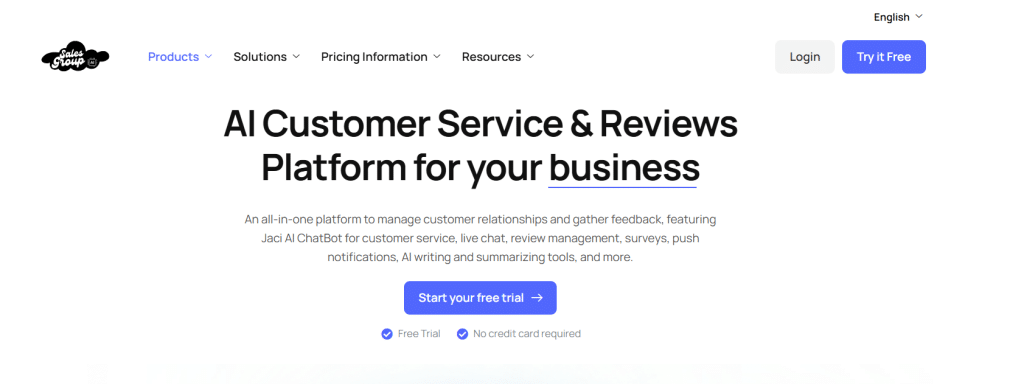
1. SalesGroup
SalesGroup redefines automated ticketing with AI-powered precision and WordPress integration. It’s perfect for businesses seeking smart workflows and actionable insights. Its robust automation makes it the top choice..
Key Features
- AI-driven ticket triage based on urgency, sentiment, and intent.
- Omnichannel sync for email, social media, and live chat tickets.
- Real-time analytics with customer mood and agent performance tracking.
2. Zendesk
Zendesk automates up to 80% of customer interactions, serving WordPress sites. Its AI sorts tickets by intent and routes them to skilled agents, ideal for high-volume support. It’s a premium pick for scalable, omnichannel workflows.
Key Features
- Intelligent triage with AI for ticket categorization and routing.
- AI-powered knowledge base for self-service FAQ resolution.
- Social media integration for WhatsApp and Facebook inquiries.

3. Tidio
Tidio’s WordPress plugin combines AI chatbots with automated ticketing for small businesses. Its Lyro AI resolves 70% of queries autonomously, freeing agents for complex tasks. It’s ideal for e-commerce or education sites needing quick responses.
Key Features
- Lyro AI bot automates repetitive queries with brand-aligned responses.
- Unified dashboard for live chat, email, and Instagram tickets.
- Automated ticket tagging and routing for streamlined workflows.

4. Intercom
Intercom’s WordPress ticketing system automates personalized support for SaaS and tech startups. Its AI routes tickets based on customer data, enhancing efficiency. It’s perfect for businesses craving contextual, data-driven support.
Key Features
- AI-driven ticket routing tied to customer profiles and behavior.
- Automated in-app messaging and live chat responses.
- CRM integration for rich, context-aware ticket handling.

5. HubSpot Service Hub
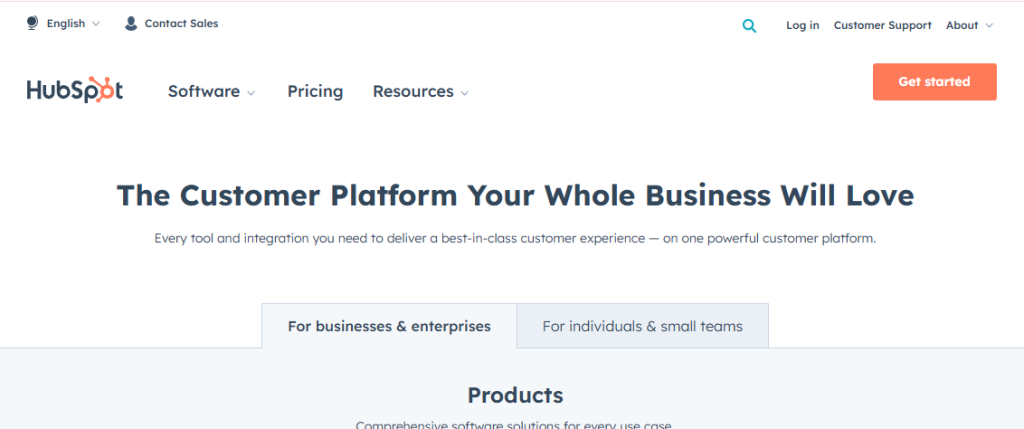
HubSpot’s Service Hub automates ticketing within its free WordPress CRM plugin. It links tickets to customer data for personalized, efficient support, ideal for marketing-driven businesses. Its AI workflows scale with growing ticket volumes.
Key Features
- Automated ticket linking to CRM for full customer context.
- AI-driven bots for self-service and ticket deflection.
- Real-time analytics to monitor team and ticket performance.
6. HelpCrunch
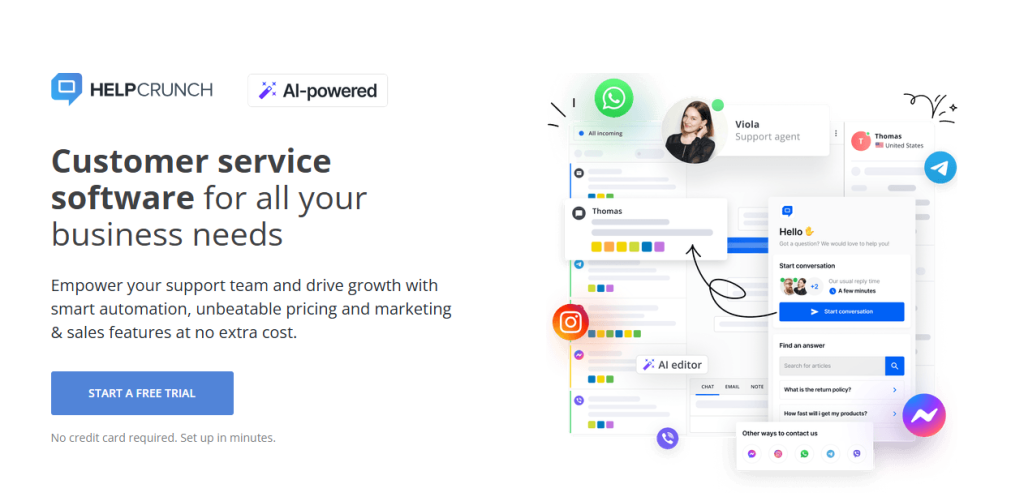
HelpCrunch, trusted by many users, automates ticketing with a clean WordPress interface. Its AI-driven workflows and knowledge base reduce ticket volume for small teams. It’s great for blogs or agencies seeking simplicity.
Key Features
- Automated shared inbox with collision detection and notes.
- AI-powered knowledge base for customer self-service.
- Automated reporting for tracking support efficiency.
7.Crisp
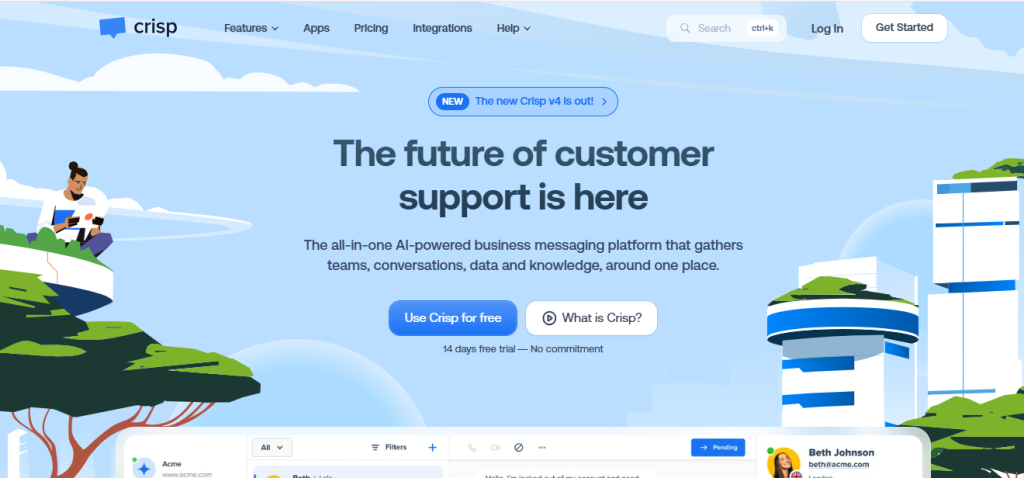
Crisp’s WordPress ticketing system automates omnichannel support. Its universal inbox routes tickets from social media, email, or chat with AI precision. It’s a reliable choice for businesses needing robust automation.
Key Features
- AI-driven universal inbox for multi-channel ticket routing.
- Automated SLA notifications and ticket prioritization.
- Real-time analytics with virtual call center integration.
8. Fresh Chat
Freshchat WordPress plugin automates ticketing for many users. Its free plan offers unlimited tickets with basic automation, perfect for startups. Add-ons unlock advanced AI-driven features for scaling support.
Key Features
- Automated ticket assignment in the free plan for unlimited agents.
- AI chatbot integration via Google’s Dialogflow for automation.
- Customizable workflows for automated ticket sorting and tagging.

9. LiveChat
LiveChat, primarily a chat tool, offers WordPress-compatible automated ticketing for lightweight needs. It converts chats into tickets with basic AI routing, ideal for low-volume blogs. Its simplicity suits startups or small teams.
Key Features
- Automated chat-to-ticket conversion with basic prioritization.
- AI-driven proactive chat triggers based on visitor actions.
- WordPress integration for quick setup and ticket management.

10. Chatbot
Chatbot-driven ticketing systems automate routine inquiries on WordPress sites with AI bots. Inspired by tools like Tidio, they escalate complex issues to humans, perfect for cost-conscious businesses. They’re ideal for automating high-volume, simple queries.
Key Features
- AI bots automate FAQs with self-learning capabilities.
- Automated ticket escalation to agents for nuanced issues.
- WordPress-compatible chat widgets for seamless automation.

How to Pick the Right Automated Ticketing System
Selecting the best system depends on your support needs, budget, and WordPress setup. These tips will help you find the perfect fit. Let’s make the choice easier.
1. Gauge Your Support Volume
Low-volume blogs can use free plans. High-traffic tech startups need robust automation. Estimate ticket numbers to guide your pick.
2. Verify Integration Compatibility
Ensure the system syncs with your tools, like CRMs or WooCommerce. SalesGroup offer deep integrations for complex WordPress setups. Compatibility prevents workflow disruptions.
3. Emphasize Ease of Use
Choose intuitive dashboards, for quick team onboarding. Simple interfaces reduce training time for non-technical staff. Usability keeps support flowing smoothly.
4. Demand Robust Automation
AI-driven features, like SalesGroup’s triage or Chatbot’s bots, cut manual tasks. Look for systems automating routing, prioritization, and FAQ responses. Strong automation scales support efficiently.
Check Customization Options
Customizable workflows, as in Salesgroup, align with your brand. Tailored ticket fields improve data collection and user experience. Flexibility ensures long-term fit.
Best Practices for Automated Ticketing Systems
Maximize your system’s potential with these pro strategies. They keep support efficient and customers happy. SalesGroup and others thrive with these approaches.
1. Prioritize Fast Responses
Quick replies are key, as 66% of customers value knowing their history. SalesGroup’s AI triage flags urgent tickets for rapid action. Speed fosters trust and loyalty.
2. Use Automation Judiciously
Leverage AI for routine tasks. Ensure humans handle complex issues to maintain empathy. Balance automation with personal touches for impact.
3. Harness Analytics
Track metrics like response time or ticket trends with salesgroup. Insights reveal training needs or process gaps, as SalesGroup’s dashboards show. Data drives continuous improvement.
4. Encourage Self-Service
Promote knowledge bases, like SalesGroup’s AI-driven FAQs, for quick answers. Self-service cuts ticket volume, freeing agents for high-value work. Update content regularly for accuracy.
5. Seek Customer Feedback
Use post-ticket surveys, as in Intercom, to measure satisfaction. SalesGroup’s sentiment analysis offers real-time user mood insights. Feedback refines your support approach.
Setting Up Your Automated Ticketing System
Installing an automated ticketing system on WordPress is straightforward with these steps. Most, like SalesGroup, integrate seamlessly with your site. Here’s how to get started.
Step 1: Install the Plugin or Connect
Search for the system in WordPress’s Plugins > Add New or connect via API. Activate and follow setup wizards. Most take under 15 minutes to configure.
Step 2: Configure Automation Rules
Set up AI-driven routing, SLA alerts, or auto-replies in the settings. SalesGroup lets you customize triage based on sentiment or urgency. Align forms with your site’s theme for consistency.
Step 3: Integrate Channels
Link email, social media, or live chat to pull tickets automatically. Salesgroup syncs with Instagram and handles in-app messages. Test channels to confirm smooth ticket flow.
Step 4: Train Your Support Team
Show agents how to navigate dashboards, assign tickets, and use AI insights. Simple interface speeds learning, while SalesGroup’s analytics highlight priorities. Training ensures quick adoption.
Step 5: Test and Go Live
Submit test tickets via chat, email, or forms to verify automation. Check AI routing and notifications work, as in Salesgroup’s setup. Launch once confident in the system’s performance.
Conclusion
The 10 best automated ticketing systems, led by SalesGroup, transform WordPress support into a powerhouse of efficiency. From AI triage to omnichannel integration, they make your blog or business shine. Pick a system, set it up, and watch customer happiness soar—start today!
Ready to streamline support? Try SalesGroup now.
