

10 Best WordPress Ticketing Systems Plugins For Your Website
Tired of juggling customer emails and losing track of urgent queries? A WordPress ticketing system turns chaos into calm, streamlining support for your blog or business.
Why keep struggling with scattered messages when you can centralise support in your WordPress dashboard? These systems streamline enquiries from emails, live chats, or social media into trackable tickets, ensuring no customer slips through the cracks. Whether you’re a solo blogger fielding reader questions, a small business owner juggling client requests, or a SaaS startup scaling support, a ticketing system saves time and boosts satisfaction.
In this article, we will explore the 10 best WordPress ticketing systems; let’s dive in.
What Is a Ticketing System?
A ticketing system organises customer enquiries into trackable “tickets” for efficient resolution. It consolidates requests from emails, chats, or social media into one dashboard, simplifying your workflow. WordPress ticketing systems integrate natively with your site, offering seamless support management.
Why You Need a Ticketing System
Ticketing systems prioritize issues, ensuring critical requests get swift attention. They automate repetitive tasks like ticket routing, saving your team hours. Customers enjoy faster, more consistent responses, boosting satisfaction.
Advantages for WordPress Sites
These plugins match your site’s look and feel, creating a cohesive user experience. They pull tickets from multiple channels, like blog comments or Twitter, into your WordPress admin. Your support stays centralized, professional, and easy to manage.
Must-Have Features
Seek systems with automation, customizable ticket forms, and analytics dashboards. Integration with tools like WooCommerce or CRMs enhances functionality. A simple interface keeps your team focused on helping customers.
The 10 Best WordPress Ticketing Systems
Here’s our handpicked list of the top 10 WordPress ticketing systems, starting with SalesGroup. Each offers unique tools to supercharge your support, from blogs to SaaS platforms. Let’s dive into their standout features.
1. SalesGroup
SalesGroup redefines WordPress ticketing with AI-powered efficiency and a sleek interface. It’s ideal for businesses craving smart automation and deep customer insights.
Key Features
- AI-driven ticket sorting and auto-replies for rapid resolutions.
- Omnichannel support for email, social media, and live chat integration.
- Advanced analytics with customer sentiment and performance tracking.

2. Tidio
Tidio’s WordPress plugin blends ticketing with AI chatbots, perfect for e-commerce and small businesses. Its unified dashboard handles inquiries from multiple channels, boosting responsiveness. It’s a go-to for engaging customers in real time.
Key Features
- Lyro AI chatbot answers up to 70% of queries autonomously.
- Centralized inbox for live chat, email, and social media tickets.
- Customizable chat widgets to match your site’s branding.

3. LiveChat
LiveChat, primarily a live chat tool, offers basic ticketing for WordPress sites. It converts chats into tickets for follow-up, ideal for lightweight support needs. It’s best for blogs or startups with low ticket volumes.
Key Features
- Real-time chat with ticket creation for unresolved issues.
- Proactive chat invitations based on visitor behavior.
- Integration with WordPress for easy setup and use.

4. Intercom
Intercom’s WordPress ticketing system excels at personalised support for SaaS and tech companies. It combines ticketing with live chat and customer data for rich interactions. Its automation tools streamline complex support workflows.
Key Features
- Automated ticket routing based on customer profiles.
- In-app messaging and live chat for real-time support.
- CRM integration for contextual, data-driven responses.

5. Chatbot
Chatbot-driven ticketing systems leverage AI to handle routine inquiries on WordPress sites. They’re perfect for businesses wanting to automate support while maintaining human oversight. This generic solution draws inspiration from Tidio’s AI capabilities.
Key Features
- AI bots resolve common queries with self-learning algorithms.
- Ticket escalation to human agents for complex issues.
- Frontend chat widgets for seamless customer interactions.

6. Zendesk
Zendesk powers a lot of WordPress sites with its robust ticketing system. It transforms blog comments into tickets and offers AI-driven automation. It’s a premium choice for businesses needing omnichannel support.
Key Features
- AI-powered ticket management and automated responses.
- Comprehensive help center with knowledge base and widgets.
- Social media integration for WhatsApp and Facebook tickets.

7. HelpCrunch
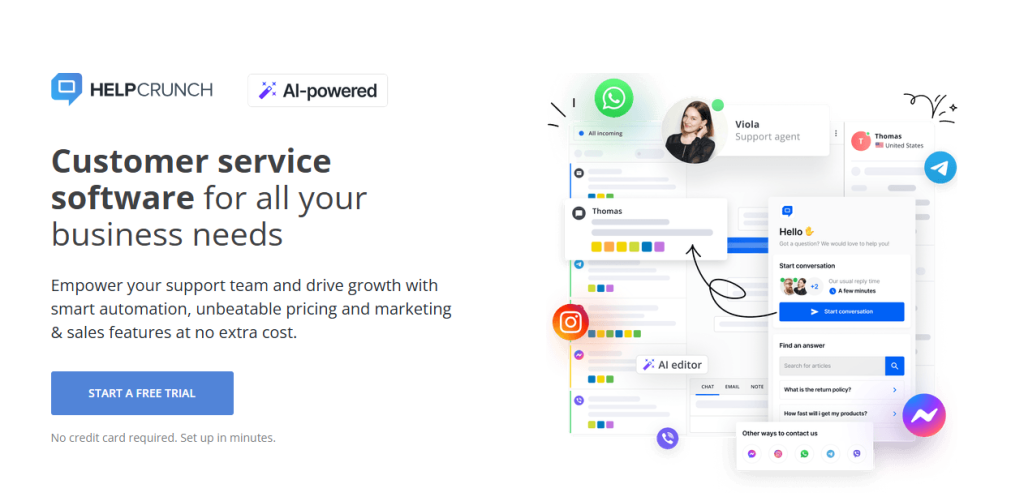
HelpCrunch, trusted by 12,000 customers, offers a clean WordPress ticketing experience. Its shared inbox and knowledge base simplify support for small teams. It’s ideal for blogs or agencies valuing simplicity.
Key Features
- Shared inbox with private notes and collision detection.
- Knowledge base for customer self-service solutions.
- Performance reporting for tracking support metrics.
8. Freshdesk
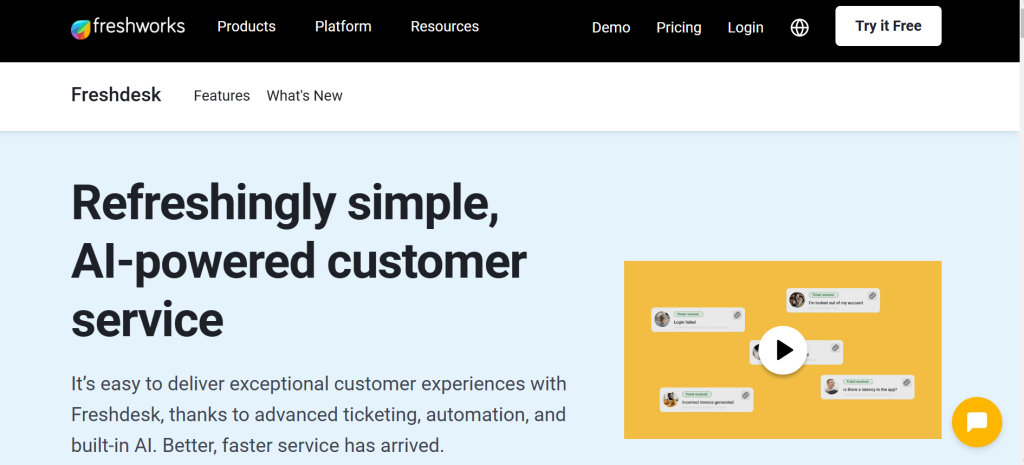
Freshdesk is an all-in-one help desk with strong WordPress ticketing capabilities. Its universal inbox collects tickets from social media, email, and chat, enhancing efficiency. It’s a solid pick for omnichannel support.
Key Features
- Universal inbox for multi-channel ticket consolidation.
- Live chat with real-time typing view and proactive invitations.
- Reporting tools and virtual call center support.
9. HubSpot Service Hub
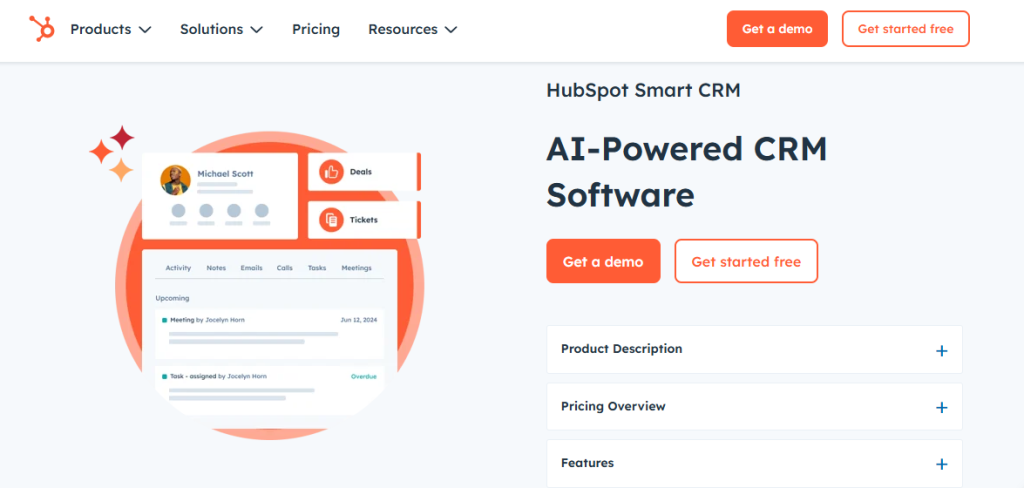
HubSpot’s Service Hub integrates ticketing with its free WordPress CRM plugin. It links tickets to customer profiles for personalized support, ideal for marketing-focused businesses. Its analytics track team performance seamlessly.
Key Features
- Ticket linking to CRM for full customer context.
- Conversational bots and self-service portal options.
- Mobile app for managing tickets on the go.
10. Freshchat
Freshchat is a freemium WordPress ticketing plugin with active users. Its free plan supports unlimited tickets, making it great for startups. Customisation options ensure it fits any site’s needs.
Key Features
- Unlimited tickets and agents in the free version.
- Facebook Messenger chatbot via Google’s Dialogflow AI.
- Flexible sorting, filtering, and tagging for tickets.

How to Select the Best WordPress Ticketing System
Choosing the right system hinges on your business goals and support demands. These tips will guide you to a plugin that’s just right. Let’s break it down for clarity.
1. Evaluate Your Ticket Volume
Low-volume blogs can thrive with free plans. High-traffic SaaS platforms need robust systems. Estimate monthly tickets to pick wisely.
2. Ensure Tool Compatibility
Check if the plugin syncs with your stack, like CRMs or e-commerce platforms. SalesGroup and Intercom shine with deep integrations for complex setups. Compatibility keeps your workflow smooth.
3. Focus on Usability
Opt for intuitive interfaces, like Help Scout or LiveChat, for quick team adoption. Non-tech users benefit from simple dashboards and setup wizards. Ease of use saves training time.
4. Seek Customization Options
Custom forms and branding, as in Tidio or Awesome Support, align with your site’s vibe. Tailored fields capture the data you need most. Flexibility supports long-term growth.
5. Prioritize Automation
AI automation in SalesGroup or Chatbot reduces manual work like ticket sorting. Look for systems that handle FAQs or routing automatically. This frees your team for high-value tasks.
Best Practices for Running a Ticketing System
Get the most from your system with these expert strategies. They’ll keep support efficient and customers thrilled. SalesGroup and others perform best with these tactics.
1. Reply Quickly
Fast responses matter, as 66% of customers want their history known. SalesGroup’s AI flags urgent tickets for prompt replies. Speed builds loyalty and trust.
2. Balance Automation
Use AI, like Salesgroup auto-replies, for routine queries. Ensure human agents handle sensitive issues for a personal touch. Automation should enhance, not replace, empathy.
3. Analyze Performance
Leverage dashboards in Salesgroup to track response times and ticket trends. Data reveals where to improve agent training or processes. Regular analysis drives better support.
4. Promote Self-Help
Encourage use of knowledge bases, as in SalesGroup, for quick answers. Self-service reduces ticket volume, freeing agents for complex tasks. Keep content updated for relevance.
5. Collect User Feedback
Post-resolution surveys, like those in Intercom, gauge satisfaction levels. SalesGroup’s sentiment tracking offers real-time customer mood insights. Feedback sharpens your support strategy.
Potential Challenges to Watch For
Ticketing systems aren’t flawless, and knowing their limits helps you manage better. Here’s what might trip you up and how to handle it. Awareness keeps you ahead.
1. Initial Learning Curve
Feature-heavy systems may confuse new users. Choose simpler options for small teams. Training resources ease onboarding pains.
2. Cost Considerations
Premium plans can get pricey. Start with free tiers to test viability. Budget for growth as tickets increase.
3. Integration Issues
Some plugins may clash with certain themes or plugins. Test thoroughly, as SalesGroup’s omnichannel setup avoids most glitches. Check compatibility before committing.
4. Automation Overuse
AI in some plugin can feel robotic if overdone. Human oversight ensures nuanced responses for tricky tickets. Blend AI with personal engagement for balance.
Conclusion
The 10 best WordPress ticketing systems, led by SalesGroup, empower you to deliver stellar customer support. From AI automation to seamless integrations, they transform your blog or business. Choose a system, set it up, and watch your support game soar.
Ready to streamline your support? Try SalesGroup today.
