

How to Create an AI Chatbot: Make Your Own Free Bots in 2026
Learning how to create an AI chatbot has never been more accessible, and for businesses looking to stay competitive, it is quickly becoming a necessity.
AI chatbots have become an essential tool for businesses, making customer service, marketing, and user engagement more effective and streamlined. By automating routine tasks, chatbots help companies engage customers around the clock, offer real-time support, and improve overall productivity. Whether assisting a new visitor on your website or answering frequently asked questions, AI chatbots are versatile tools with wide-ranging benefits.
For newcomers, creating a chatbot might seem challenging. However, with platforms like SalesGroup AI, it’s now possible to build sophisticated chatbots even without technical expertise. This guide will walk you through the process of creating your first AI chatbot using SalesGroup AI, as well as offer optimization tips and highlight real-life applications.
What is an AI Chatbot?
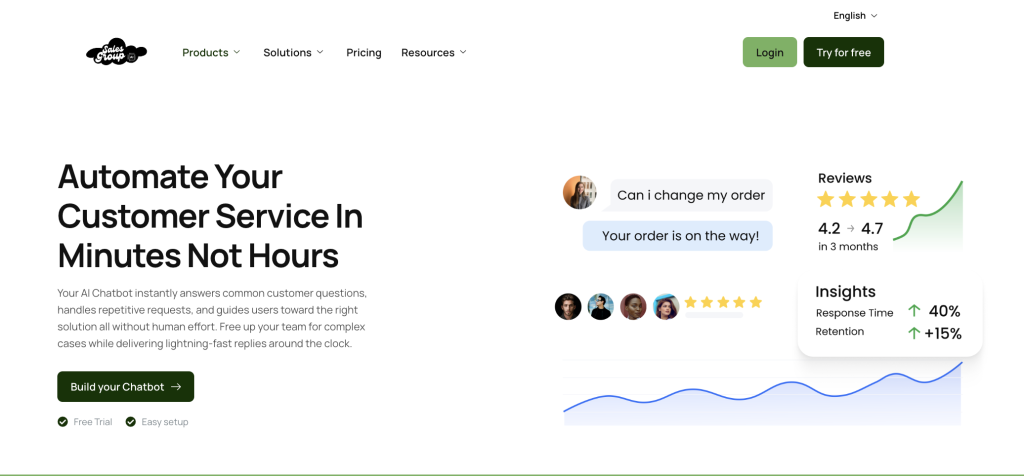
An AI chatbot is a software program that uses artificial intelligence to simulate conversation with users. Unlike basic, rule-based chatbots that follow pre-defined paths, AI chatbots leverage natural language processing (NLP) and machine learning (ML) to understand and respond intelligently to user queries. This allows them to engage in dynamic conversations, learning and improving with each interaction.
Why You Should Have an AI Chatbot on Your Site
AI chatbots offer a variety of benefits to both businesses and customers:
- 24/7 Availability – They provide continuous customer support, addressing common questions and solving basic problems even when human agents are unavailable.
- Cost-Efficiency – By automating repetitive tasks, AI chatbots help reduce the workload on customer service teams and lower operational costs.
- Improved User Engagement – AI chatbots can actively engage visitors, answering questions, guiding them through products, or even assisting in making a purchase decision.
- Personalization – Advanced chatbots can access user data and customize responses based on previous interactions, providing a more personalized user experience.
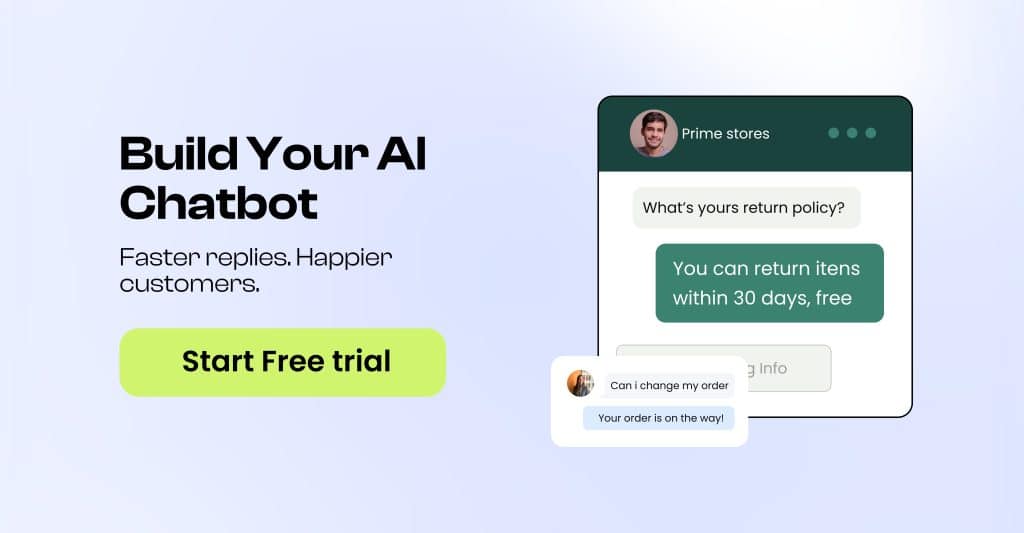
Types of AI Chatbots
AI chatbots can vary based on functionality and complexity:
- Rule-Based Chatbots – These bots follow a set script or set of rules and are ideal for handling straightforward queries. However, they lack flexibility and can’t handle complex conversations.
- Machine Learning-Based Chatbots – Powered by AI and machine learning, these chatbots can interpret more complex queries and offer dynamic responses. They learn and improve with each interaction, making them suitable for handling diverse inquiries.
- Natural Language Processing (NLP) Chatbots – NLP-powered chatbots understand the nuances of human language, such as slang, abbreviations, and spelling errors, and provide accurate responses by understanding intent.
- Hybrid Chatbots – Combining rule-based and NLP-driven approaches, hybrid chatbots can handle both simple and complex inquiries by switching between pre-set responses and AI-driven insights.
How to Create an AI Chatbot for Your Website
Creating an AI chatbot requires a few key steps. Here’s a detailed, step-by-step process:
Step 1: Define Your Objectives
Determine what you want your chatbot to achieve. Some common goals include:
- Customer Support: Answer frequently asked questions, solve common issues, and provide product information.
- Sales Assistance: Guide users through products, make personalized recommendations, and improve conversion rates.
- Lead Generation: Collect visitor information and qualify leads.
This goal-setting stage will guide the overall design and complexity of your chatbot.
Step 2: Choose the Right Platform
Several platforms provide tools to build AI chatbots. Some popular options include:
AI Frameworks and Chatbot Platforms
AI frameworks, such as Google’s Dialogflow, IBM Watson, and Microsoft Bot, serve as essential libraries for software developers, enabling them to build chatbots through coding.
On the other hand, chatbot platforms offer user-friendly builders that allow you to create chatbots using simple building blocks.
These platforms are becoming increasingly popular because they simplify the development process, saving time while delivering effective results.
Step 3: Design the Conversation Flow
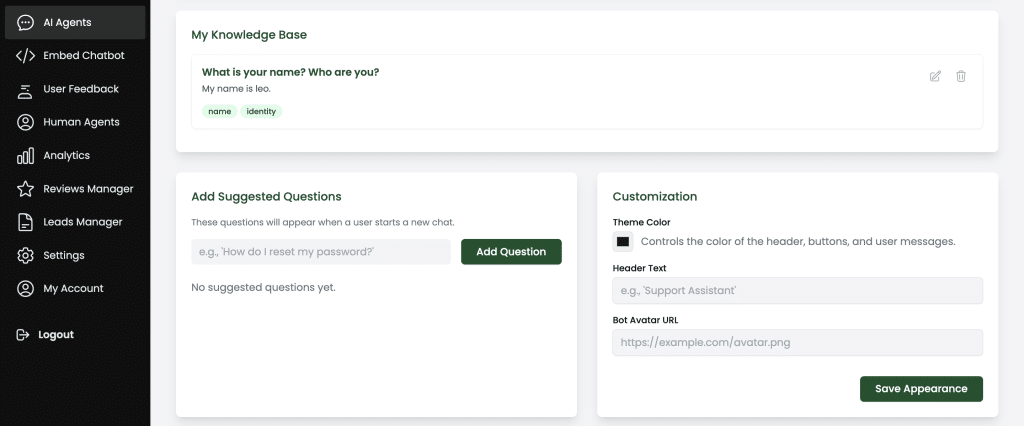
Map out the interaction paths the bot will take to respond to different types of queries. Some design tips include:
- Define Greeting and Onboarding: How will the bot introduce itself and start a conversation?
- Map Out Common Questions: Include common queries related to your product or service.
- Design Fallbacks and Error Responses: Prepare responses for when the bot doesn’t understand a user’s question.
- End the Conversation Gracefully: Ensure the bot offers additional help or provides next steps before ending a chat.
Step 4: Train Your Chatbot
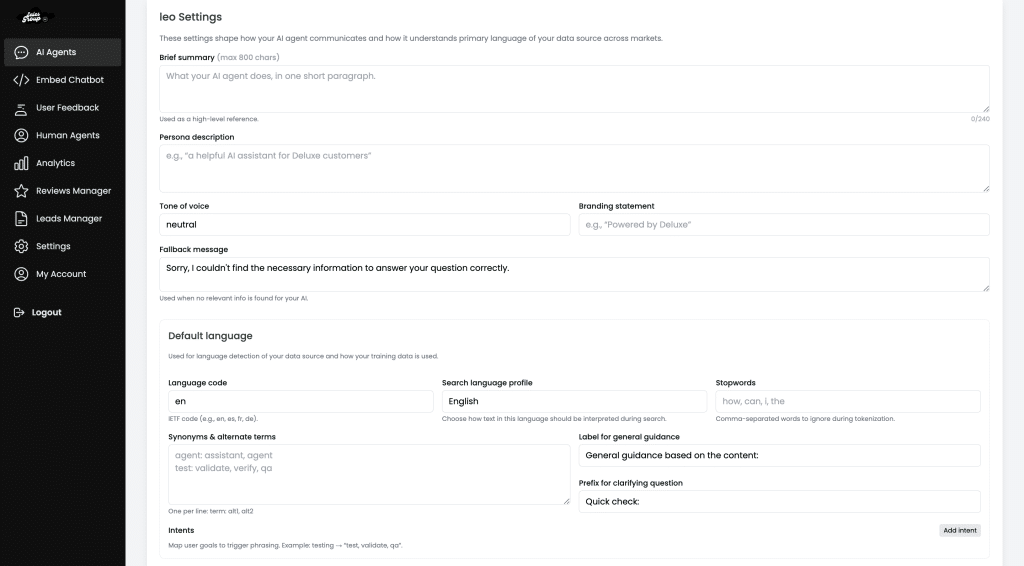
If your bot uses NLP, you’ll need to train your chatbot with sample queries and responses. This process helps the chatbot learn to identify user intent and respond appropriately. Training can be done by:
- Defining Intents: Identify various intents that represent the goals of users (e.g., “place an order,” “track my shipment,” etc.).
- Creating Entities: Entities are specific pieces of data the bot should recognize within an intent (e.g., a product name, location, or order number).
- Feeding Sample Queries: Provide sample sentences for each intent so the AI can learn to identify user goals based on different wordings.
Step 5: Test and Refine
Once your chatbot is built, conduct testing to ensure it performs as expected. Some key testing methods include:
- Alpha Testing: Conduct internal testing to find obvious errors.
- Beta Testing: Roll out the chatbot to a small group of real users for feedback.
- Ongoing Training: AI chatbots improve over time with use. Regularly review transcripts, add more responses, and refine intents to enhance accuracy.
Step 6: Deploy and Integrate
Deploy the chatbot on your website, ensuring it’s visible but not intrusive. Decide where it will appear—such as on specific product pages, your homepage, or within a customer support portal. You can embed chatbots as:
- Pop-ups or Widgets: Commonly located in the bottom right corner.
- Dedicated Pages: Create a “Chat with Us” page for in-depth help.
- Social Media Integrations: Consider adding it to platforms like Facebook Messenger or WhatsApp.
Related: How to install Salesgroup AI on Jimdo
Step 7: Monitor Performance and Optimize
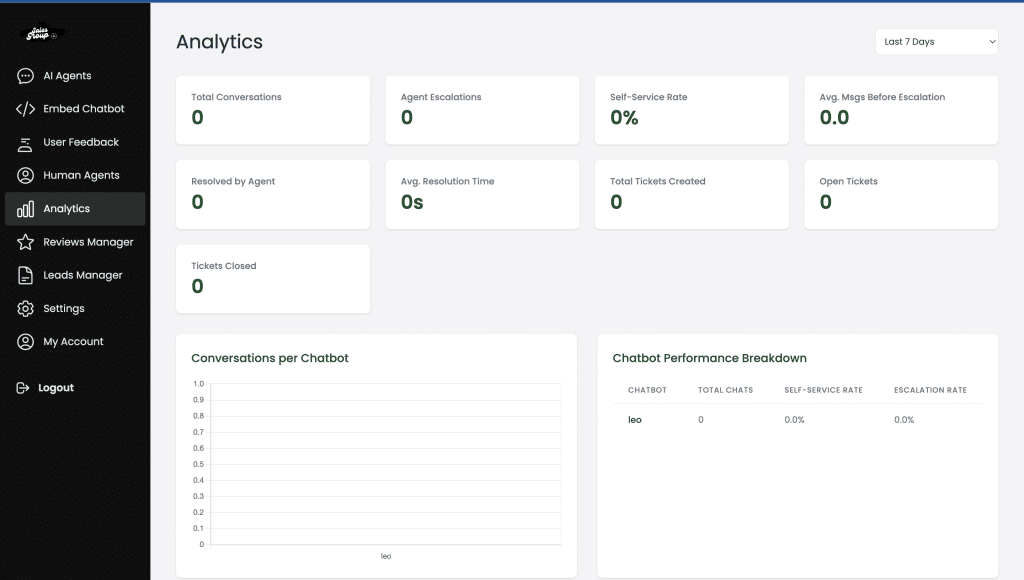
Post-launch, it’s essential to track your chatbot’s performance. Key metrics include:
- Response Accuracy: Track how often the bot answers questions correctly.
- User Satisfaction: Gather user feedback to assess satisfaction.
- Engagement Rates: Check how often users engage with the bot.
- Conversion Rates: Measure if the bot effectively drives conversions or leads.
Regularly update the bot’s knowledge base, review logs for common misunderstandings, and continuously train the bot on new queries and responses.
How to Set Up a Chatbot on SalesGroup
If you’re ready to use a customer AI service agent for your customer interactions, an AI agent like SalesGroup — integrated with your existing self-service options and customer intents — is the right way to go. Here’s how to set it up:
1. Navigate to the SalesGroup Website
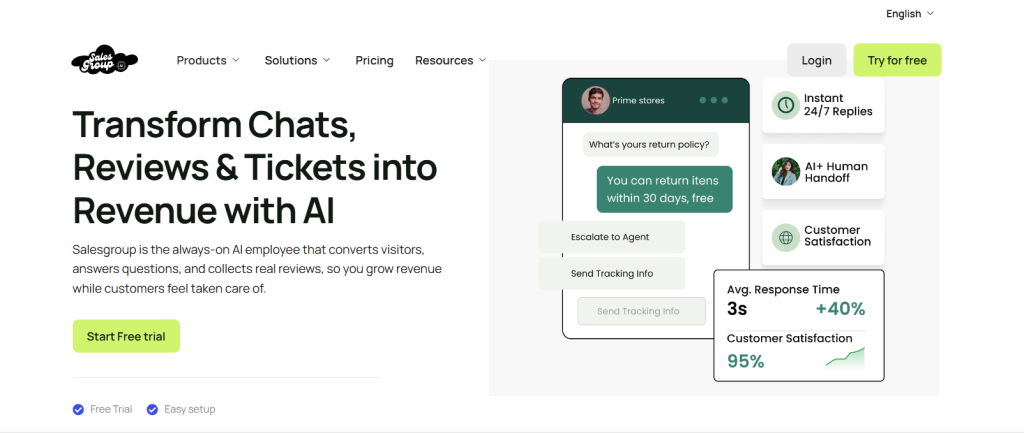
On the Salesgroup website, Tap on Log In or Try for Free to access your dashboard.
2. Click “Create Chatbot”
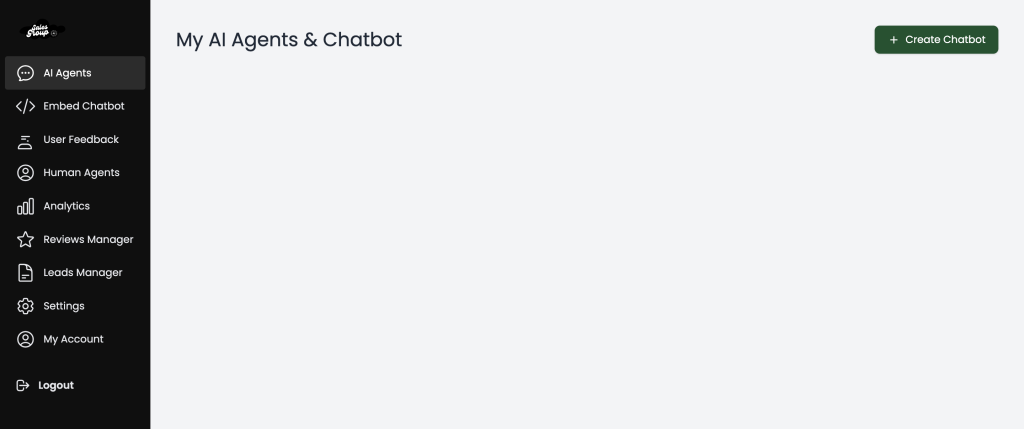
On your dashboard, locate the Create Chatbot button at the top right corner and tap on it.
3. Name Your Chatbot
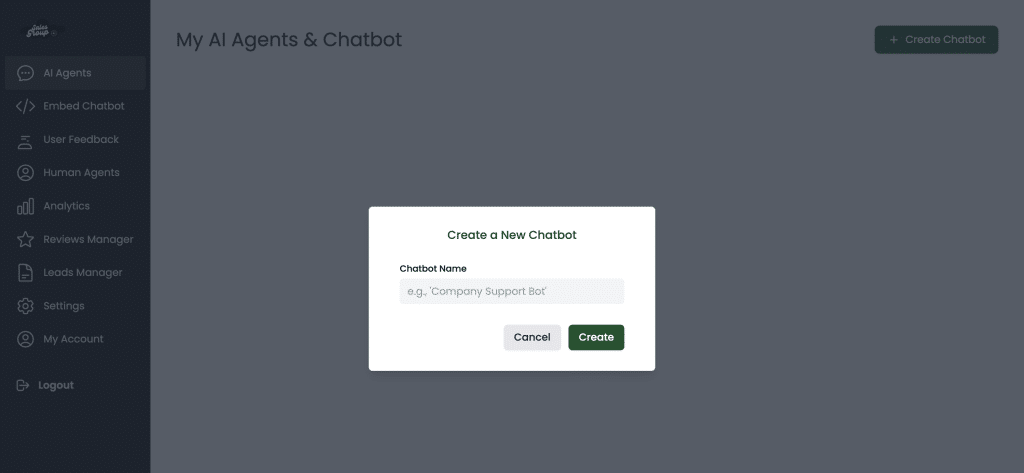
A pop-up widget will appear asking you to name your chatbot. Choose a suitable name.
If you need help, read our article on Chatbot Names.
4. Customize Your Chatbot
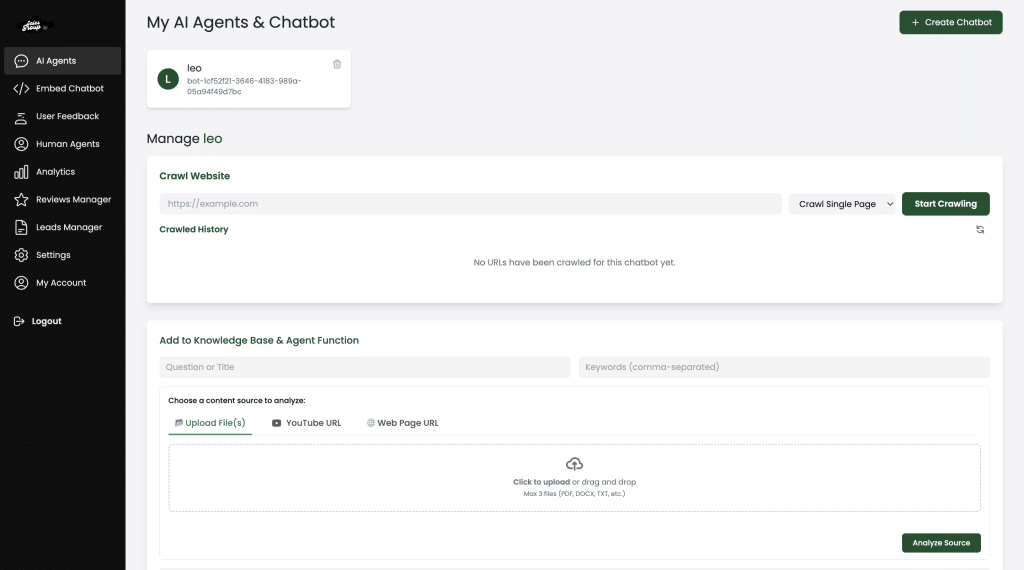
Set up your welcome message, knowledge base, default replies, brand colors, workflows, and business hours.
5. Integrate Your AI Agent
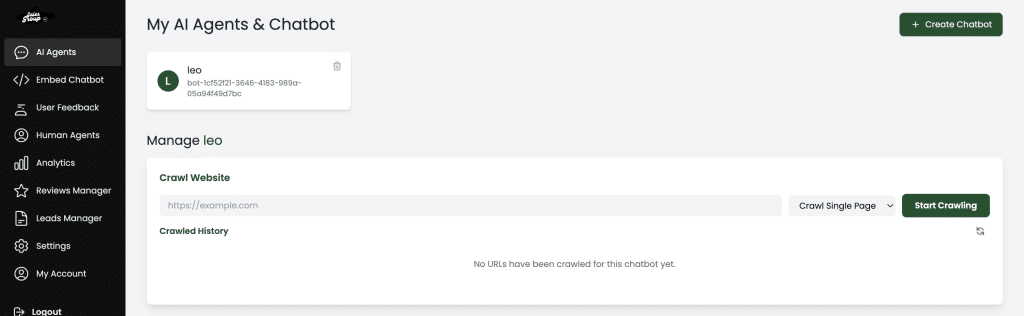
Connect your chatbot to your website, CRM, help desk, or CMS using SalesGroup’s integration options.
6. Train Your Chatbot
Add FAQs, knowledge base content, and customer intents to help your bot respond accurately.
8. Publish Your Chatbot
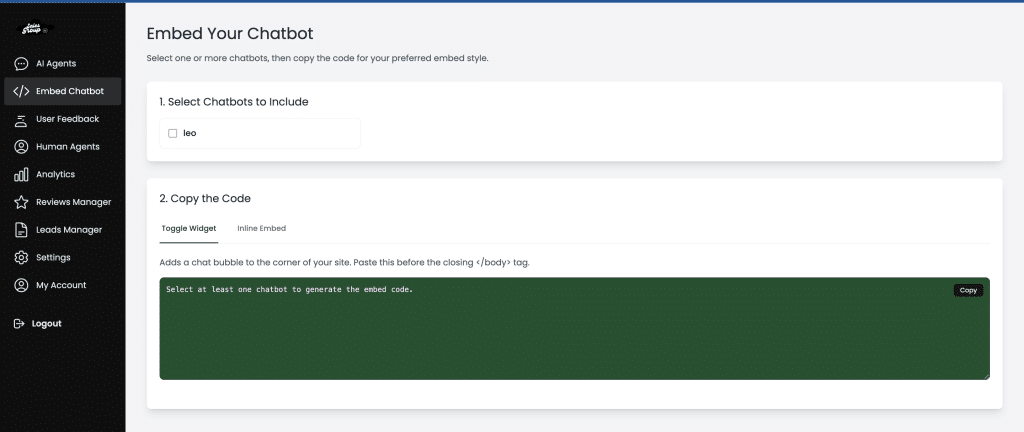
Copy the installation script provided and paste it into your website — or activate the chatbot through your CMS plugin.
Final Thoughts
Creating an AI chatbot may seem complex, but it’s incredibly rewarding. A well-designed chatbot can handle thousands of user queries simultaneously, providing instant responses and freeing up human agents for more critical tasks. By following this guide, you’ll be able to design, build, and deploy an AI chatbot that enhances your site’s user experience and drives business results.
Ready to get started? Choose the right tools, map out your objectives, and watch as your AI chatbot transforms the way your business interacts with customers.
FAQs
What is an AI chatbot, and how does it work?
AI chatbots use artificial intelligence and natural language processing to understand and respond to user questions automatically. They can simulate human conversation, assisting users efficiently.
Is coding knowledge necessary to create a chatbot?
No, platforms like SalesGroup AI are designed for non-technical users, offering drag-and-drop interfaces and ready-made templates.
What features should I prioritize in a chatbot?
Prioritize NLP capabilities for better user understanding, custom branding options, and a robust conversation flow design to ensure smooth interactions
How can I measure the success of my chatbot?
Use analytics to monitor user engagement, completion rates, and customer satisfaction scores. These metrics help you evaluate effectiveness and make improvements.
Can I update or improve my chatbot after launching?
Absolutely. Chatbots on platforms like SalesGroup AI are fully customizable and can be updated based on user feedback and business needs.
Are chatbots expensive to maintain for small businesses?
Not necessarily. Many chatbot platforms offer scalable pricing plans, making it affordable for small businesses to deploy and maintain chatbots.
