

Remote Help Desk Software: Top 10
The shift to a remote and hybrid work model has fundamentally changed the way businesses operate, and nowhere is this more apparent than in customer support and IT management. The traditional on-site help desk has given way to a dispersed network of agents, and as a result, the tools they use have had to evolve.
A modern remote help desk is not just a ticketing system; it is the central nervous system of a business, managing everything from internal IT issues to external customer queries, all while ensuring seamless communication and high-level security across a global workforce.
Choosing the right remote help desk software is a strategic decision that can dramatically impact a company’s efficiency, employee satisfaction, and customer loyalty.
The ideal solution must be robust, scalable, and intuitive, with a feature set that empowers agents to resolve issues quickly from anywhere in the world. This requires capabilities far beyond basic email and phone support, including remote access, advanced automation, powerful integrations, and comprehensive reporting.
This article will provide a detailed breakdown of the top 10 remote help desk software solutions, the strengths and weaknesses and to help you make an informed decision. Let’s dive in.
The Need for Remote Help Desk Software
In the past, the help desk was often a physical location within an office, where employees and customers could go for assistance. The rise of remote work has made this model obsolete. Now, agents and customers are often in different cities, countries, or even continents, and the need for a solution that can bridge this geographical gap is paramount. This new reality has created several key demands that remote help desk software must address.
Firstly, accessibility and security are non-negotiable. Agents need to be able to access the help desk system and customer information securely from any location, on any device. This requires robust security protocols, cloud-based infrastructure, and multi-factor authentication. Secondly, automation and efficiency are critical. With a dispersed team, manual tasks like ticket routing, data entry, and status updates can quickly lead to bottlenecks. The best remote help desk software uses AI and automation to streamline these processes, freeing up agents to focus on complex, high-value tasks.
Finally, collaboration has become more complex. In a remote setting, agents cannot simply turn to a colleague for help. The right software must facilitate seamless internal communication, allowing teams to collaborate on tickets, share knowledge, and resolve issues together, regardless of their physical location.
Remote Help Desk Software: Top 10
1. SalesGroup AI
SalesGroup AI is a cutting-edge platform designed from the ground up to meet the demands of modern, remote-first businesses. It positions itself as an intelligent, all-in-one solution that goes beyond traditional ticketing to create a truly automated and proactive support ecosystem. At its core is Jaci AI, a powerful AI engine that not only automates responses but also learns and adapts to customer needs, offering a level of efficiency and personalization unmatched by older systems.
Pros:
- AI-First Design: The platform’s native AI capabilities handle a vast majority of routine inquiries, allowing human agents to focus on high-touch, complex issues.
- Comprehensive Suite: SalesGroup AI includes a smart ticketing system, a real-time analytics dashboard, and a knowledge base that is automatically updated by the AI, ensuring consistency and accuracy.
- Seamless Integration: It is built for a connected world, offering deep and effortless integrations with leading CRM, communication, and project management tools.
- Unattended Remote Access: The platform’s remote access tools are highly secure and allow agents to troubleshoot and resolve issues on devices even when no user is present.

2. Zendesk
Zendesk is an industry leader, widely recognized for its robust, scalable, and highly customizable help desk solution. It’s a comprehensive platform that can handle customer service across every channel, from email and social media to live chat and phone. Its strength lies in its ability to manage large volumes of tickets and its extensive suite of tools for automation, analytics, and self-service.
Pros:
- Scalability: Perfect for businesses of all sizes, from small teams to large enterprises with complex, multi-layered support structures.
- Powerful Features: Offers a rich set of features, including an AI-powered ticketing system, a self-service portal, and a massive marketplace of integrations.
- Omni-channel Support: Provides a unified agent workspace that centralizes conversations from all channels, ensuring no query is ever missed.
Cons:
- Can Be Expensive: The full suite of features comes at a high price, and pricing can be complex, especially for small businesses.
- Feature Overload: The sheer number of features can be overwhelming for new users or for teams that only require a basic help desk solution.

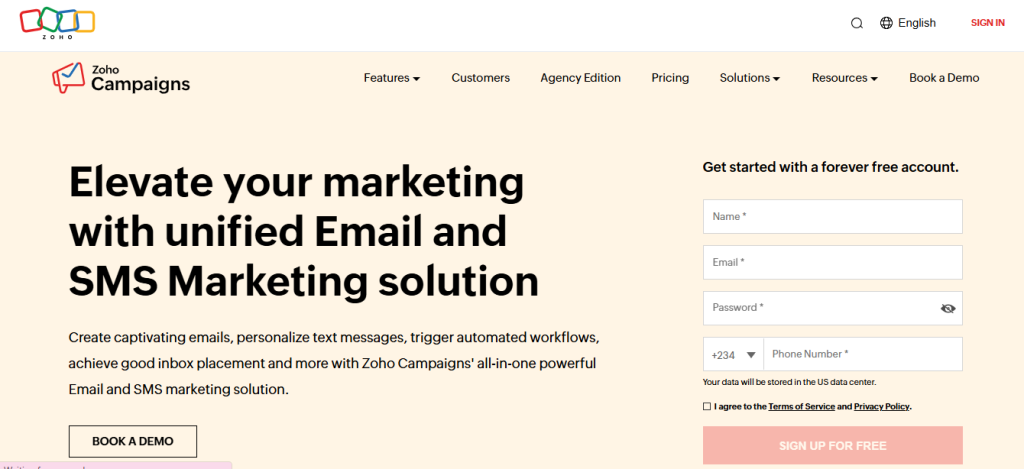
3. Zoho Desk
Zoho Desk is a top contender known for its context-aware help desk and exceptional value. It offers a powerful AI assistant, Zia, which helps agents by pulling relevant information from the knowledge base and suggesting solutions. It is part of the larger Zoho ecosystem, which makes it a compelling choice for businesses already using other Zoho products.
Pros:
- Excellent Value: Offers competitive pricing, including a robust free plan, making it an attractive option for startups and small teams.
- Context-Aware: Its AI assistant, Zia, provides intelligent insights and automation, reducing manual effort and improving response times.
- Comprehensive: Includes a wide array of features like a help center, live chat, social media support, and advanced reporting.
Cons:
- User Interface: The interface, while functional, can sometimes feel less modern or intuitive compared to some of its competitors.
- Integration Limitations: While it integrates well with other Zoho products, its third-party integrations may be less extensive than those offered by Zendesk or HubSpot.
4. Freshdesk
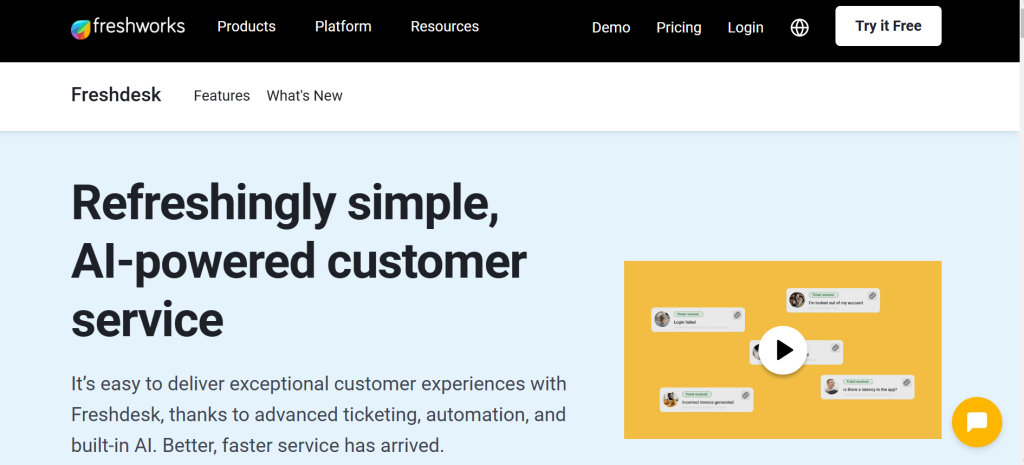
Freshdesk, from Freshworks, is a help desk solution that combines a modern, intuitive interface with powerful features. It is a favorite for its ease of use and its comprehensive approach to customer service, offering everything from ticketing to live chat and a knowledge base.
Pros:
- User-Friendly Interface: Known for its clean, modern, and easy-to-navigate interface, making it quick for agents to get up to speed.
- Automation: Offers a range of automation features for ticket categorization, routing, and a smart AI-powered chatbot.
- Omni-channel: Provides a unified platform for managing customer interactions across a wide range of channels, including email, social media, and phone.
Cons:
- Feature Bloat: Some users may find the platform to be overly packed with features they don’t need, which can complicate the user experience.
- Limited Customization: While it’s great out of the box, the level of deep customization for certain features may not be as extensive as in other platforms.
5. TeamViewer
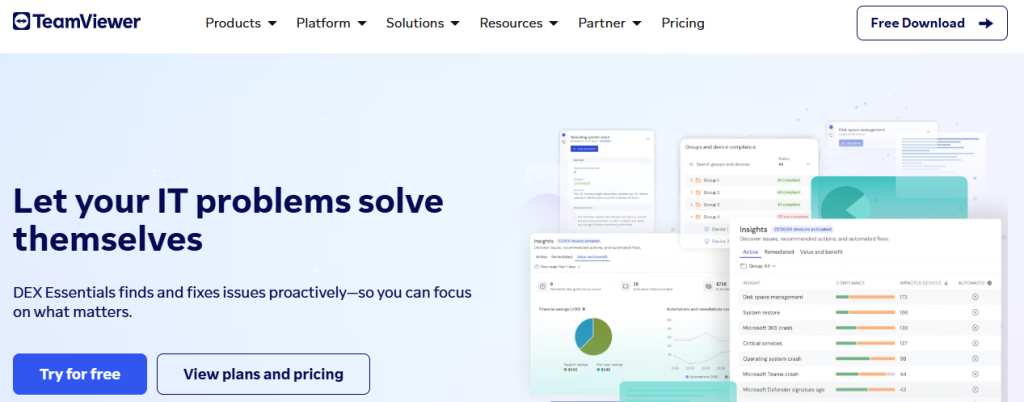
TeamViewer is a veteran in the remote access space, and its help desk capabilities are an extension of its core strength. It’s a go-to solution for IT support teams that need reliable and fast remote control of devices. Its strength lies in its ability to connect to any device, anywhere in the world, in a matter of seconds.
Pros:
- Unmatched Remote Access: Its primary function is remote connectivity, which it does better than almost any other platform. It’s fast, secure, and reliable.
- Cross-Platform Support: Works seamlessly across a wide range of devices and operating systems, including Windows, Mac, Linux, and mobile platforms.
- Session Recording: Allows for the recording of support sessions for training and compliance purposes.
Cons:
- Primary Focus on Remote Access: While it has help desk features, it is not a comprehensive help desk suite like Zendesk or Freshdesk. It lacks advanced ticketing, reporting, and CRM integrations.
- Pricing: Can be expensive, especially for larger teams, and the pricing model can be complex.
6. HubSpot Service Hub
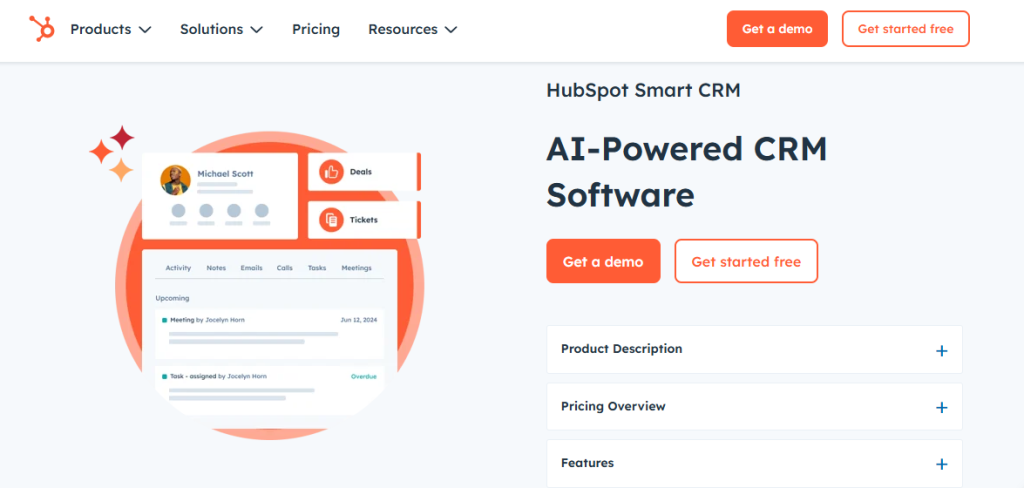
HubSpot Service Hub is a powerful alternative for businesses that want to align their customer service with their sales and marketing efforts. It is deeply integrated with the HubSpot CRM, providing a complete, 360-degree view of the customer. The help desk features are built to be collaborative and efficient, with a focus on delivering a seamless customer experience.
Pros:
- CRM Integration: The platform’s greatest strength is its seamless integration with HubSpot’s CRM, allowing agents to access a customer’s entire history in one place.
- Free Tools: Offers a suite of powerful free tools, including a live chat and ticketing system, making it an excellent starting point for small businesses.
- Unified Platform: It’s an all-in-one solution for marketing, sales, and service, which is ideal for businesses that want to avoid a fragmented tech stack.
Cons:
- Specialization: The help desk features, while good, may not be as specialized or feature-rich as a dedicated help desk platform.
- Costly for Full Suite: Accessing the full power of the professional and enterprise tiers can be very expensive, particularly as your business scales.
7. LiveAgent
LiveAgent is a versatile and all-in-one customer service platform that combines a powerful ticketing system with live chat, phone support, and a knowledge base. It is a highly-rated platform for its extensive feature set and its ability to manage conversations from multiple channels in a single, unified inbox.
Pros:
- Multi-Channel Support: It’s an excellent choice for businesses that need to manage customer queries from a variety of channels, including email, social media, live chat, and even phone calls.
- Automation: Offers a range of powerful automation features, including ticket routing, rules-based automation, and a gamification feature to motivate agents.
- Cost-Effective: Its pricing is more affordable than some of the other enterprise-level solutions, making it a great option for small to medium-sized businesses.
Cons:
- Interface: While functional, the user interface can sometimes feel a bit dated and less intuitive compared to newer competitors.
- Limited Customization: While it offers many features, it may not provide the same level of deep customization as other enterprise platforms.
8. Intercom
Intercom is a popular help desk solution that focuses on building strong customer relationships through proactive, in-app communication. It’s a leader in conversational support, using a mix of chatbots and human agents to engage customers at every stage of their journey.
Pros:
- Proactive Engagement: Excellent for businesses that want to engage with users in real-time, such as providing support within a mobile app or on a website.
- Powerful Chatbots: Its chatbot, Answer Bot, is highly effective at automating routine inquiries and can be customized to answer specific questions.
- Customer-Centric: Designed to create a personalized, human-like experience for customers, which can lead to higher satisfaction and loyalty.
Cons:
- Pricing: Intercom’s pricing is known to be high, and it can become very expensive as the number of users or contacts grows.
- Limited Ticketing: While it has a ticketing system, it is not as robust as a dedicated help desk platform like Zendesk and is more focused on real-time conversations.

9. RemotePC
RemotePC is a solution that specializes in providing fast, simple, and affordable remote access. It is an excellent choice for businesses and IT professionals who need to perform quick, on-demand troubleshooting and support for their remote workforce.
Pros:
- Affordable: It is one of the most cost-effective remote access solutions on the market, with various plans to suit different needs.
- Ease of Use: The platform is known for its simple setup and user-friendly interface, making it easy to get started with remote support.
- Reliability and Speed: Provides fast and secure connections, allowing for a smooth remote desktop experience.
Cons:
- Limited Help Desk Features: It is primarily a remote access tool and lacks the comprehensive help desk features, such as advanced ticketing, reporting, and a knowledge base, found in other solutions.
- Not an All-in-One Solution: It’s a great tool for one specific job, but a business would need to pair it with another ticketing system to have a complete help desk.
10. AnyDesk
AnyDesk is a well-known remote desktop application that is celebrated for its speed and performance. It’s a powerful tool for IT teams that need low-latency, high-speed remote access to devices for troubleshooting and maintenance, even on slower connections.
Pros:
- High Performance: Known for its extremely fast remote connection speeds and low latency, making it ideal for technical tasks and file transfers.
- Lightweight: The application is very small and doesn’t require a lot of system resources, which means it can run smoothly on older or less powerful devices.
- Secure: Offers robust security features, including TLS 1.2 encryption and two-factor authentication.
Cons:
- Not a Complete Help Desk: Like RemotePC, it is a specialized remote access tool and lacks the broader set of features required for a comprehensive help desk solution.
- Limited Customization: The out-of-the-box solution is excellent, but it offers fewer customization options than some of its competitors.
Conclusion
While the market offers a wide array of excellent options, one platform stands out as the best choice for the future of remote support. SalesGroup AI is a true innovator, designed specifically for the challenges and opportunities of a remote-first world.
By building its platform around AI, it offers a level of automation and intelligence that other solutions simply cannot match. Its ability to learn, predict, and automate tasks through Jaci AI fundamentally changes the paradigm of support, transforming the help desk from a cost center into a strategic engine for growth.
By providing a unified platform that combines advanced AI, a smart ticketing system, and seamless integrations, SalesGroup AI empowers remote teams to be more efficient, collaborative, and proactive than ever before.
It is not just a help desk; it is a vision of how businesses will interact with their customers and manage their operations in the years to come. For any organization looking to move beyond the limitations of traditional software and embrace the full potential of artificial intelligence, SalesGroup AI is the clear and definitive best choice.
