

7 Best AI Chatbot Software for Businesses
There are countless AI chatbot software options available online, but not all are built to suit your business needs. Finding one that integrates seamlessly with your systems, aligns with your goals, and actually enhances customer interactions is what truly matters.
In this article, we’ll highlight the 10 best AI chatbot software that strike the right balance between intelligence, usability, and performance.
What Are AI Chatbots and How Do They Work?
AI chatbots are software applications designed to simulate human conversation. They use artificial intelligence, mainly natural language processing (NLP) and machine learning (ML), to understand user inputs, interpret intent, and respond in a natural, human-like way.
Unlike rule-based bots that rely on predefined scripts and fixed answers, AI chatbots can learn from interactions and improve over time. They analyze patterns in conversation data, recognize context, and adapt their responses to deliver more accurate and relevant replies.
Here’s a simple breakdown of how they work:
- User Input: The chatbot receives a message from a user (text or voice).
- Intent Recognition: The chatbot’s NLP engine analyzes the input to understand what the user wants.
- Processing: Using ML algorithms and sometimes connected databases or APIs, it determines the best possible response or action.
- Response Generation: The chatbot delivers a reply, either from a predefined answer, a dynamically generated one, or by performing an action such as placing an order or fetching information.
- Learning and Improvement: Over time, the chatbot learns from user feedback and conversation data to refine its responses and accuracy.
Types of AI Chatbots
AI chatbots come in different forms, depending on how they’re built and the problems they solve. Understanding these types helps you pick the right one for your business goals.
- Rule-Based Chatbots
These bots follow a set of predefined rules and respond based on keywords or decision trees. They’re ideal for handling simple, repetitive queries such as FAQs or order status checks. - AI-Powered Chatbots
These chatbots use natural language processing (NLP) and machine learning to understand user intent, context, and tone. They can handle complex interactions, learn from past conversations, and improve responses over time. - Contextual Chatbots
Contextual bots use data from previous interactions to personalize conversations. They remember user preferences and behaviors, making them great for customer support and personalized marketing. - Voice-Enabled Chatbots
These are powered by speech recognition and voice synthesis technologies. Users can interact with them using voice commands, similar to Alexa or Google Assistant. - Hybrid Chatbots
Hybrid chatbots combine rule-based systems with AI capabilities. They can handle both structured queries and more open-ended conversations, offering flexibility for businesses that need both automation and intelligence.
Related: Chatbot types: [Classification & Categories]
How to Choose the Best Chatbot Platform
Selecting the right chatbot platform depends on your business goals, technical requirements, and customer needs. Here are the key factors to consider:
- Ease of Use
Look for platforms with a user-friendly interface and drag-and-drop builders so your team can design workflows without coding. - Integration Capabilities
Ensure the chatbot integrates seamlessly with your CRM, website, social media, and messaging apps like WhatsApp, Facebook Messenger, or Telegram. - NLP and AI Features
A good chatbot should understand natural language, detect intent, and learn from user interactions to improve accuracy over time. - Customization and Branding
Choose a platform that allows you to tailor the chatbot’s tone, style, and appearance to reflect your brand personality. - Analytics and Reporting
The platform should provide insights into user behavior, conversation quality, and conversion metrics to help you measure performance. - Scalability
As your business grows, the chatbot should handle increased traffic and support multiple languages or regions if needed. - Human Handoff
Look for chatbots that allow smooth transition from bot to human agents for complex issues. - Pricing and Support
Compare pricing models and ensure the provider offers reliable technical support and regular updates.
7 Best AI Chatbot Software for Businesses 2025
Salesgroup AI

SalesGroup AI is an all-in-one AI-driven customer engagement platform designed to help businesses automate conversations, support, and lead generation. It combines live chat, chatbot automation, helpdesk ticketing, and review management in one unified dashboard.
The AI chatbot can greet visitors, answer questions, recommend products or services, collect reviews, and route conversations to live agents when necessary. SalesGroup AI also integrates analytics and performance tracking tools to help businesses understand engagement patterns and improve customer experiences.
Pros
- Combines multiple tools—chatbot, live chat, ticketing, and reviews—into one platform, reducing the need for multiple systems.
- Quick setup with an easy onboarding process and minimal technical requirements.
- Helps boost sales and conversions through lead capture, personalized responses, and automated follow-ups.
- Supports multiple communication channels, including website chat and social platforms like Telegram and Instagram.
- Offers solid reporting features to monitor customer interactions and agent performance.
2. Zendesk
Best for: Scalable, AI-driven customer service and support
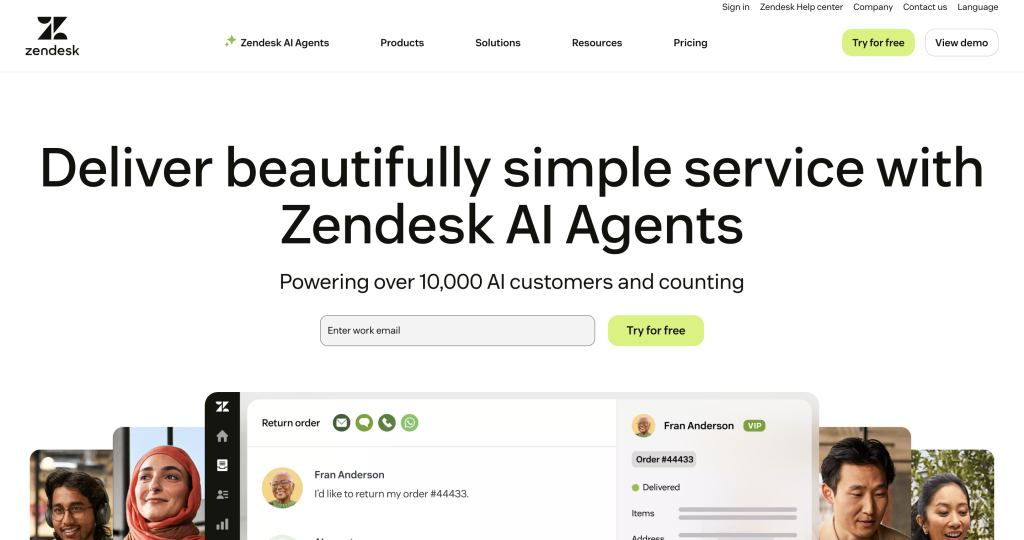
Zendesk is an AI-powered customer service platform designed to simplify operations and elevate customer experiences. It’s easy to set up, use, and scale, offering out-of-the-box features that can be customized without heavy IT involvement.
Built on billions of real customer interactions, Zendesk’s AI helps automate workflows, streamline case management, and deliver personalized support across all major channels—including chat, social media, email, and phone.
The platform also includes advanced tools such as Zendesk QA, which uses AI to evaluate and improve agent performance, and Workforce Management, which optimizes staffing and productivity during peak times. With over 1,800 third-party integrations in its marketplace, Zendesk provides flexibility for businesses of all sizes to create a unified, efficient support system.
Pros:
- Intuitive, user-friendly interface for both agents and admins
- Robust automation and AI-powered workflow optimization
- Omnichannel support across chat, email, social, and voice
- Easy integration with thousands of third-party apps
- Strong analytics and reporting for performance tracking
Cons:
- Pricing may be high for small businesses or startups
- Initial setup can feel complex for beginners
- Some advanced features may require training or technical support
3. ProProfs Chat
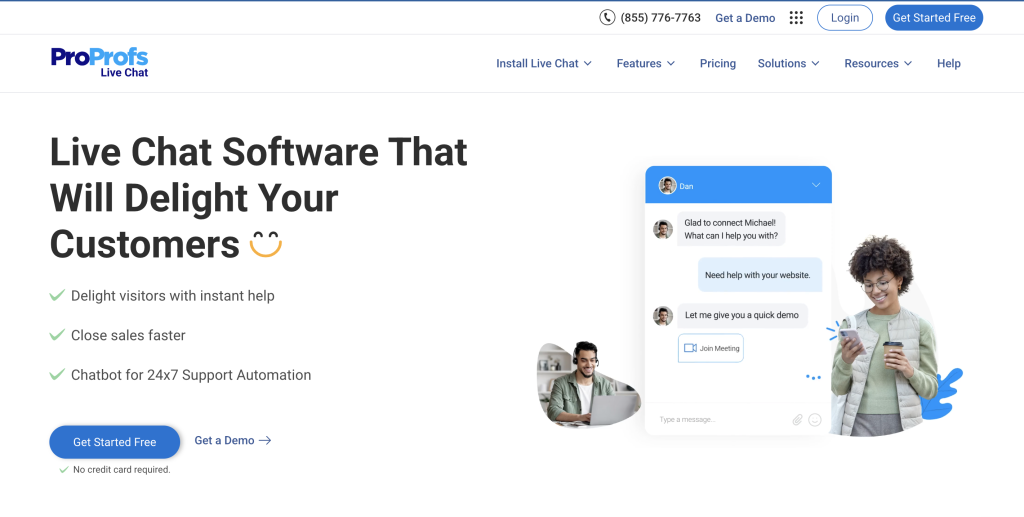
ProProfs Chat is a responsive live chat software built to help businesses of all sizes connect with customers and website visitors in real time. It simplifies customer communication, enabling teams to provide instant support and build meaningful, personalized interactions effortlessly.
With its intuitive interface and powerful analytics, ProProfs Chat empowers businesses to monitor visitor behavior, deliver proactive chat invitations, and make data-driven decisions that enhance customer experience.
The platform includes advanced tools such as co-browsing, file sharing, callback requests, and post-chat surveys for feedback collection. It also offers flexible customization options for the chat widget, real-time visitor tracking, third-party integrations, and comprehensive reporting dashboards.
ProProfs Chat ensures security and reliability with multi-location data backups, privacy protection, and 24/7 online support.
Pros
- Easy to integrate and suitable for small, medium, and enterprise-level businesses.
- Real-time visitor monitoring and proactive chat invitations enhance engagement.
- Robust analytics and reporting tools help track performance and customer behavior.
- Offers co-browsing, file sharing, and post-chat surveys for improved support quality.
- 24/7 customer support and a dedicated success manager ensure smooth implementation.
Cons
- Lacks advanced chatbot automation features found in more AI-driven platforms.
- Limited customization for the operator’s dashboard, making it less flexible for personalized metrics.
- The chat interface could benefit from more modern design options.
4. Fin by Intercom
Best for: High-performance AI automation and instant customer support
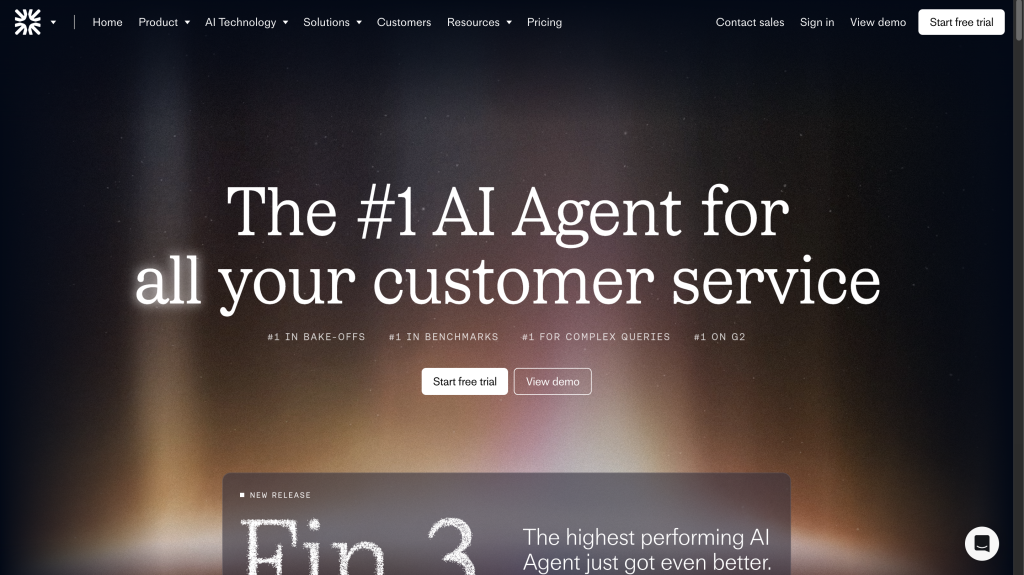
Fin by Intercom is one of the top-performing AI agents in the customer service space, built to handle complex queries and deliver accurate resolutions at scale. It combines generative AI with deterministic rules to act like your best support agent—fast, consistent, and reliable.
Fin automates advanced support tasks such as refunds, transaction disputes, and technical troubleshooting. With its no-code setup, anyone on your team can configure and manage it without technical expertise. It integrates seamlessly with major helpdesk systems like Zendesk, Salesforce, and HubSpot, eliminating the need for migration.
Powered by the proprietary Fin AI Engine™, every layer of the system is optimized for precision and speed. Fin also offers full visibility and control, enabling teams to analyze, train, test, and deploy the AI agent across all communication channels.
Pros:
- Handles complex, high-volume queries efficiently
- Simple, no-code setup for quick deployment
- Integrates with popular platforms like Zendesk, HubSpot, and Salesforce
- Affordable pricing starting at $0.99 per resolution
- Proven performance with measurable resolution rates
Cons:
- Can struggle with nuanced or highly technical queries
- Limited documentation for advanced customization
- May occasionally produce incomplete or off-context responses
5. Zoho Desk
Best for: Businesses seeking an affordable, customizable help desk solution
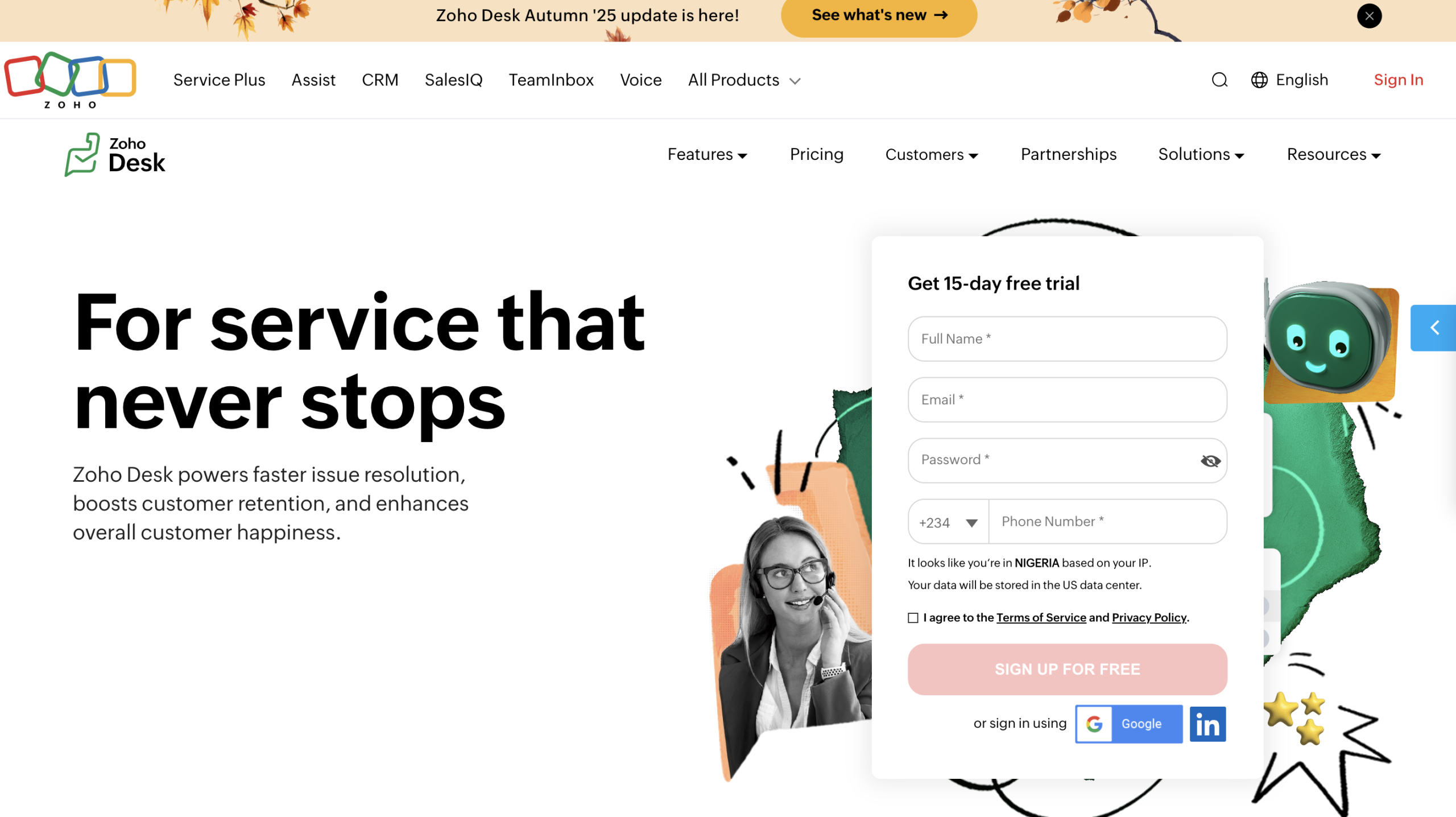
Zoho Desk is Zoho’s flagship web-based help desk software designed to help companies deliver lasting customer experiences. It centralizes communication across multiple channels, empowering teams to manage support requests efficiently while improving customer satisfaction.
With Zoho Desk, businesses can provide seamless omnichannel support, automate repetitive tasks, and access real-time performance insights all without heavy technical setup or high costs. The platform integrates easily with popular apps, allowing businesses to streamline workflows and unify customer data across email, chat, social media, and phone channels.
Zoho Desk’s AI-powered tools, such as Zia (Zoho’s AI assistant), enhance agent productivity by suggesting solutions, prioritizing tickets, and providing analytics. Its intuitive interface and customizable dashboards make it easy to tailor the experience to different team needs, whether you’re a small business or a growing enterprise.
Pros:
- Intuitive and easy-to-use interface with quick setup
- Strong automation and workflow management tools
- Robust integrations with other Zoho apps and third-party tools
- Affordable pricing compared to other enterprise solutions
- Effective ticket management and omnichannel communication
Cons:
- Steep learning curve for advanced features
- Limited customization on lower-tier plans
- Some users report missing or restricted features without upgrades
- Occasional usability issues with hidden UI elements
- Limited training resources for onboarding new users
Best for: Businesses seeking a unified, AI-enhanced helpdesk for multichannel support
6. Freshdesk
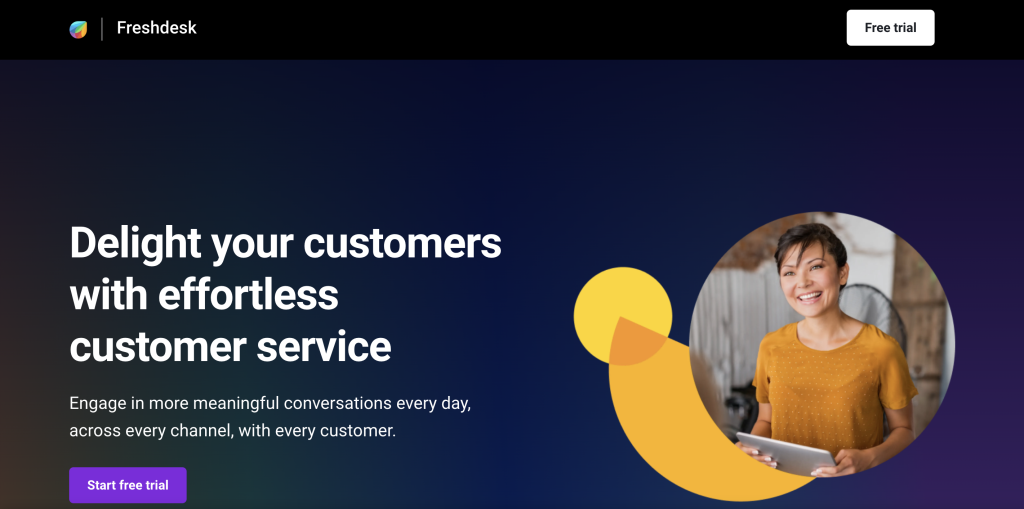
Freshdesk, a product of Freshworks Inc., is a cloud-based helpdesk solution that simplifies customer service by turning inquiries from email, chat, social media, web, and phone into organized tickets. It provides a unified dashboard for managing all customer conversations, ensuring teams can collaborate efficiently and deliver timely resolutions.
With its AI-powered automation, Freshdesk intelligently assigns tickets, prioritizes issues, and suggests responses to agents. The platform also supports canned replies, predictive support, and field service management, making it suitable for both in-house and remote support teams.
Pros:
- Clean, user-friendly interface with quick setup
- Powerful automation and AI tools for ticket management and routing
- Omnichannel support across chat, phone, email, and social media
- Strong integration ecosystem with 150+ third-party apps
- Reliable analytics and reporting features for performance tracking
Cons:
- Advanced features and integrations often require higher-tier plans
- Reporting and custom dashboard options could be more flexible
- Mobile app offers limited functionality compared to the web version
- System performance may slow down with high ticket volumes
- Some integrations and workflows require technical knowledge to configure
7. Tidio

Tidio is an all-in-one AI customer support platform that combines live chat, chatbot automation, help desk ticketing, and an AI-powered support agent called Lyro. From a single dashboard, businesses can manage communication across multiple channels including email, WhatsApp, Messenger, and Instagram.
Tidio’s Flows feature allows users to build chatbot-like automations for answering FAQs, capturing leads, and resolving issues instantly. Meanwhile, Lyro uses your knowledge base and FAQs to provide accurate, human-like responses in your brand’s tone of voice, reaching up to a 64% resolution rate for customer queries.
Pros
- Unified dashboard for multichannel communication.
- Easy-to-use visual builder for chatbot automation.
- Lyro efficiently automates responses using your existing knowledge base.
- Integrates well with popular tools like Shopify, Wix, and WordPress.
Cons
- Chatbot automation is not available in the free plan.
- The trial period is short (only seven days), which may not be enough for new users to explore all features.
- Some automation options lack flexibility and require trial and error.
- Advanced analytics and customization tools are limited to higher-tier plans.
- The mobile app can be less responsive during heavy usage.
Conclusion
Choosing the right AI chatbot software comes down to finding a solution that aligns with your business goals, integrates seamlessly with your existing systems, and truly enhances customer experience.
While platforms like Fin, Tidio, and Zendesk offer powerful automation and engagement tools, SalesGroup AI stands out as an all-in-one solution designed to help businesses not only respond faster but also connect smarter.
With intelligent automation, omnichannel support, and analytics that drive growth, SalesGroup AI empowers your brand to turn every customer conversation into an opportunity for retention, loyalty, and sales.
