

8 Best Social Media Customer Service Software of 2026
Customer interactions are happening more frequently on social media platforms. Businesses need to be present where their customers are, responding to inquiries, addressing concerns, and maintaining brand reputation.
Social customer service software helps businesses streamline customer support across platforms like Facebook, Twitter, Instagram, and LinkedIn. These tools not only improve response times but also enhance customer satisfaction by providing personalized support.
From automation and AI-driven responses to sentiment analysis and CRM integration, social customer service software enables businesses to offer efficient and effective support.
This guide, we will explore the best social media customer service tools available, their key features, and how businesses can choose the right one to enhance their customer service strategy. Let dive in!
What is Social Media Customer Service Software?
Social media customer service software is a specialized tool designed to help businesses manage and respond to customer inquiries, complaints, and feedback across various social media platforms.
These tools streamline communication, ensuring that businesses can provide timely, efficient, and personalized support to their customers. By integrating social media customer service software, businesses can enhance their customer experience, maintain brand reputation, and improve overall engagement with their audience.
Social Media Customer Service Software Comparison Chart
| Software | Features | Platforms Supported |
|---|---|---|
| Salesgroup AI | AI-powered chatbots, omnichannel support, analytics | Facebook, Twitter, Instagram, LinkedIn |
| Zendesk | Omnichannel support, automation, analytics | Facebook, Twitter, Instagram, WhatsApp |
| Hootsuite | Social listening, ticket management, chatbot integration | Facebook, Twitter, LinkedIn, Instagram |
| Sprout Social | AI-driven responses, CRM integration, team collaboration | Facebook, Twitter, Instagram, LinkedIn |
| Freshdesk | Multichannel support, automation, reporting | Facebook, Twitter, WhatsApp, Instagram |
| HubSpot | CRM integration, ticketing system, automation | Facebook, Twitter, LinkedIn, Instagram |
| Zoho Desk | AI-powered assistant, sentiment analysis, workflow automation | Facebook, Twitter, Instagram |
| LiveAgent | Unified inbox, chatbot integration, real-time chat | Facebook, Twitter, Instagram, WhatsApp |
| Khoros | AI-driven analytics, community engagement, workflow automation | Facebook, Twitter, Instagram, LinkedIn |
| Buffer | Scheduling, engagement tracking, analytics | Facebook, Twitter, LinkedIn, Instagram |
| Salesforce Service Cloud | AI-powered chatbots, case management, CRM integration | Facebook, Twitter, Instagram |
| Brandwatch | Social listening, sentiment analysis, real-time reporting | Facebook, Twitter, Instagram, LinkedIn |
The Best Social Media Customer Service Software
1. Salesgroup AI
Salesgroup AI is an advanced customer service platform that leverages AI-powered chatbots, omnichannel support, and real-time analytics to streamline social media customer service. It helps businesses improve response times, automate repetitive tasks, and enhance engagement with customers.

2. SendPulse
SendPulse offers a powerful chatbot for Instagram that helps businesses automate conversations and engage users more efficiently, while also providing chatbot solutions for other popular channels such as WhatsApp, Facebook Messenger, and Telegram.

3. Zendesk
Zendesk is a widely used customer service software that offers omnichannel support, automation, and analytics. It enables businesses to handle inquiries across multiple social media platforms from a single dashboard.

4. Freshdesk
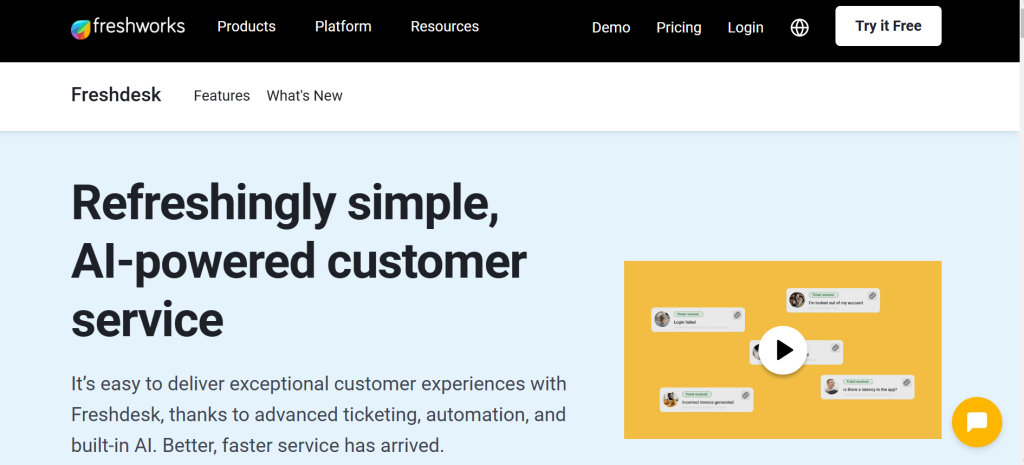
Freshdesk is a comprehensive support tool that provides automation, AI-driven chatbots, and real-time analytics. It helps businesses manage customer queries effectively while integrating with multiple communication channels.
5. HubSpot
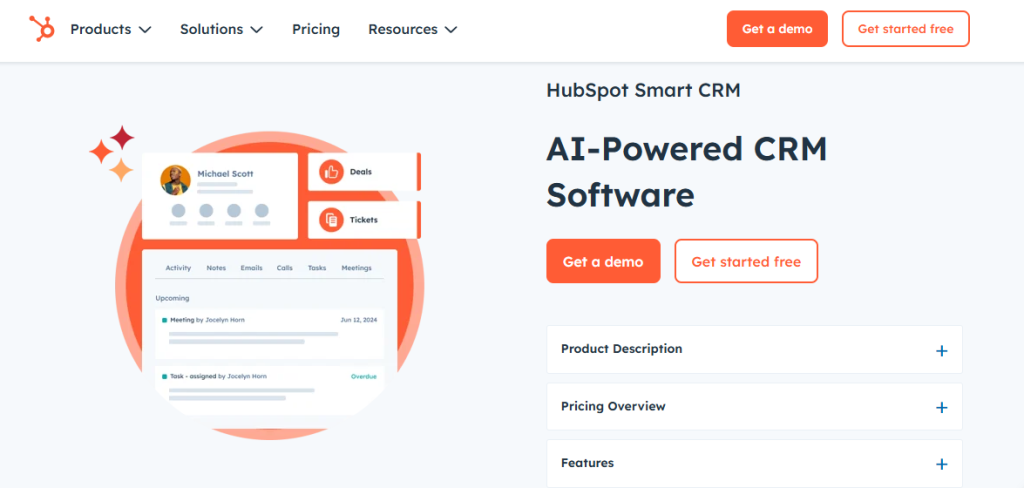
HubSpot’s customer service software includes a robust ticketing system, automation, and CRM integration. It enables businesses to streamline their customer support processes and deliver a better experience.
6. Zoho Desk
Zoho Desk provides AI-powered assistance, sentiment analysis, and workflow automation to improve social media customer service. It helps businesses resolve customer queries efficiently while maintaining high engagement.
7. LiveChat
LiveChat offers a unified inbox, chatbot integration, and real-time chat to ensure quick and effective responses to customer inquiries. It supports multiple social media channels for seamless communication.

8. Salesforce Service Cloud
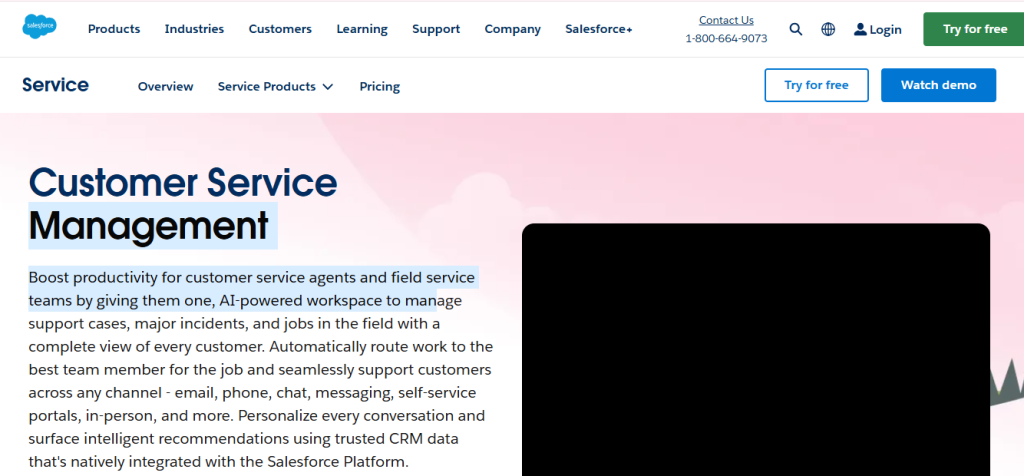
Salesforce Service Cloud provides AI-powered chatbots, case management, and CRM integration. It helps businesses deliver personalized customer service while leveraging advanced data analytics.
Features of Social Media Customer Service Tools
1. Omnichannel Support
Omnichannel support allows businesses to manage customer interactions across multiple social media platforms from a single interface.
This feature ensures seamless communication, reducing the chances of missing inquiries or messages. By centralizing customer interactions, businesses can maintain consistency in their responses and provide a superior customer experience.
2. Automation & AI-Powered Chatbots
AI-powered chatbots automate customer interactions, providing instant responses to frequently asked questions. Automation reduces response time, freeing up human agents to handle more complex issues. These tools also help maintain 24/7 availability, ensuring that customers receive support even outside of business hours.
3. Sentiment Analysis
Sentiment analysis enables businesses to gauge customer emotions by analyzing the tone of messages and comments.
This feature helps customer support teams tailor responses appropriately, whether by de-escalating a negative situation or reinforcing positive interactions. Understanding customer sentiment allows businesses to improve engagement and brand reputation.
4. CRM Integration
Integrating social media customer service tools with a CRM system allows businesses to access customer data seamlessly.
This integration provides a comprehensive view of customer interactions, enabling personalized responses. By leveraging customer history and preferences, businesses can enhance customer satisfaction and foster loyalty.
5. Analytics & Reporting
Analytics and reporting tools provide valuable insights into customer interactions, response times, and overall engagement. These insights help businesses optimize their customer service strategies by identifying trends, evaluating performance, and making data-driven decisions to improve service quality.
6. Workflow Automation
Workflow automation streamlines ticket management, follow-ups, and task assignments. By automating repetitive tasks, businesses can improve efficiency and ensure that customer inquiries are handled promptly. Automation also reduces human errors and enhances the overall productivity of customer support teams.
7. Social Listening
Social listening tools monitor brand mentions, customer feedback, and industry trends across social media platforms.
This feature allows businesses to identify customer concerns, track competitors, and engage proactively. By understanding audience sentiment, businesses can refine their messaging and improve their customer service strategy.
Benefits of Social Media Customer Service Tools
1. Improved Response Times
Timely responses are crucial in customer service. Social media customer service tools help businesses centralize messages from multiple platforms, reducing the need to switch between apps. With automation and AI-driven chatbots, common queries are addressed instantly, freeing up human agents for more complex issues. Faster responses improve customer trust and satisfaction.
2. Enhanced Customer Relationships
Building strong relationships with customers requires personalized interactions. Social media service tools integrate CRM data, allowing businesses to tailor responses based on customer history.
Engaging with customers proactively, addressing concerns promptly, and showing empathy help brands foster loyalty. Customers who receive personalized and attentive service are more likely to become long-term advocates.
3. Proactive Reputation Management
Monitoring brand mentions in real time allows businesses to manage their reputation proactively. Sentiment analysis helps detect negative feedback early, enabling quick intervention before issues escalate.
By addressing complaints openly and professionally, businesses can turn dissatisfied customers into loyal ones. Consistently responding to customer inquiries also reinforces a brand’s credibility and trustworthiness.
4. Increased Efficiency
Handling multiple customer inquiries manually can be overwhelming. Social media customer service tools streamline workflows by automating repetitive tasks, such as assigning tickets and sending follow-up messages.
AI chatbots manage common questions, freeing up agents for complex problems. These efficiency improvements allow businesses to provide high-quality service while reducing operational costs.
5. Actionable Insights
Understanding customer interactions helps businesses refine their support strategies. Social media customer service tools provide analytics on response times, customer sentiment, and engagement trends.
These insights allow businesses to identify common pain points, improve support processes, and enhance overall customer experience. Data-driven decisions help businesses stay competitive and continuously optimize service quality.
How to Choose the Right Social Media Customer Service Tools
1. Identify Business Needs
Before selecting a tool, businesses should assess their customer service challenges. Are they struggling with response times, managing high message volumes, or tracking customer sentiment?
Identifying key pain points helps in choosing a tool that addresses specific needs. Prioritizing must-have features ensures that the chosen software aligns with the company’s goals.
2. Ensure Platform Compatibility
Not all tools support every social media platform. Businesses should choose software that integrates seamlessly with the platforms where their customers are most active.
Whether it’s Facebook, Twitter, LinkedIn, or Instagram, selecting a compatible tool ensures smooth communication. Platform-specific features, such as Instagram DMs or Twitter mentions, should also be considered.
3. Consider Usability & Scalability
Ease of use is crucial when implementing a new system. A user-friendly interface ensures that teams can quickly adapt without extensive training.
Additionally, businesses should choose scalable solutions that grow with their needs. Whether expanding to new platforms or increasing customer interactions, the chosen tool should accommodate future demands effortlessly.
4. Look for AI & Automation
AI-driven features such as chatbots, automated ticket routing, and sentiment analysis significantly enhance efficiency.
Businesses should opt for tools with robust automation capabilities to handle routine queries, allowing human agents to focus on complex issues. AI-powered responses improve consistency, ensuring customers receive accurate and prompt assistance at any time of the day.
5. Check Analytics & Reporting
Data-driven decision-making is essential for optimizing customer service. Businesses should choose software with detailed analytics on customer interactions, response times, and service performance.
Real-time reporting helps identify trends, measure support effectiveness, and make necessary improvements. Comprehensive insights enable businesses to continuously refine their social media customer service strategy for better results.
Conclusion
Social media customer service software is essential for businesses aiming to enhance customer interactions, improve response times, and strengthen brand reputation.
By leveraging tools with omnichannel support, automation, sentiment analysis, and CRM integration, businesses can provide efficient, personalized, and proactive customer service.
Choosing the right software depends on business needs, platform compatibility, usability, and scalability. With the right tools in place, businesses can foster stronger customer relationships, manage their online reputation, and gain valuable insights to optimize their customer service strategy.
