

10 Best Free Survey Tools and Forms in 2026
Surveys are essential for understanding customers, gathering opinions, and making data-driven decisions. They provide valuable insights that can shape business strategies, improve products, and enhance customer satisfaction. However, finding the right survey tool especially one that fits within a budget can be a daunting task. Fortunately, there are many free survey tools available that offer excellent features for businesses, educators, and personal use. In this comprehensive guide, we’ll explore:
- Key features to look for in free survey tools
- The 10 best free survey tools available today
- How to choose the right survey tool for your specific needs
- Tips for creating effective surveys
- Best practices for analyzing survey results
Let’s dive in!
Related: survey vs questionnaire
Key Features to Look for in Free Survey Tools
When selecting a free survey tool, it’s essential to consider the following features:
1. Ease of Use
A user-friendly interface is crucial for quick survey creation and distribution. The tool should allow users to design surveys without requiring extensive technical knowledge. Look for drag-and-drop builders or simple templates that make the process intuitive.
2. Customization
Customization options enable you to personalize surveys with themes, branding elements, and templates that reflect your organization’s identity. This feature is particularly important for businesses that want to maintain a professional image.
3. Question Types
The ability to support various question types is vital for gathering diverse data. Look for tools that offer multiple-choice questions (MCQs), ratings, open-ended questions, and even image or video uploads to engage respondents more effectively.
4. Analytics and Reporting
Basic analytics capabilities help track responses and generate insights from the data collected. Look for tools that provide real-time reporting, visualizations like charts and graphs, and summary statistics to facilitate analysis.
5. Integration Options
Integration with other software tools can streamline your workflow. If you use email marketing platforms, CRM systems, or project management tools, ensure the survey tool can integrate seamlessly with these applications.
6. Limitations
Free plans often come with restrictions on the number of responses, surveys, and questions allowed. Be sure to evaluate these limitations based on your anticipated usage.
7. Customer Support
While free tools may not offer extensive support options, having access to a knowledge base or community forum can be beneficial if you encounter issues or have questions.
8. Mobile Responsiveness
In today’s digital age, many respondents will complete surveys on mobile devices. Ensure that the survey tool you choose offers mobile-friendly designs so that participants can easily access and complete surveys on their smartphones or tablets.
Related: How to Use Surveys for Qualitative Research

The 10 Best Free Survey Tools
Here’s a detailed look at ten of the best free survey tools available today:
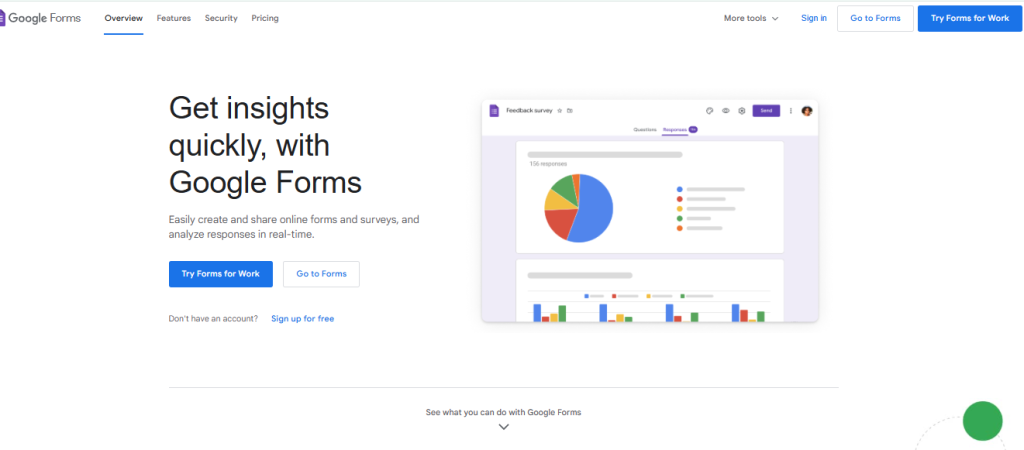
1. Google Forms
Overview: Google Forms is one of the most popular free survey tools, ideal for beginners and professionals alike.Key Features:
- Easy drag-and-drop builder
- Unlimited surveys and responses
- Seamless integration with Google Sheets for data analysis
- Real-time collaboration with team members
Pros:
- Completely free with no hidden costs
- Supports various question formats (multiple-choice, short answer, etc.)
- User-friendly interface works across devices
Cons:
- Limited customization options for branding
- No advanced reporting features; basic analytics only
Best For: Educators, small businesses, and individuals needing quick and straightforward surveys.
2. SurveyMonkey (Free Plan)
Overview: SurveyMonkey is a leading name in the survey space, offering robust features even in its free version.
Key Features:
- Pre-built templates for easy setup
- Basic reporting and analytics
- Multiple question formats (MCQs, ratings)
Pros:
- Professional and polished templates enhance survey appearance
- Easy-to-use dashboard simplifies survey management
Cons:
- Free plan limited to 10 questions and 40 responses per survey
- Branding is visible on free surveys
Best For: Small businesses and startups looking for polished surveys without incurring costs.

3. Typeform (Free Plan)
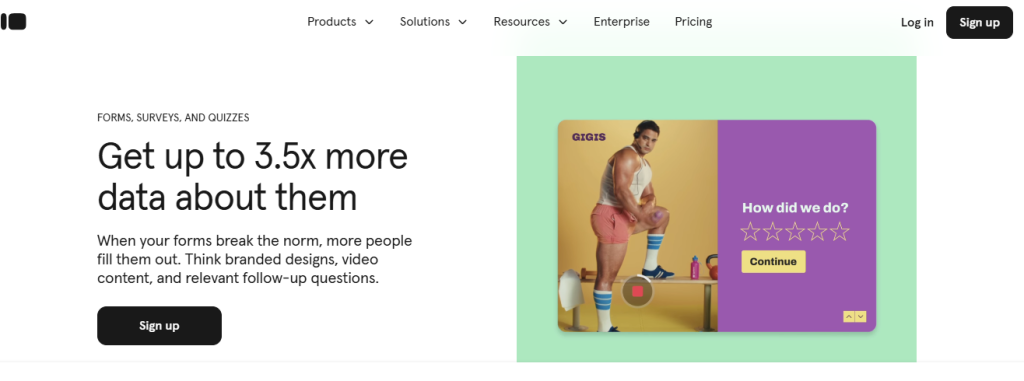
Overview: Typeform stands out for its visually appealing and interactive surveys that enhance user engagement.Key Features:
- Beautiful, conversational interface
- Supports images, videos, and logic jumps
- Data export options available
Pros:
- Modern design keeps users engaged throughout the survey process
- Excellent user experience with mobile responsiveness
Cons:
- Limited to 10 questions and 10 responses per month in the free plan
- Some advanced features are locked behind paid plans
Best For: Businesses that want visually engaging and creative surveys that capture attention.
4. Zoho Survey (Free Plan)
Overview: Zoho Survey offers reliable features along with smooth integration with other Zoho applications.Key Features:
- Allows up to 10 questions per survey with a maximum of 100 responses
- Basic reporting and analytics capabilities
- Pre-designed templates simplify setup
Pros:
- Easy-to-use interface with customization options
- Good choice for small projects or teams using other Zoho products
Cons:
- Limited responses in the free plan; advanced features require payment
Best For: Small businesses already using Zoho products who want a seamless experience across applications.
5. Jotform (Free Plan)
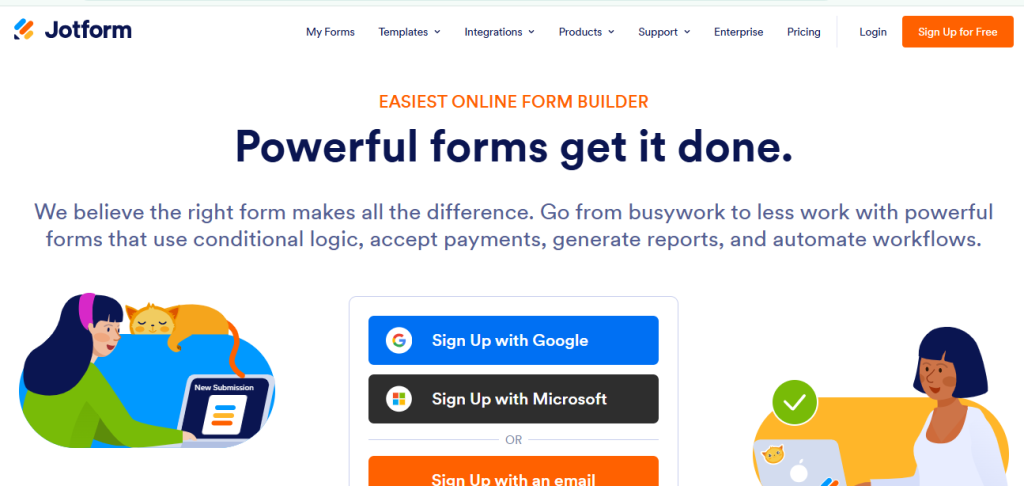
Overview: Jotform is a versatile tool that supports surveys, forms, quizzes, and more.Key Features:
- Drag-and-drop builder makes form creation simple
- Pre-designed templates available for quick use
- Supports integrations with CRMs and other applications
Pros:
- Highly customizable forms allow for diverse use cases beyond just surveys
- Versatile tool adaptable for various purposes (event registration, feedback forms)
Cons:
- Free plan limited to 5 forms and 100 monthly submissions; additional costs apply beyond this limit
Best For: Businesses looking for a flexible tool that can serve multiple functions beyond just surveys.
Related: How to Create Customer Surveys: Tips & Templates
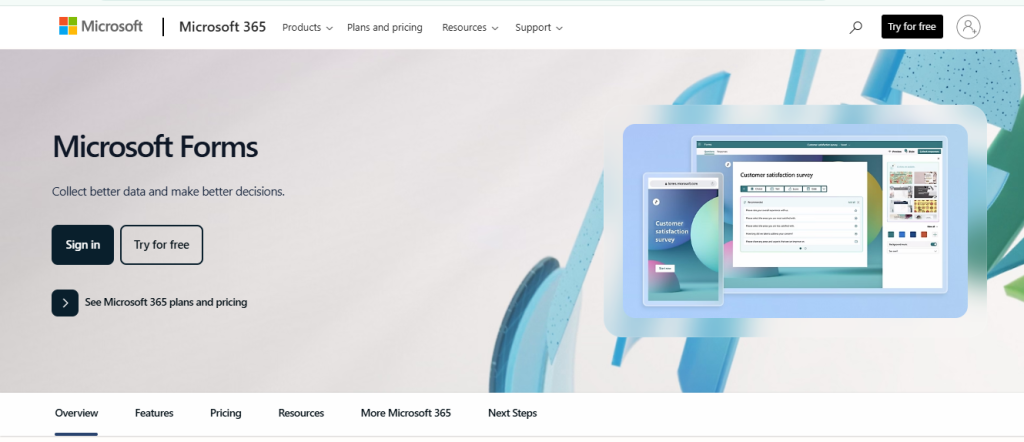
6. Microsoft Forms
Overview: Microsoft Forms is an excellent option for users within the Microsoft ecosystem who need basic survey capabilities.Key Features:
- Supports real-time collaboration among team members
- Integrates seamlessly with Excel for detailed reporting
- Unlimited surveys and responses available in the free version
Pros:
- Easy to use for organizations already utilizing Microsoft Office products
- Great for internal surveys or feedback collection within teams
Cons:
- Limited branding options compared to other tools; customization is minimal
Best For: Organizations already using Microsoft 365 who need straightforward survey solutions.
7. SurveyPlanet
Overview: SurveyPlanet provides an intuitive experience focused on ease of use without sacrificing functionality.Key Features:
- Unlimited questions and responses in the free version
- Pre-written templates available
- Basic customization features
Pros:
- Unlimited surveys at no cost
- User-friendly interface suitable for all skill levels
Cons:
- No data export options in the free plan
- Limited advanced reporting capabilities
Best For: Users who need unlimited surveys without requiring extensive features.

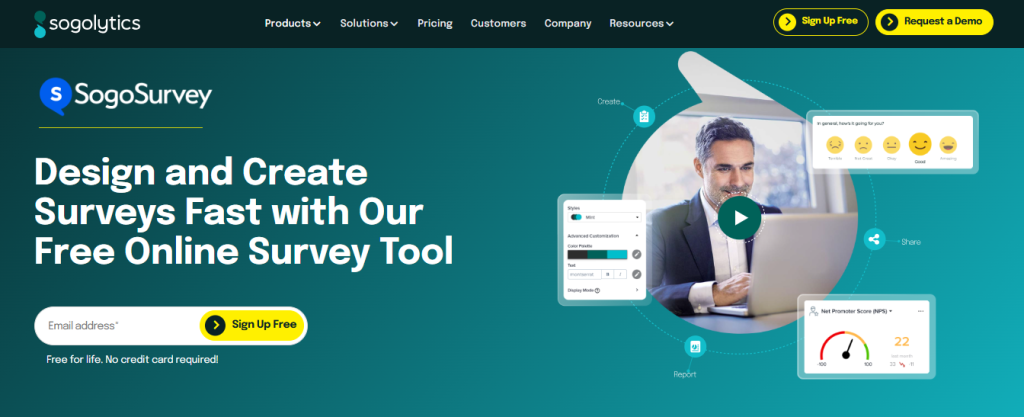
8. SoGoSurvey (Free Plan)
Overview: SoGoSurvey is a feature-rich platform emphasizing data analysis capabilities alongside traditional surveying functions.Key Features:
- Pre-built templates available
- Basic reporting tools included
- Real-time results tracking
Pros:
- Strong analytics features make it easy to interpret data
- User-friendly interface simplifies navigation
Cons:
- Free plan limits usage primarily to small-scale surveys
- Branding visible in the free version
Best For: Small businesses seeking robust analytics without high costs.
9. Tally
Overview: Tally is a newcomer gaining popularity due to its simplicity combined with powerful features.Key Features:
- Unlimited surveys/responses allowed
- Supports conditional logic as well as calculations
- Free data exports available
Pros:
- No hidden limitations; powerful functionality included in the free plan
- Straightforward setup process
Cons:
- Limited pre-made templates available compared to competitors
Best For: Users looking for an easy yet powerful tool without significant restrictions.
10. Alchemer (Formerly SurveyGizmo)
Overview: Alchemer offers basic tools suitable for smaller businesses needing straightforward surveying capabilities.
Key Features: Drag-and-drop interface, basic reporting tools.
Pros: Simple to use with basic templates available.
Cons: Limited features in the free plan; branding visible on free surveys.
Salesgroup AI
While the tools listed above cater to basic survey needs, Salesgroup AI offers advanced features tailored for enterprise-grade feedback collection and analysis.
Key Features:
- AI-driven survey creation and analysis
- Advanced logic branching and respondent targeting
- Integration with CRMs and marketing platforms
Pros:
- Highly customizable and scalable
- Automated insights and predictive analytics
Cons:
- Requires a paid subscription
- Learning curve for non-technical users
Best For: Enterprises and marketers seeking robust, AI-powered insights.

How to Choose the Right Free Survey Tool
With numerous options available, selecting the right tool can be overwhelming. Here’s how to make an informed decision:
1. Define Your Needs
Start by outlining what you need from a survey tool:
- Purpose of Surveys
- Are you conducting market research?
- Gathering customer feedback?
- Running employee satisfaction assessments?
- Complexity
- Do you need simple yes/no questions or more complex logic branching?
- Will your audience require multimedia elements like images or videos?
- Frequency of Use
- How often will you conduct surveys?
- Will you need unlimited access or just occasional use?
2. Evaluate Limitations
Free plans come with restrictions—check:
- Response Limits
- How many responses can you collect per survey?
- Survey Limits
- Are there caps on how many active surveys you can run simultaneously?
- Question Limits
- What’s the maximum number of questions allowed per survey?
Understanding these limitations will help you choose a tool that aligns with your needs without unexpected constraints.
3. Ease of Use
Choose a tool that saves you time:
- Look for intuitive interfaces that allow quick setup.
- Consider whether team members will need training or if they can easily navigate the platform independently.
- Test out demo versions when available to gauge usability before committing fully.
4. Integration Capabilities
If your organization uses specific software tools:
- Check if the survey tool integrates smoothly with platforms like Google Sheets, CRM systems (like Salesforce), email marketing services (like Mailchimp), or project management software (like Trello).
- Integration can save time by automating data transfer between systems instead of manual entry.
5. Customization Options
Consider whether branding is important:
- Can you customize colors, logos, and themes?
- Does it allow personalized thank-you messages or follow-ups?
Maintaining a professional image through branding can enhance trust among respondents.
Tips for Creating Effective Surveys
Creating an impactful survey requires careful planning:
1. Craft Clear Questions
- Use simple language; avoid jargon.
- Be specific about what you’re asking.
- Limit open-ended questions unless necessary; they take longer to analyze but provide rich qualitative insights.
2. Keep It Short
- Aim for brevity; long surveys may deter respondents.
- Focus on essential questions only—each should serve a clear purpose.
- Ideally keep completion under five minutes unless deeper insights are warranted.
3. Test Your Survey
- Conduct pilot tests among colleagues or friends before launching widely.
- Gather feedback on clarity and flow; make adjustments as needed.
- Ensure technical functionality works across devices (desktop/mobile).
Best Practices for Analyzing Survey Results
Once you’ve collected responses:
- Use Visualizations
- Graphs/charts help convey findings clearly.
- Identify Trends
- Look beyond individual responses; identify patterns over time or across demographics.
- Act on Insights
- Use findings to inform decisions—whether adjusting products/services based on feedback or implementing changes based on employee input.
- Share Results
- Communicate findings transparently with stakeholders; this builds trust among respondents who participated in your survey efforts.
- Follow Up
- Consider sending follow-up communications thanking participants; this fosters goodwill while encouraging future engagement.
Conclusion
Choosing the right survey tool depends on your unique needs—whether it’s unlimited responses, visually appealing designs, or advanced analytics capabilities you seek. Ultimately testing several options before committing will ensure you find one that enables impactful feedback collection seamlessly!
