

How to Handle Multiple Chat at the Same Time? [Guide]
Managing multiple chats at once can be tricky, especially when each customer expects fast and personalized responses. If you’re handling inquiries, solving technical issues, or offering product support, juggling multiple conversations without feeling overwhelmed is a skill worth developing.
In this guide, we’ll explore simple and effective strategies to help you stay organized, respond quickly, and provide great service to every customer no matter how many chats are open.
Let’s get started!
The Three Major Challenges of Multi-Chat Support
Lets start by identify some of the major challenges customer support team face when trying to respond to multiple chats at once:
1. Mental Context Switching
The most demanding aspect of handling multiple chats is the constant context switching between different customer issues. Each time you move between conversations, your brain needs to:
- Recall the customer’s specific problem and previous interactions
- Remember where you left off in the troubleshooting process
- Switch between different technical solutions or product areas
- Adjust your communication style to match each customer’s tone This rapid mental gear-shifting is exhausting and can lead to decreased performance over time, especially during long shifts.
Related: What is Customer Loyalty? [Tips & Examples]
2. Time Management and Response Expectations
Modern customers expect near-instant responses, creating a significant challenge when managing multiple conversations:
- Each customer expects your full attention, unaware of other ongoing chats
- Different issues progress at different speeds, making it difficult to maintain consistent response times
- Critical issues may arise in one chat while you’re deep in problem-solving with another
- The pressure to provide quick responses can lead to rushed solutions or missed details Finding the balance between speed and quality becomes increasingly difficult as the number of simultaneous chats grows.
3. Quality Control and Error Prevention
When juggling multiple conversations, maintaining consistent quality becomes exponentially more challenging:
Documentation and note-taking can suffer under the pressure of multiple active conversations One small mistake, such as sharing sensitive information in the wrong chat, can have serious consequences for both the customer and the company.
- The risk of sending information to the wrong customer increases dramatically
- Important details might be overlooked while rushing between chats
- Complex technical solutions require double-checking while other customers wait
How to Master Multiple Customer Support Chats
Managing multiple customer conversations effectively requires the right combination of tools and techniques. Here are the five most effective ways to handle simultaneous customer support interactions.
Live Chat Software Implementation
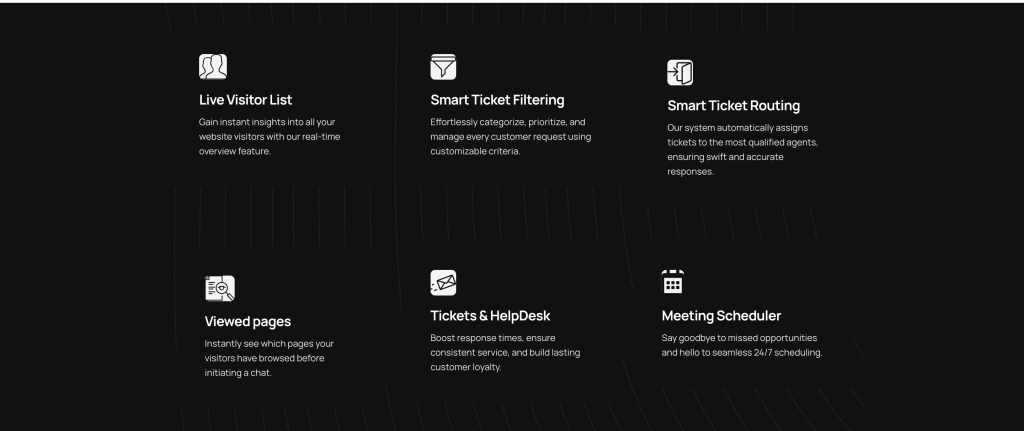
Modern live chat software forms the backbone of efficient multi-customer support. These platforms do much more than just enable conversations. With smart queue management, you can automatically distribute incoming chats based on agent capacity, typically handling 3-4 conversations simultaneously. The software provides instant access to customer history and context, letting you see previous interactions, purchases, and current browsing behavior. This context is crucial for providing personalized support without asking customers to repeat information.
Response management features help you work efficiently through keyboard shortcuts and templated responses. The key is to start small – begin with 2-3 concurrent chats until you’re comfortable with the workflow, then gradually increase your capacity while monitoring customer satisfaction scores.
want to customize your live chat? Read our guide on how to customize and personalize live chat
Strategic Chatbot Deployment

Chatbots serve as your tireless first line of support, handling initial customer interactions and simple queries around the clock. A well-configured chatbot can collect essential customer information, answer routine questions about pricing or business hours, and even process simple transactions like appointment scheduling or order tracking.
The secret to successful chatbot implementation lies in knowing when to hand off conversations to human agents. Complex technical issues, high-value transactions, and emotionally charged situations should always be routed to human support staff. Program your chatbot to recognize these scenarios and create smooth transition paths that preserve conversation context for the human agent.
Here is how to create your own chatbot using our guide
Priority Queue System
A priority system helps you manage multiple conversations by ensuring the most critical issues receive immediate attention. Rather than treating all chats equally, you can categorize them based on urgency and complexity. System outages, payment issues, and security concerns should take precedence over general inquiries or feature requests.
Your priority system should be clear and consistent, with specific response time targets for each level. This approach helps manage customer expectations while ensuring efficient resource allocation. When implemented properly, customers with urgent issues receive quick attention while other conversations continue to flow smoothly.
Team Collaboration Framework
Managing multiple chats becomes significantly easier with strong team collaboration. A good framework includes shared knowledge resources, clear workload distribution protocols, and effective communication channels. Team members should be able to quickly consult with each other, transfer chats to specialists, and provide backup during high-volume periods.
Quality monitoring plays a crucial role in team collaboration. Regular feedback sessions and performance tracking help maintain consistent service levels across the team. This collaborative approach ensures that customers receive expert help regardless of which agent initially handles their chat.
Structured Response System
A systematic approach to managing conversations helps maintain quality while handling multiple chats. The key is to establish clear patterns for acknowledging, updating, and resolving customer issues. New chats should receive acknowledgment within 30 seconds, followed by regular updates every 3-5 minutes to keep customers engaged.
Documentation is crucial – keeping clear notes about issues, actions taken, and follow-up tasks helps maintain conversation flow even when switching between chats. This system should include regular quality checks and performance reviews to ensure consistent service delivery.
Best Multiple Chat Platforms for Businesses
We understand how challenging it can be to manage multiple chats at once. That’s why we’ve put together a list of tools to help make your job easier as you handle multiple customer queries.
1. Salesgroup.ai
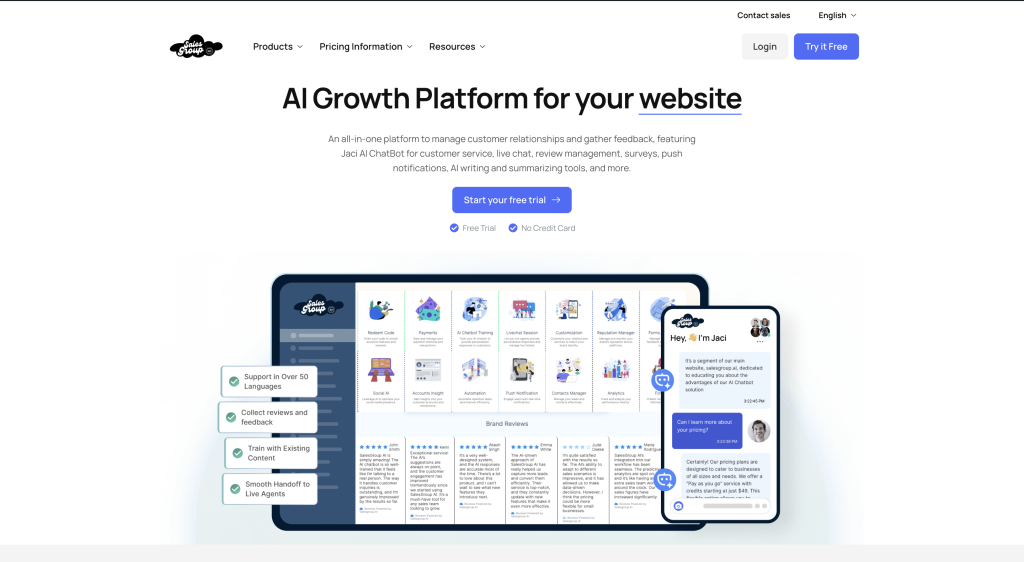
Salesgroup.ai is a game-changer for businesses looking to unify their communication channels. Designed with sales and customer support teams in mind, this platform integrates seamlessly with popular messaging apps, email, and social media platforms. Its AI-powered features, such as automated responses and intelligent routing, ensure that no customer query goes unanswered.
Key Features:
- Unified Inbox: Manage all customer conversations from one dashboard.
- AI Automation: Automate repetitive tasks and responses to save time.
- CRM Integration: Sync with your existing CRM for a seamless workflow.
- Real-Time Analytics: Track performance metrics to optimize your sales and support processes.
- Customizable Chatbots: Create chatbots tailored to your business needs.
Why Salesgroup.ai?
Salesgroup.ai stands out for its robust AI capabilities and ease of use. It’s perfect for businesses that want to scale their customer communication without compromising on quality. Whether you’re a small business or a large enterprise, Salesgroup.ai has the tools to help you succeed.
2. Tidio
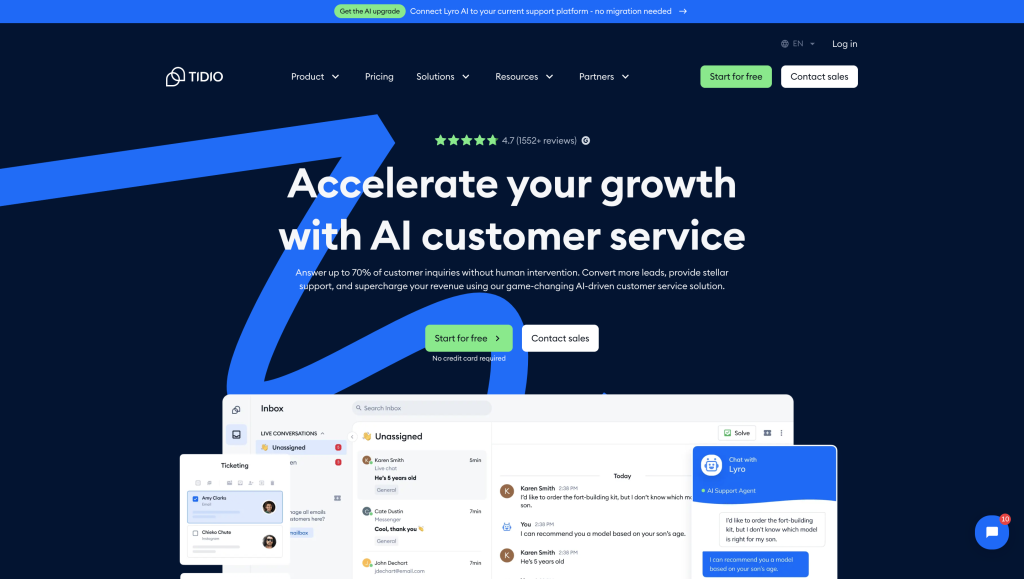
Tidio is a popular multichat platform known for its simplicity and effectiveness. It’s designed to help businesses engage with customers in real-time through live chat and chatbots.
Key Features:
- Live Chat: Connect with customers instantly for real-time support.
- Chatbots: Automate responses and qualify leads with ease.
- Email Marketing Integration: Sync with email campaigns for better outreach.
- Mobile App: Manage conversations on the go with a user-friendly mobile app.
Why Tidio?
Tidio is an excellent choice for small to medium-sized businesses looking for an affordable and intuitive multichat solution.
3. Intercom
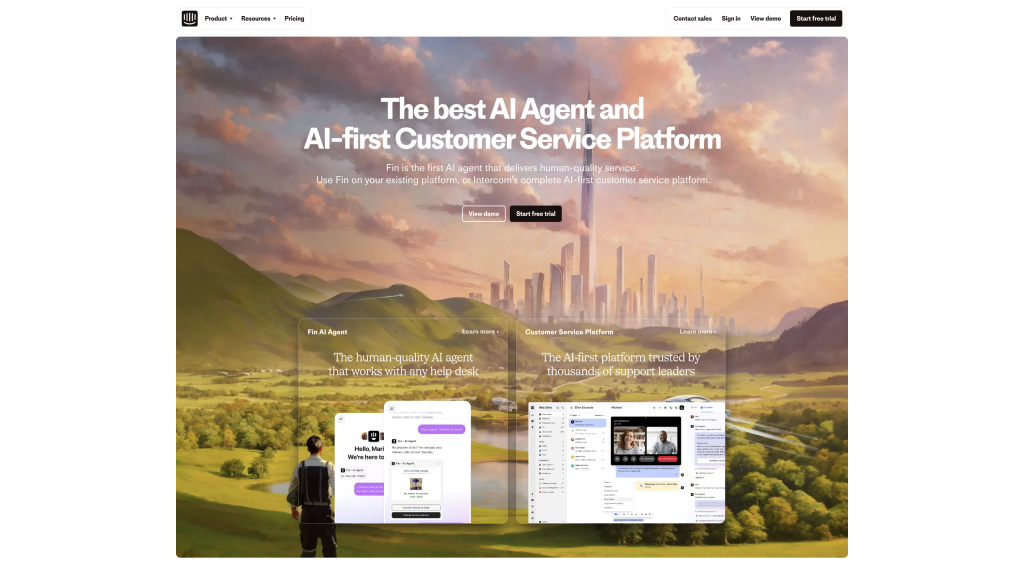
Intercom is a well-established platform that offers a suite of tools for live chat, email, and in-app messaging. It’s a versatile option for businesses looking to enhance customer communication.
Key Features:
- Unified Messaging: Manage all customer interactions in one place.
- Targeted Campaigns: Send personalized messages based on user behavior.
- Product Tours: Guide users through your product with interactive tours.
- Advanced Analytics: Gain insights into customer engagement and performance.
Why Intercom?
Intercom is a robust platform that excels in delivering personalized customer experiences, making it a favorite among SaaS companies.
4. Zendesk
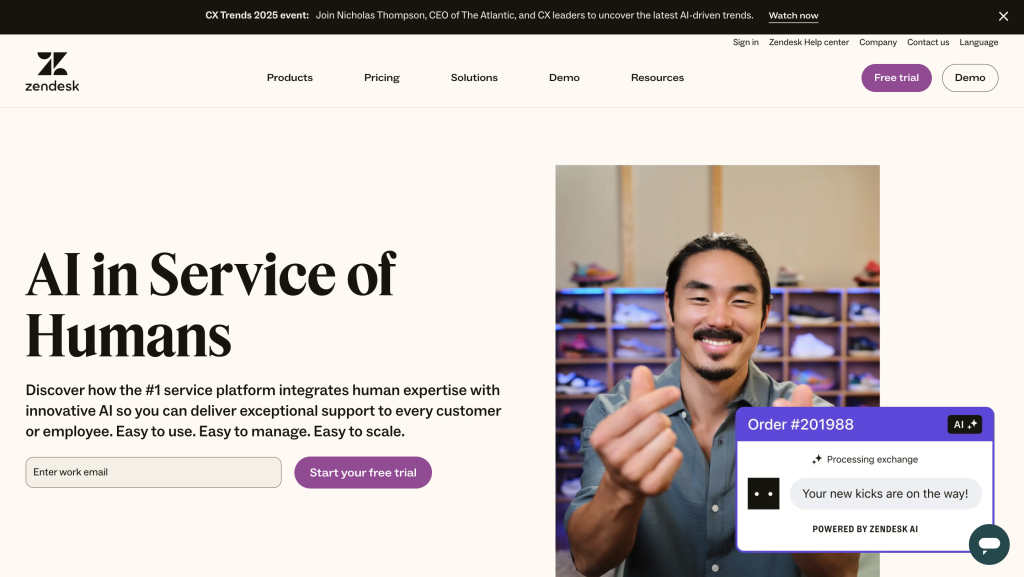
Zendesk is a trusted name in customer support, offering a multichat platform that integrates seamlessly with various communication channels. It’s designed to help businesses deliver exceptional customer service.
Key Features:
- Omnichannel Support: Manage chats, emails, and social media messages in one place.
- Ticketing System: Organize and prioritize customer queries efficiently.
- Self-Service Options: Provide customers with FAQs and knowledge base articles.
- Collaboration Tools: Enable team members to work together on resolving issues.
Why Zendesk?
Zendesk is a reliable choice for businesses that prioritize customer support and need a robust ticketing system to manage queries effectively.
5. Freshchat
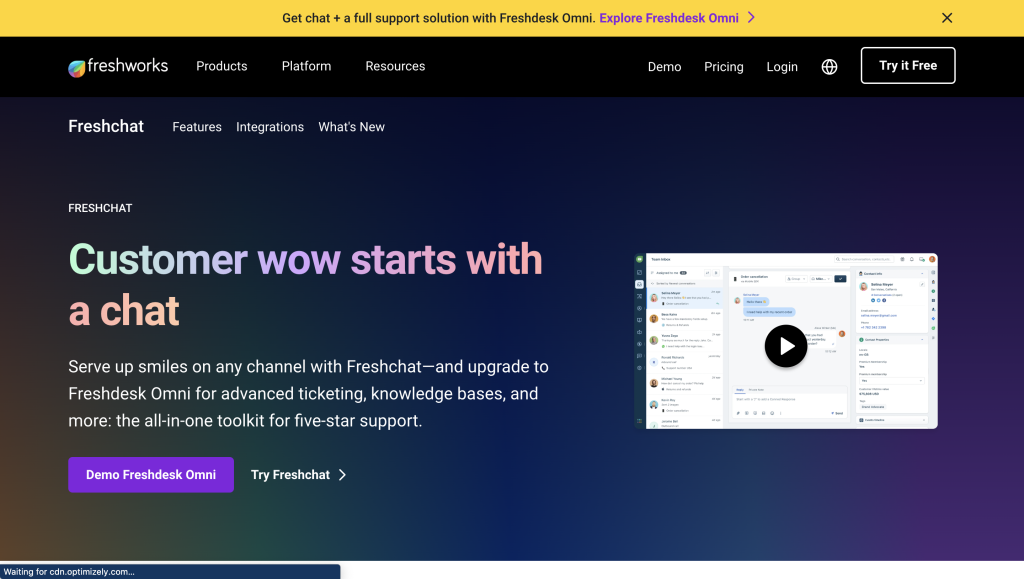
Freshchat, part of the Freshworks suite, is a modern multichat platform designed to help businesses engage with customers across multiple channels.
Key Features:
- AI-Powered Chatbots: Automate responses and improve efficiency.
- Proactive Messaging: Reach out to customers based on their behavior.
- Team Collaboration: Assign conversations to the right team members.
- Integrations: Connect with popular tools like CRM and email platforms.
Why Freshchat?
Freshchat is a great option for businesses looking for a modern, AI-driven platform that focuses on customer engagement and proactive communication.
Conclusion
Managing several chats at once doesn’t have to be overwhelming. With the right tools, a clear system, and teamwork, you can stay on top of things and give each customer the attention they deserve. Sure, it takes a little practice to find your rhythm, but once you do, you’ll feel more in control and less stressed while keeping your customers happy.
