

Live chat Icons: [Examples & How to Customize]
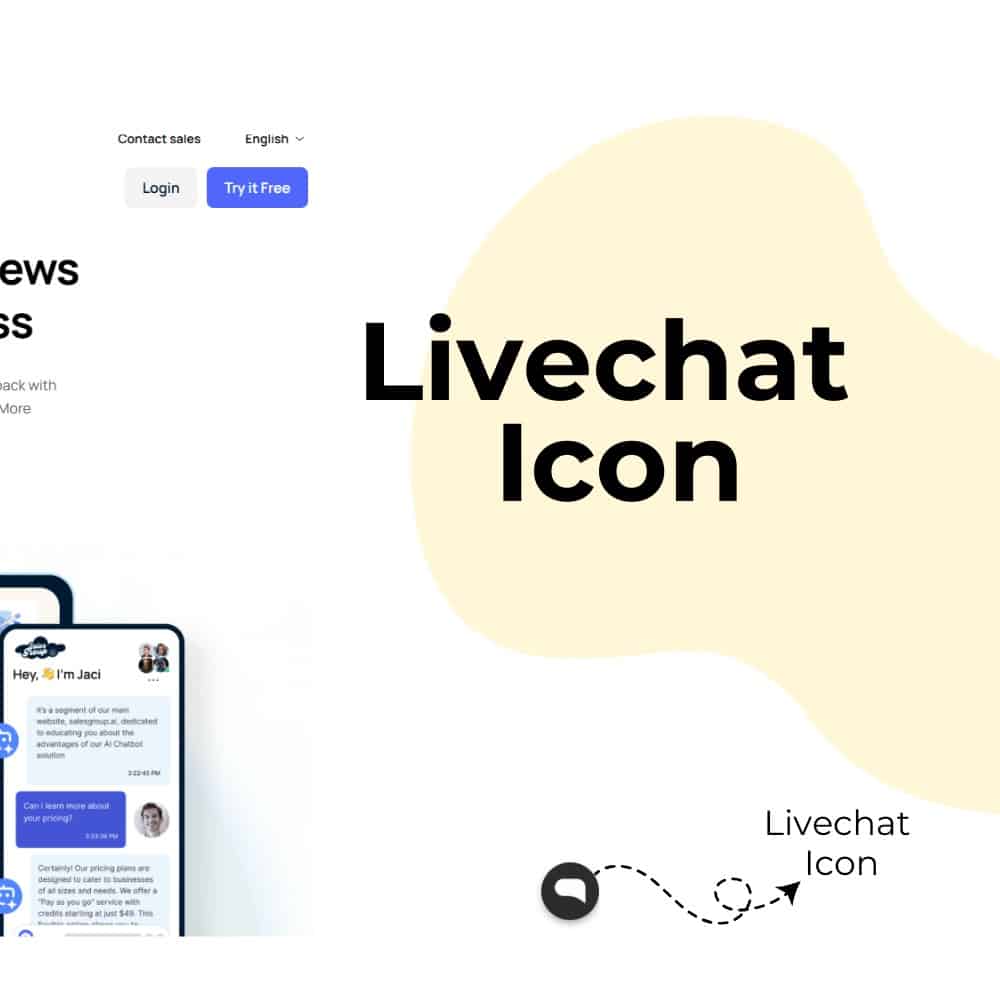
In an era where customer expectations are higher than ever, businesses must leverage every tool at their disposal to enhance user experience and foster engagement. One of the most effective strategies in this digital landscape is the implementation of live chat icons on websites. These small yet impactful elements serve as a direct line of communication between businesses and their customers, facilitating instant support and interaction.
Why Live Chat Icons Matter
The importance of live chat icons can be summarized through several key points:
1. Increased Conversion Rates
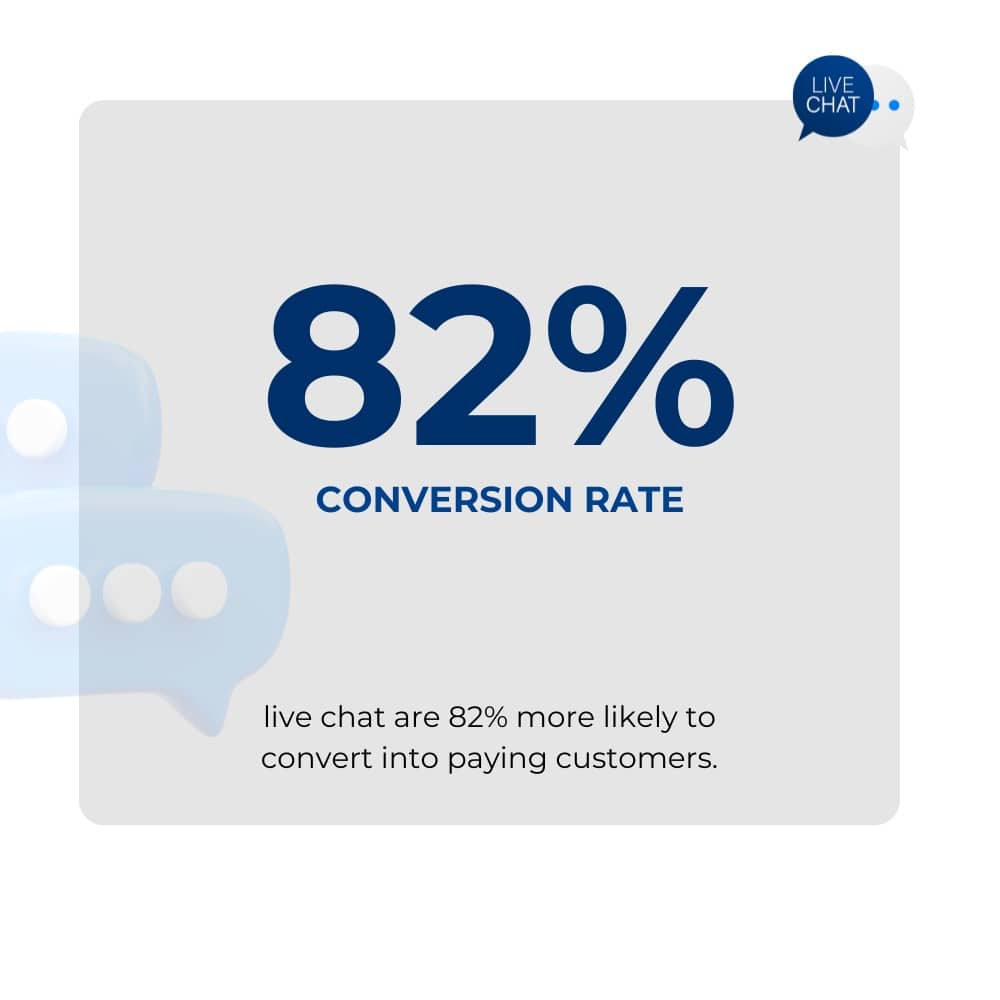
Research indicates that website visitors who engage in live chat are 82% more likely to convert into paying customers. This is largely because live chat provides immediate assistance, addressing customer inquiries in real-time, which can significantly influence purchasing decisions.
2. Enhanced Customer Satisfaction
Live chat allows businesses to offer prompt responses to customer queries, leading to higher satisfaction levels. Customers appreciate the convenience and immediacy of live chat compared to traditional methods like email or phone calls.
3. Brand Recognition
A well-designed live chat icon can enhance brand visibility and recognition. By customizing the icon to align with the brand’s aesthetics, businesses can create a cohesive look that resonates with their target audience.
4. Accessibility
Live chat icons make customer support easily accessible, allowing users to initiate conversations without navigating away from their current page. This accessibility is vital for retaining potential customers who may otherwise leave the site due to frustration or confusion.
5. Data Collection and Insights
Implementing live chat not only facilitates communication but also provides valuable data about customer preferences and behaviors. This data can be analyzed to improve services and tailor marketing strategies more effectively.
Types of Live Chat Icons
Live chat icons come in various forms, each serving different purposes and catering to diverse user preferences. Here are some common types:
1. Standard Chat Bubble
The most familiar form, often displayed as a speech bubble or question mark, inviting users to start a conversation.
2. Animated Icons
These icons include animations like bouncing or pulsing effects, grabbing user attention and encouraging clicks.
3. Custom Branded Icons
Unique icons tailored to reflect a brand’s identity using specific colors, logos, or designs to resonate with the target audience.
4. Minimalist Icons
Simple, clean designs with limited colors ensure clarity and are easy to recognize at a glance.
4. Floating Icons
Icons that remain visible as users scroll, ensuring consistent access without obstructing the main content.
Related: Live Chat Etiquette: Best Practices and Guidelines
Best Practices for Designing Live Chat Icons
Designing an effective live chat icon requires careful consideration of several factors to ensure it is both functional and appealing:
1. Simplicity
Designs should be straightforward and recognizable. Avoid overly intricate graphics to prevent user confusion.
2. Color Contrast
Choose contrasting colors to ensure the icon is visible against the website’s background while maintaining brand alignment.
3. Size and Placement
Icons should be large enough for easy interaction but not intrusive. The bottom-right corner is a common and effective placement.
4. Universal Symbols
Utilize familiar icons like speech bubbles or question marks for immediate recognition across diverse audiences.
5. Responsive Design
Ensure compatibility across devices, providing a seamless user experience on desktops, tablets, and mobile phones.
6. A/B Testing
Test various designs, colors, and placements to determine which version drives the best engagement and conversion rates.
Related: Live Chat vs Chatbot: Which is Better in 2025
How to Implement Live Chat Icons on Your Website Using SalesGroup as a Case Study
Implementing live chat icons involves several steps, which can be illustrated through a case study of SalesGroup, a fictional e-commerce company:
Step 1: Define Objectives
SalesGroup identified its primary goals for implementing live chat:
- Increase customer engagement.
- Reduce cart abandonment rates.
- Provide immediate support during peak shopping hours.
Step 2: Choose a Live Chat Provider
SalesGroup researched various live chat software providers based on features, pricing, and integration capabilities. They selected a provider that offered customization options for branding.
Step 3: Design the Icon
SalesGroup’s marketing team collaborated with designers to create a custom chat icon:
- They opted for a minimalist design featuring their brand colors.
- The icon included a subtle animation to attract attention without being intrusive.
Step 4: Integrate the Icon
The development team integrated the live chat widget into SalesGroup’s website:
- They placed the icon in the bottom right corner for optimal visibility.
- The integration included adjustments for mobile responsiveness.
Step 5: Train Customer Support Agents
SalesGroup invested in training its customer support team on best practices for engaging with customers via live chat:
- Agents were trained on product knowledge and effective communication skills.
- They practiced responding quickly and efficiently to common inquiries.
Step 6: Monitor Performance
After implementation, SalesGroup monitored key performance indicators (KPIs) such as:
- Engagement rates (number of chats initiated).
- Conversion rates (percentage of visitors who made purchases after engaging in chat).
- Customer satisfaction scores collected through post-chat surveys.
Step 7: Iterate Based on Feedback
SalesGroup regularly collected feedback from both customers and support agents:
- They made adjustments to the icon design based on user preferences.
- They refined agent responses based on common customer queries.
Examples of Effective Live Chat Icons
Here are five examples of effective live chat icons that successfully engage users:
1. Zendesk Chat Icon
- Design: Features a simple speech bubble design that is easily recognizable.
- Branding: Utilizes contrasting colors that align with Zendesk’s branding, allowing for customization through the Chat dashboard under the Appearance tab13.
- Animation: Effectively communicates availability with an animated pulse effect, drawing user attention to the icon when active.
2. Intercom Icon
- Customization: Custom-designed to reflect Intercom’s branding, ensuring it fits seamlessly within their overall aesthetic.
- Visual Elements: Incorporates an inviting smiley face within the speech bubble, enhancing approachability and friendliness.
- Placement: Positioned consistently across all pages for easy access, ensuring users can reach out for support at any time.
3. Drift Icon
- Color Scheme: Utilizes vibrant colors that stand out against various website backgrounds, making it easily noticeable.
- Interactive Features: Offers an animated feature when users hover over it, encouraging interaction and engagement.
- Support Indicators: Clearly indicates available support through visual cues, such as changes in color or movement.
4. Freshchat Icon
- Design Approach: Minimalist design with clear text indicating “Chat Now,” making it straightforward for users to understand its purpose.
- Positioning: Positioned discreetly yet visibly at the bottom right corner of the webpage, balancing visibility with unobtrusiveness.
- User Engagement: Engages users by changing color when active, providing a visual indication that support is available.
5. LiveChat Icon
- Simplicity: Features a simple yet effective design using recognizable symbols that convey its function clearly.
- Accessibility: Consistent placement across all devices ensures accessibility for users on both desktop and mobile platforms.
- Feedback Mechanism: Provides instant feedback through animations when clicked, enhancing user experience by confirming their action.
6. SalesGroup AI Icon
- Innovative Design: SalesGroup AI incorporates a unique design that reflects its brand identity while maintaining clarity and simplicity.
- Engagement Features: The icon includes interactive elements that respond to user actions, such as animations or color changes when hovered over or clicked.
- Strategic Placement: Positioned strategically on the website to ensure maximum visibility without disrupting the user experience, allowing easy access to customer support.
Examples of Bad Chat Icons
Conversely, poorly designed live chat icons can hinder user engagement:
- Overly Complex Designs:
- Icons cluttered with too many elements confuse users about their purpose.
- Inconsistent Branding:
- Icons that do not match the website’s color scheme or style create dissonance and may lead users to distrust the service.
- Obtrusive Placement:
- Icons placed in prominent areas obstructing content can frustrate users and lead them to abandon the site.
- Small Size:
- Icons that are too small may go unnoticed by users, defeating their purpose entirely.
- Lack of Animation or Interaction Cues:
- Static icons without any interactive elements may fail to attract attention or encourage clicks.
Tools to Design Live Chat Icons
Creating an effective live chat icon requires access to quality design tools that enable customization and creativity:
- Adobe Illustrator:
- A professional-grade vector graphics editor ideal for creating custom icons from scratch.
- Canva:
- A user-friendly graphic design tool offering templates specifically for web icons; great for beginners looking for quick solutions.
- Figma:
- A collaborative interface design tool perfect for teams working together on icon creation and customization projects.
- Sketch:
- A vector-based design tool favored by UX/UI designers for creating scalable icons tailored for web applications.
- Flaticon & Iconfinder:
- Websites offering extensive libraries of pre-made icons that can be customized according to brand needs.
By leveraging these tools effectively, businesses can create engaging live chat icons that enhance user experience while aligning with their brand identity.
Conclusion
In conclusion, live chat icons play a pivotal role in modern web design by facilitating communication between businesses and customers. By understanding their significance, adhering to best practices in design, implementing them effectively using case studies like SalesGroup’s, and utilizing appropriate tools for creation, companies can significantly enhance user engagement and satisfaction on their websites.
